How to Reset MyKey Ford: Successfully Restored

Is your Ford limiting your acceleration, restricting your top speed to 80 mph, or capping your audio volume without warning? Many owners encounter these frustrating limitations when purchasing a pre-owned vehicle or accidentally programming a key fob incorrectly. Successfully managing this feature requires understanding that MyKey is a sophisticated layer of software, not a mechanical failure. This guide provides the official steps to restore your vehicle to factory settings and explains the logic behind this security-focused system.


Understanding Why Your Ford MyKey is Restricted


📤 Share Image
The Ford MyKey system serves as a parental control suite, allowing primary owners to configure specific driving parameters for secondary users. When active, the system exerts control over vehicle behavior via the onboard computer. It is critical to distinguish between these intentional software restrictions and mechanical performance issues. If your vehicle suddenly refuses to accelerate past a set threshold, it is almost certainly a MyKey configuration rather than a transmission or engine fault.
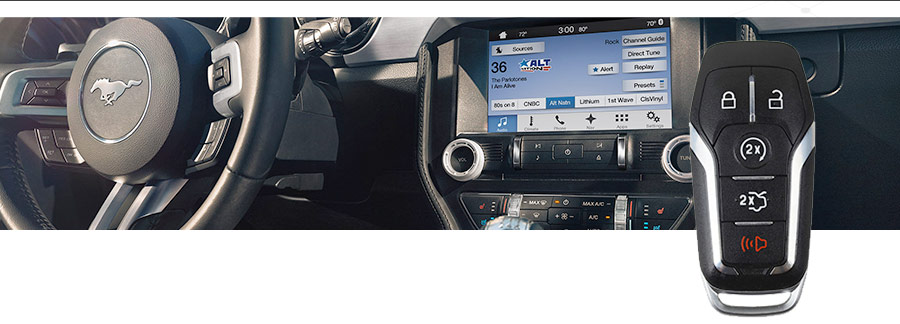
Identifying MyKey Restriction Symptoms
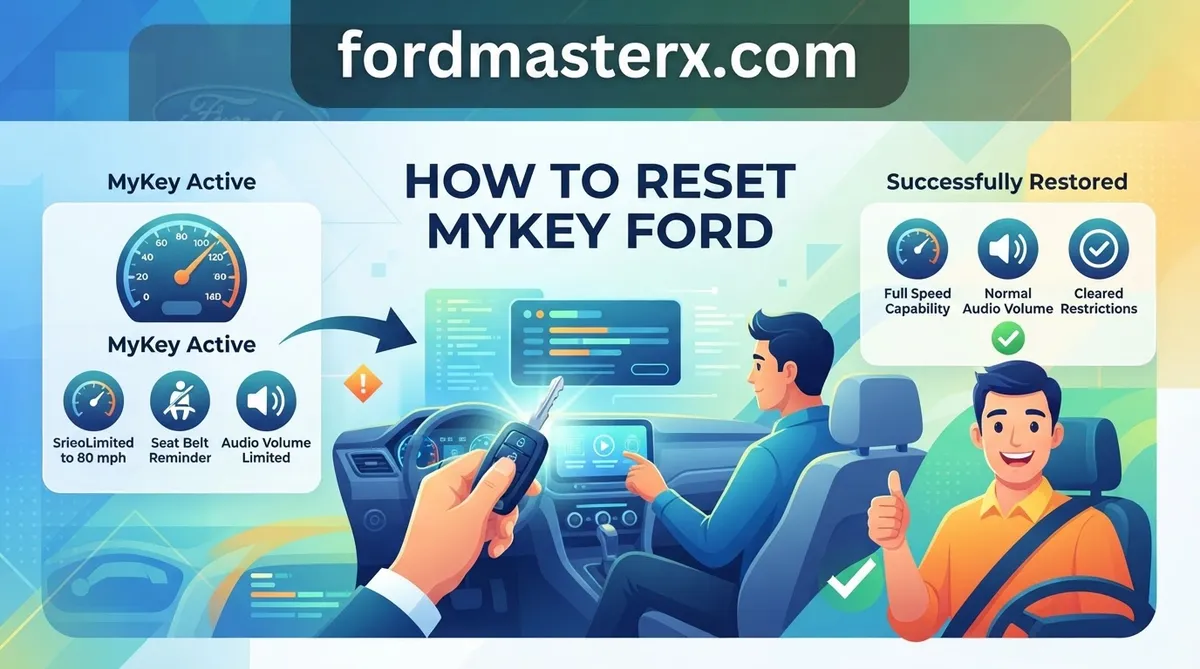
Drivers operating a vehicle with an active MyKey often face a standard set of limitations. These include an 80 mph speed governor, a 45 mph low-fuel warning chime, and a restricted audio volume level. You may also notice that traction control and certain safety features, like 911 Assist or AdvanceTrac, cannot be manually disabled. If you are experiencing these symptoms, your vehicle is identifying the current fob as a restricted key.
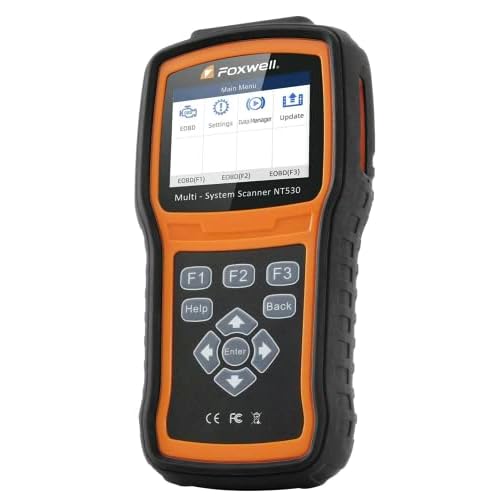


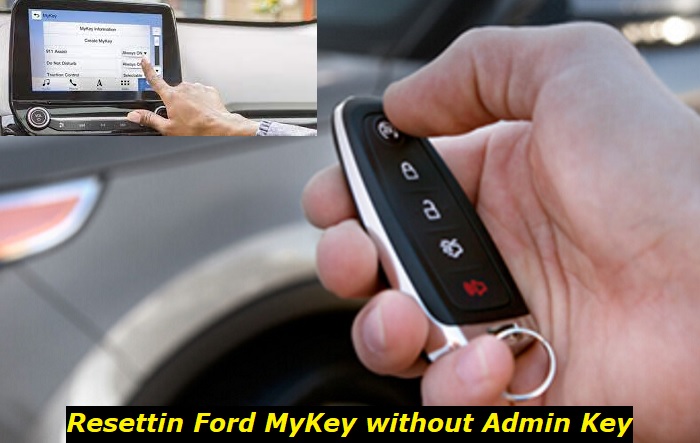
Why System Settings Move From Fob to Vehicle Memory



A common misconception is that the restriction settings are stored on the physical key fob itself. In reality, the vehicle’s Body Control Module (BCM) and Powertrain Control Module (PCM) store these parameters in memory. When you insert a key or press the start button, the vehicle performs a handshake with the fob’s ID. If that ID is flagged in the system memory, the vehicle immediately forces the pre-defined restrictions. This is why replacing the fob alone does not bypass the system; the vehicle must be instructed to “forget” the restrictions associated with the ID.
By The Numbers
Standard Speed Cap
Computer-Controlled
How To Reset MyKey Ford: The Admin Key Method


Restoring your vehicle to its full, unrestricted state is a straightforward process, provided you possess at least one Admin key. If you do not have an Admin key, the software will not authorize the reset command for security reasons.
📋
Step-by-Step Guide

Start the engine using your Admin key. If you have Intelligent Access, ensure the Admin fob is inside the vehicle. The system will not initiate the reset if it detects a restricted key or no fob at all.
Use the steering wheel-mounted directional pad to enter the main menu on the instrument cluster display. Navigate to Settings, then select MyKey. If you do not see the MyKey menu, you are likely using a restricted key.
Once inside the MyKey menu, scroll to Clear MyKey. Press and hold the ‘OK’ button until the prompt confirms that all MyKeys have been cleared. The instrument cluster will signal once the operation is successful.
Critical Pitfalls: How To Reset MyKey Ford Successfully
Many DIY attempts to reset the system result in wasted hours due to a misunderstanding of how the Ford architecture handles data. Avoiding these common mistakes will save you from unnecessary diagnostic fees and frustration.
- Battery Disconnection Fallacy: Many users believe that disconnecting the negative battery cable will cause a “reboot” that clears all vehicle settings. This is incorrect. MyKey data is stored in non-volatile memory that remains intact even when the battery is completely disconnected for extended periods.
- The Restricted Key Trap: You cannot use a restricted key to clear itself. The system requires authentication from an Admin key to modify security parameters. If you attempt to access the MyKey menu using a restricted fob, the “Clear MyKey” option will be greyed out or completely missing from the menu.
- Assuming Multi-Key Deletion: The “Clear MyKey” command wipes the restrictions from all currently programmed fobs. You do not need to clear them one by one; a single execution from an Admin key performs a comprehensive factory reset of the system settings.
What To Do If You Cannot Reset MyKey
If you have lost your only Admin key or purchased a vehicle that only came with restricted keys, you are effectively locked out of the configuration menu. In this scenario, you must involve professional tools.


Attempting to bypass the system by tampering with the PCM or wiring harness can trigger vehicle anti-theft immobilizers, which may result in a non-starting engine. Always consult a professional for lost-key scenarios.
Losing Your Last Admin Key


When all programmed keys are restricted, the vehicle requires an authorized dealership service visit. Technicians use the Ford Integrated Diagnostic System (IDS) or Ford Diagnosis and Repair System (FDRS) to communicate directly with the vehicle’s modules. They will need to wipe the existing key data and program new Admin keys. Ensure you bring proof of vehicle ownership, as security protocols strictly mandate this documentation for key-related services.
When Professional Diagnostic Tools Are Required


If you have confirmed that you are not using an Admin key, do not waste time attempting to force a reset. The system is designed to be tamper-resistant. A certified technician can often reinitialize the entire system in under an hour if you provide the proper identification. While this incurs a service fee, it is the only manufacturer-approved method for restoring vehicle control when the primary fobs are missing.
Maintain Admin Access
Always keep at least two Admin keys to ensure you have a backup if one is lost, preventing a total system lockout.
Ultimately, the MyKey system is a robust security feature. Once you have successfully performed the reset using the Admin key, it is advisable to check your owner’s manual for specific navigation instructions regarding your exact model year, as menu layouts may vary slightly across different software versions. By keeping your primary Admin key in a secure location, you ensure that you maintain full authority over your vehicle’s performance settings at all times.


How to Reset Mykey Ford: Frequently Asked Questions
Can I reset MyKey without an Admin key?
No. The Ford MyKey system is a security feature designed to prevent unauthorized modification of safety limits. The vehicle firmware requires an ‘Admin’ key to authenticate the request to clear restrictions. If you do not have an Admin key, you cannot access the ‘Clear All MyKeys’ option in the settings menu and will require dealer-level reprogramming.
Does disconnecting the battery reset MyKey?
No. Disconnecting the vehicle battery will not reset MyKey settings. MyKey configurations are stored in the vehicle’s non-volatile memory within the Body Control Module (BCM) or the instrument cluster. Removing power to the vehicle does not clear these digital permissions, ensuring that safety restrictions remain intact even if the battery is replaced or dies.
How do I know if my key is a restricted MyKey?
When you start the vehicle with a restricted MyKey, the instrument cluster will typically display a message stating ‘MyKey Active’ or ‘Drive Safely.’ Additionally, you will notice hard-coded limits, such as a maximum speed cap (usually 80 mph), audio volume restrictions, and an inability to disable traction control or other safety-related systems via the settings menu.
Can I program a new Admin key if I lost the original?
If you have at least two working keys already, you may be able to program additional keys yourself following the owner’s manual instructions. However, if you have lost all keys or the only keys remaining are restricted MyKeys, you must visit a Ford dealership. They will need to connect the vehicle to the IDS diagnostic tool to override the security protocols.
Does resetting MyKey delete saved seat positions?
No. Resetting the MyKey system only clears the restrictions related to speed, volume, and safety features managed by the MyKey software. Personal settings like seat positions, mirror angles, and steering wheel preferences are typically stored separately in the driver memory module linked to specific keys. These should remain saved, provided your key fob remains functional after the system reset.