How to Remote Start Ford Escape Step-by-Step Guide 2026

To remote start your Ford Escape, you typically press the lock button on your key fob once, then press the remote start button (often a circular arrow) twice. For app-based starting, ensure your FordPass Connect service is active and use the FordPass app on your smartphone to initiate the start command.
Knowing how to remote start your Ford Escape is a game-changer for comfort and convenience, especially when facing extreme weather in 2026. This guide provides step-by-step instructions for using both your key fob and the powerful FordPass app. We will also explore compatibility, troubleshoot common issues, and discuss options for adding remote start if your vehicle currently lacks it.

Prime for Young Adults — 6 Months Free
Students and 18–24s get six months of Prime free, then half price.
Start 6 Months Free As an Amazon Associate I earn from qualifying purchases.Our goal is to ensure you can reliably warm up or cool down your Escape before you even step inside.
To remote start your Ford Escape, you typically press the lock button on your key fob once, then press the remote start button (often a circular arrow) twice. For app-based starting, ensure your FordPass Connect service is active and use the FordPass app on your smartphone to initiate the start command.
- Key fob remote start uses a specific button sequence.
- FordPass app offers convenient remote control features.
- Compatibility varies by Ford Escape model and year.
- Troubleshoot issues by checking fuel, doors, and battery.
- Aftermarket options exist if factory remote start is absent.
Key Takeaways
Recommended Best Deal Products


- Key fob remote start uses a specific button sequence.
- FordPass app offers convenient remote control features.
- Compatibility varies by Ford Escape model and year.
- Troubleshoot issues by checking fuel, doors, and battery.
- Aftermarket options exist if factory remote start is absent.
How to Remote Start Your Ford Escape in 2 Steps
Remote starting your Ford Escape with the key fob is a straightforward process designed for quick access. This method is ideal when you are within close proximity to your vehicle. We will guide you through the simple sequence to get your engine running before you even open the door.
Prepare Your Escape
Before initiating a remote start, ensure your Ford Escape meets a few basic conditions. The doors must be fully closed and latched, and the hood needs to be securely shut. Your vehicle must also be in Park, with the transmission disengaged.
There should be sufficient fuel in the tank for the engine to run for the remote start duration. If any of these conditions are not met, the remote start function will not activate, protecting your vehicle’s systems.
Press Key Fob Buttons
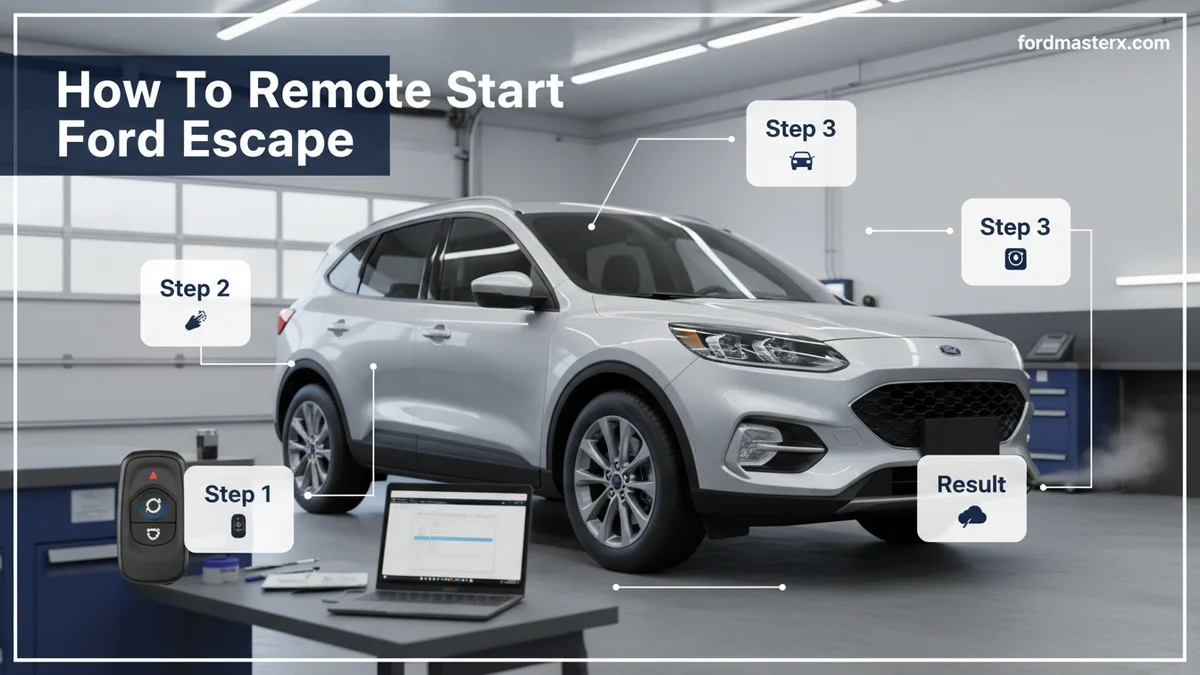
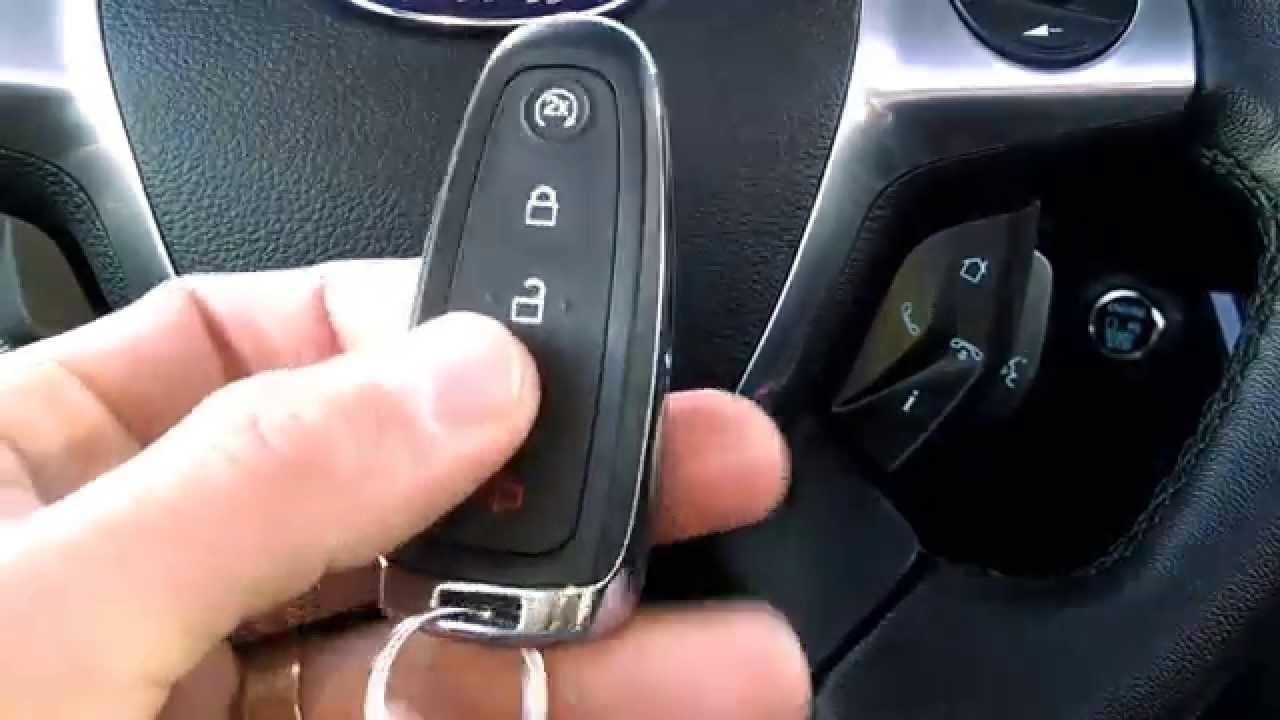
Once your Escape is prepared, grab your key fob. First, press the “Lock” button once on your key fob. This action signals the vehicle and primes the system for remote start. Next, immediately press the “2x” or “circular arrow” remote start button twice. The remote start button often features a circular arrow symbol with a “2x” designation.
Pressing this button twice quickly sends the command to start the engine. Your vehicle’s exterior lights typically flash, and the engine will turn on. The system is designed to run for a set period, usually 10 or 15 minutes, before automatically shutting off. You can consult your Ford owner’s manual for specific timings.
[VISUAL AID: Image of a Ford key fob, highlighting the lock and remote start buttons] . This simple sequence gives you control over your Escape’s environment before you enter.
While the key fob offers immediate control, the FordPass app provides an even broader range of remote capabilities for your Escape.

Audible — Listen Free for 30 Days
One free credit a month and thousands of titles included.
Listen Free for 30 Days As an Amazon Associate I earn from qualifying purchases.What Steps Control FordPass App Remote Start
Recommended Best Deal Products


The FordPass app transforms your smartphone into a powerful remote control for your Ford Escape. It allows you to start your vehicle from virtually anywhere with cellular service. This includes setting your preferred climate control before you even get in.
Activate FordPass Connect
To use the FordPass app for remote start, your Ford Escape must have FordPass Connect, a built-in modem, and its services must be active. Begin by downloading the FordPass app to your smartphone and creating an account. Follow the in-app prompts to add your vehicle using its Vehicle Identification Number (VIN).
Activating FordPass Connect usually involves confirming the connection from your vehicle’s touchscreen after adding it to the app.
This activation links your Escape’s digital services to your FordPass account. This is a crucial step for enabling all remote functions. Ensure your FordPass subscription is active for uninterrupted service in 2026.
Connect Your Vehicle
After activating FordPass Connect, you will see your Ford Escape listed in the app. If not, follow the “Add Vehicle” prompts again. Once connected, your app will display key information about your car. This often includes its location, fuel level, and tire pressure. You can customize various settings, such as preferred climate control presets, directly within the app.
This allows you to set the temperature before starting the engine remotely. Proper vehicle connection ensures all commands sent from your phone are received and executed by your Escape.
Launch Remote Start
With your vehicle connected, launching a remote start is simple. Open the FordPass app and navigate to your vehicle’s dashboard. You will typically find a large, prominent button for “Start” or a circular arrow icon. Pressing this button will initiate the remote start sequence. The app will confirm the command was sent and often indicate when the vehicle has successfully started.
You can also stop the engine remotely through the app. The FordPass app provides real-time status updates, letting you know your vehicle’s engine is running. [VISUAL AID: Screenshot of the FordPass app remote start interface] .
Before trying these methods, it is vital to know if your specific Ford Escape model is even equipped for remote start.
Which Ford Escape Models Offer Remote Start
Knowing whether your Ford Escape has remote start from the factory is the first step to utilizing this convenience. The availability of remote start, both via key fob and the FordPass app, can vary significantly by model year and trim level. We will clarify which models typically come equipped with this feature.
Audible Premium Plus — Annual Membership
12 audiobook credits up front, plus the full Audible catalogue.
See Annual Plans As an Amazon Associate I earn from qualifying purchases.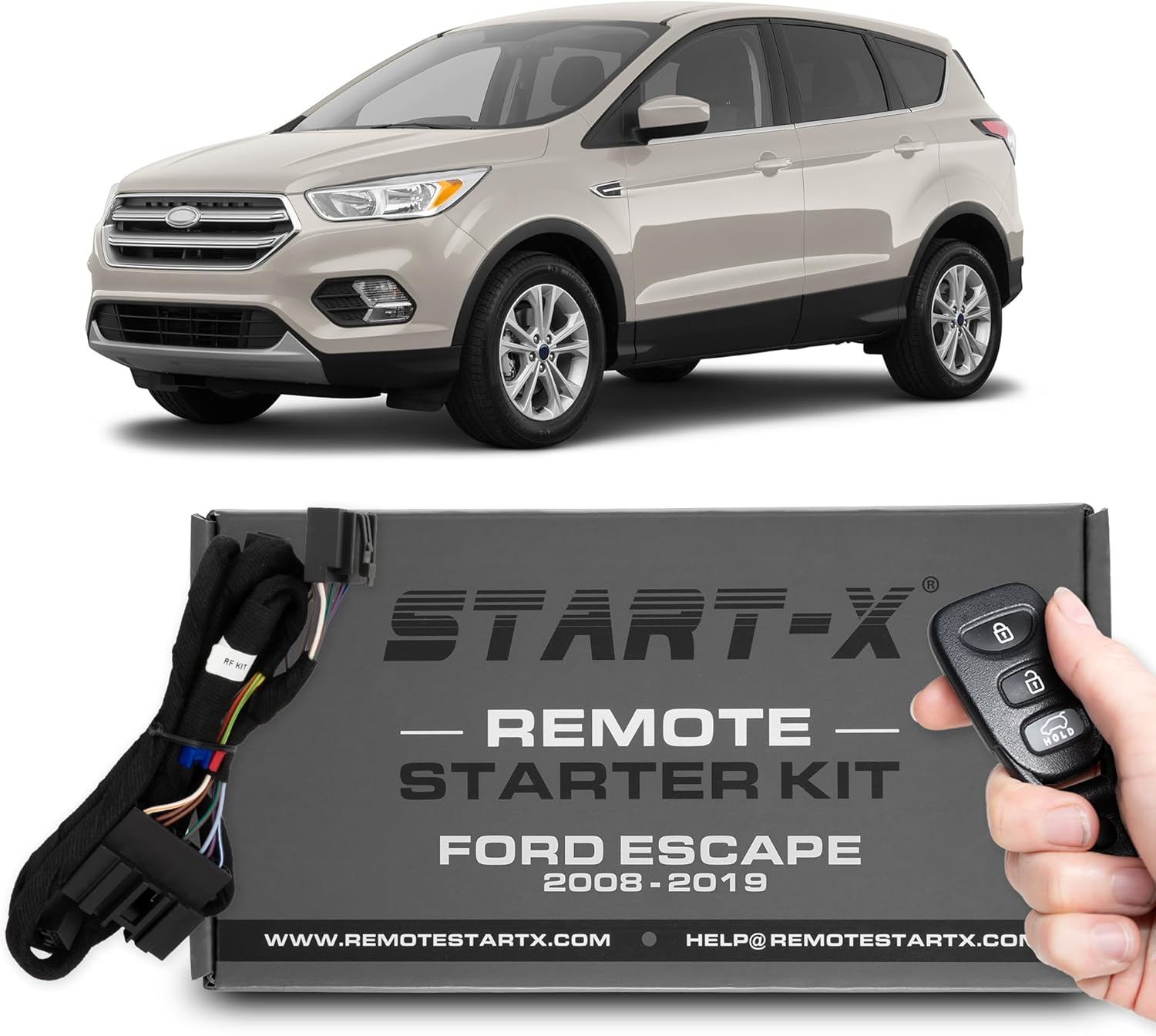
Factory System Years
Factory-installed remote start systems have become increasingly common in newer Ford Escape models. Many Ford Escape vehicles manufactured from around 2017 onwards often include key fob remote start as a standard or available feature. For the FordPass app functionality, which requires the FordPass Connect modem, this typically became more widespread in 2018 and later models.
The evolution of Ford’s connected car technology means older models might not have the necessary hardware.
Always verify the specific features of your vehicle’s model year and trim. Your owner’s manual or a Ford dealership can provide precise information.
Optional Feature Levels
For many model years, remote start was not standard across all trim levels. It often came bundled with higher trim packages or as a standalone option. For example, a base model Ford Escape from 2019 might not have remote start, while an SE or Titanium trim likely does.
FordPass Connect, too, was often standard on higher trims and optional on others in earlier years.
This means checking your original purchase documentation or VIN is crucial. It will confirm whether your specific Escape was built with the necessary components. Understanding these details avoids frustration when the feature doesn’t work as expected.
FordPass Connect Availability
The FordPass app’s remote start capability hinges on the presence of FordPass Connect. This integrated modem transmits data between your vehicle and the app. While key fob remote start is a standalone feature, app control relies entirely on this connectivity. Newer Ford Escape models, especially from 2020 onwards, typically include FordPass Connect as standard across most trims, offering complimentary service for several years.
.
Confirming your FordPass Connect status is key for app-based remote operations. Once compatibility is confirmed, understanding why remote start might not work is the next crucial step for many owners.
6 Common Issues Stopping Remote Start From Working
A non-functional remote start can be frustrating, especially when you are relying on it for comfort. Many factors can prevent your Ford Escape from remote starting. We will help you diagnose the problem and provide actionable steps to resolve the issue.
Check Fuel Level
Your Ford Escape’s remote start system is designed to protect the engine and ensure safe operation. If your fuel tank is very low, the system will prevent a remote start. This feature stops you from running out of gas and potentially damaging your fuel pump.
Always ensure you have a reasonable amount of fuel in your tank before attempting to remote start.
A quarter tank or more is usually sufficient to avoid this lockout. Regularly checking your fuel gauge can prevent this common issue.
Secure All Doors
For safety reasons, the remote start function requires all vehicle doors, including the liftgate, to be completely closed and latched. If even one door is ajar, the system will not engage. This prevents accidental starts when someone might be entering or exiting the vehicle. Double-check all doors to confirm they are securely shut before attempting to remote start again.
A quick visual inspection can often identify an improperly closed door.
Inspect Hood Latch
Similar to the doors, the hood of your Ford Escape must be fully closed and latched for remote start to function. An open or improperly latched hood could indicate maintenance is being performed or an unsafe condition exists. This safety measure prevents the engine from starting while someone is working under the hood.
Take a moment to ensure your hood is firmly closed and locked.
This simple check can often resolve unexpected remote start failures.
Review Battery Status
Both your key fob battery and your vehicle’s main battery need to be in good condition. A dying key fob battery might transmit a weak or intermittent signal, preventing the remote start command from reaching your car. If your vehicle’s main battery is low, it might not have enough power to crank the engine, even if the remote start command is received.
Replacing your key fob battery every couple of years is good practice. .
If your vehicle struggles to start manually, the main battery could be the culprit.
Verify System Errors
Your Ford Escape’s onboard computer constantly monitors various systems. If there is a “Check Engine” light illuminated, or any other critical system warning, remote start will likely be disabled. This is another safety precaution to prevent operation of a potentially faulty vehicle. Address any dashboard warning lights promptly.
A quick scan with an OBD-II reader can help identify underlying issues. You may need to consult your official Ford owner’s manual for specific error codes or visit a certified service center.
Address Key Fob Range
The range of your key fob is limited, typically to a few hundred feet depending on environmental factors. If you are too far away from your Ford Escape, the signal simply won’t reach the vehicle. Obstacles like buildings, other vehicles, or even dense foliage can interfere with the signal.
Try moving closer to your car and ensure there are no major obstructions between you and the vehicle.
This often resolves issues where the car does not respond to key fob commands. If factory remote start is not an option or troubleshooting fails, there are still ways to add this convenient feature to your vehicle.
How to Add Remote Start to Your Ford Escape
Even if your Ford Escape did not come with remote start, various solutions exist to add this valuable feature. Whether your vehicle is an older model or simply lacked the option, you can still enjoy the comfort of a pre-conditioned cabin. We will explore both OEM and aftermarket possibilities.
Evaluate OEM Options
Ford offers official OEM (Original Equipment Manufacturer) remote start kits that can be installed on many of their vehicles. These kits are designed specifically for your Ford Escape model, ensuring seamless integration with your existing electrical system and key fob. Installing an OEM kit at a Ford dealership or authorized service center often maintains your vehicle’s warranty.
The components are identical to what would have been installed at the factory.
This option provides peace of mind regarding quality and compatibility. Explore official Ford accessories for available kits for your specific model year.
Explore Aftermarket Systems
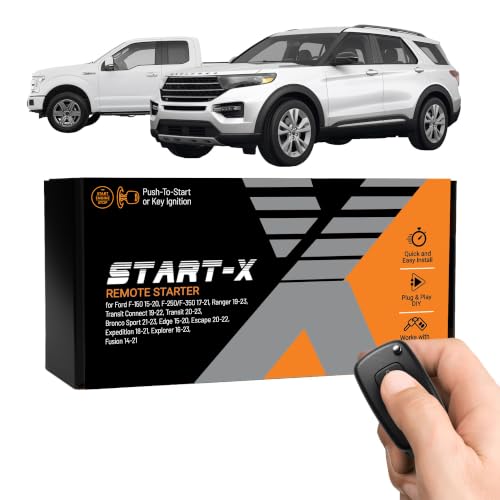
A wide range of aftermarket remote start systems is available from reputable brands. These systems often offer advanced features, such as smartphone integration (even without FordPass Connect), longer range, or two-way communication. Many aftermarket kits are universal or designed for specific vehicle makes and models. Choose a system that matches your needs and budget.
Popular brands include Viper, Compustar, and Directed. Researching different options ensures you find the best fit for your Ford Escape. Consider systems that integrate with existing security features.
Consider Installation Costs
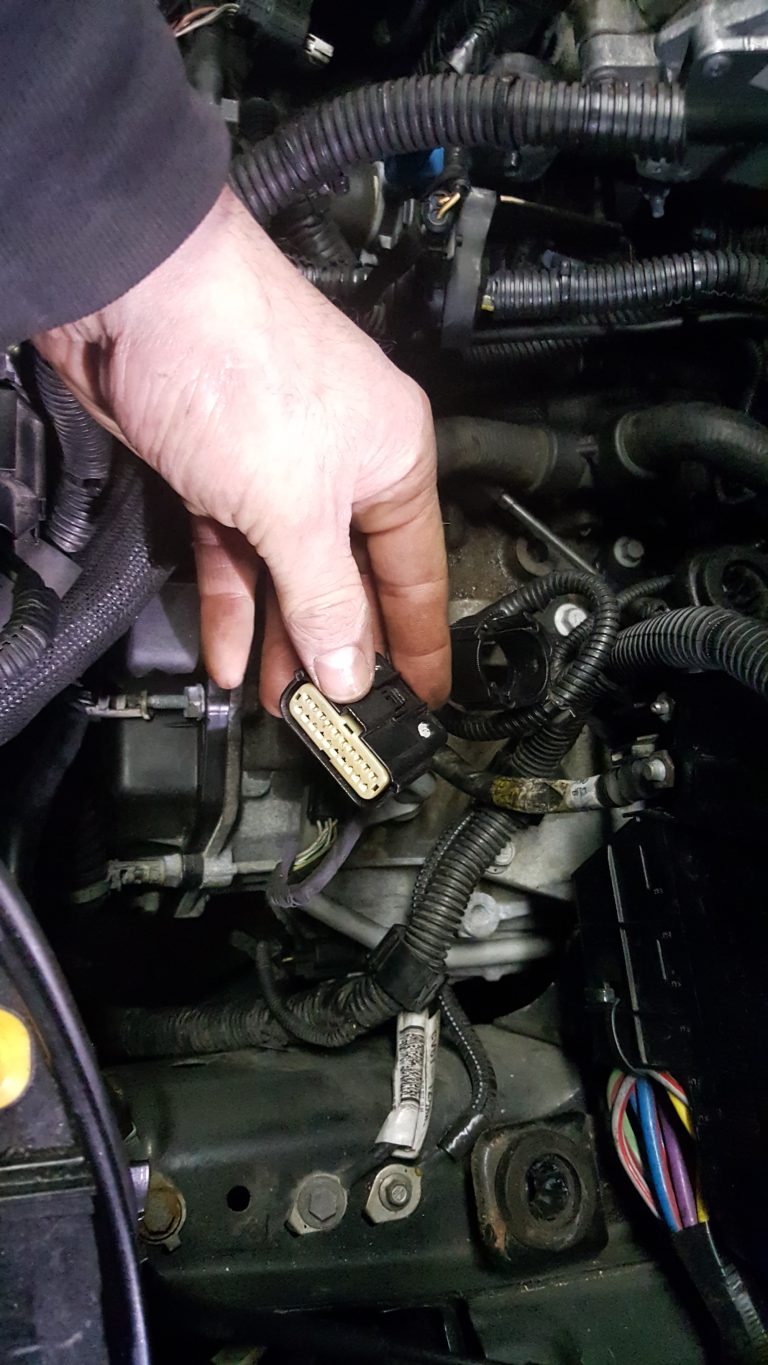
The cost of adding remote start to your Ford Escape can vary significantly. OEM kits, including parts and professional installation at a dealership, typically range from a few hundred to over a thousand dollars. Aftermarket systems can be more budget-friendly for the parts themselves. However, professional installation is highly recommended due to the complexity of vehicle electronics.
A reputable installer ensures proper wiring and functionality. . Always get multiple quotes and verify the installer’s experience with Ford vehicles. Professional installation is key for reliability and avoiding electrical issues.
Frequently Asked Questions About Remote Starting Your Ford Escape
How Far Can I Remote Start My Ford Escape With the Key Fob?
The typical range for key fob remote start on a Ford Escape is approximately 300 to 500 feet. Environmental factors like buildings and other interference can reduce this distance. For best results, ensure a clear line of sight to your vehicle when attempting a remote start.
Can I Set the Temperature With Remote Start on My Ford Escape?
Yes, many Ford Escape models with automatic climate control allow you to set the temperature with remote start. When using the FordPass app, you can often preset your desired temperature directly within the app before starting the vehicle. Some key fob systems also remember your last climate settings.
Does Remote Start Drain My Ford Escape’s Battery?
Remote starting your Ford Escape uses a small amount of battery power, similar to a regular engine start. However, if your vehicle’s battery is already weak, repeated remote starts without sufficient driving can contribute to further draining. Ensure your vehicle battery is healthy for optimal performance.
How Long Does My Ford Escape Run After Remote Starting?
After remote starting, your Ford Escape’s engine typically runs for a preset duration, usually 10 or 15 minutes. Some systems allow for an extension of this time by repeating the remote start sequence. The engine will then shut off automatically to conserve fuel and prevent excessive idling.
What If My Ford Escape Has an Aftermarket Remote Start System?
If your Ford Escape has an aftermarket remote start system, the operational steps might differ from factory instructions. Always refer to the specific owner’s manual provided with your aftermarket system for proper usage and troubleshooting. These systems often have unique key fob buttons or app interfaces.
Mastering how to remote start your Ford Escape is a fantastic way to enhance your daily driving comfort, whether you are battling a winter chill or a summer heatwave. By following these clear steps, utilizing both your key fob and the versatile FordPass app, you can ensure your vehicle is ready when you are.
Remember to address any troubleshooting issues promptly or explore aftermarket solutions if your Escape lacks this convenient feature. We hope this guide helps you enjoy your Ford Escape even more in 2026.