
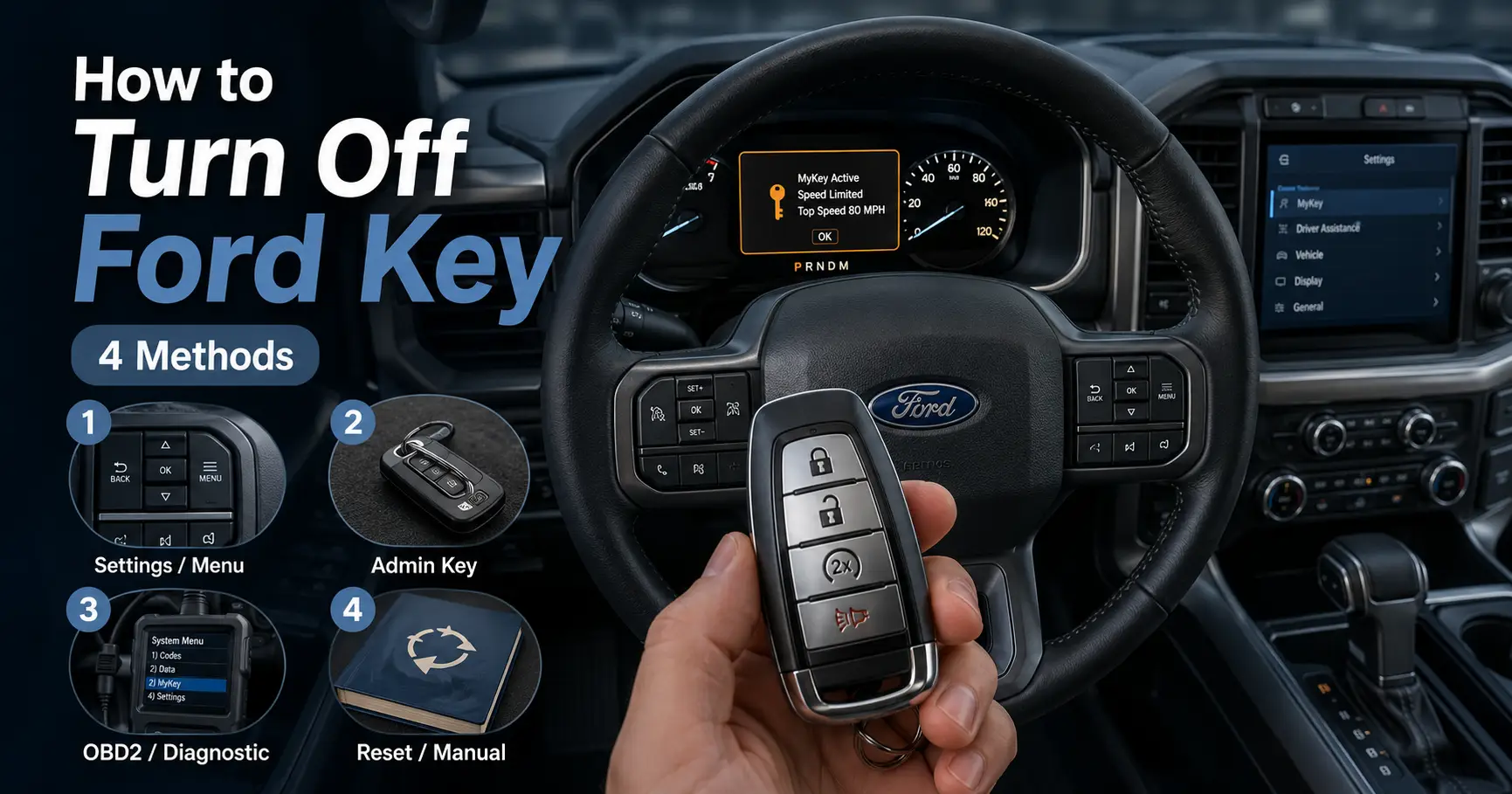
How to Turn Off MyKey Ford Without Admin Key (4 Methods That Work) 2026

Bought a used Ford and it won’t go past 80 mph? Audio stuck at low volume? Seatbelt chimes won’t stop? You’re dealing with Ford MyKey — and the original admin key is missing.
This guide covers 4 working methods to turn off MyKey on a Ford without an admin key. Whether you have a factory remote start or a laptop with FORScan, there’s a method here for your situation.

Prime for Young Adults — 6 Months Free
Students and 18–24s get six months of Prime free, then half price.
Start 6 Months Free As an Amazon Associate I earn from qualifying purchases.Quick Answer: The easiest no-tool method is the Remote Start Trick. For the most reliable fix, use FORScan PATS Reset. Keep reading for exact steps on all 4.
Ford MyKey Removal Methods Comparison: 4 methods from easy to advanced
Recommended Best Deal Products


What Is Ford MyKey — And Why Is It Blocking You?
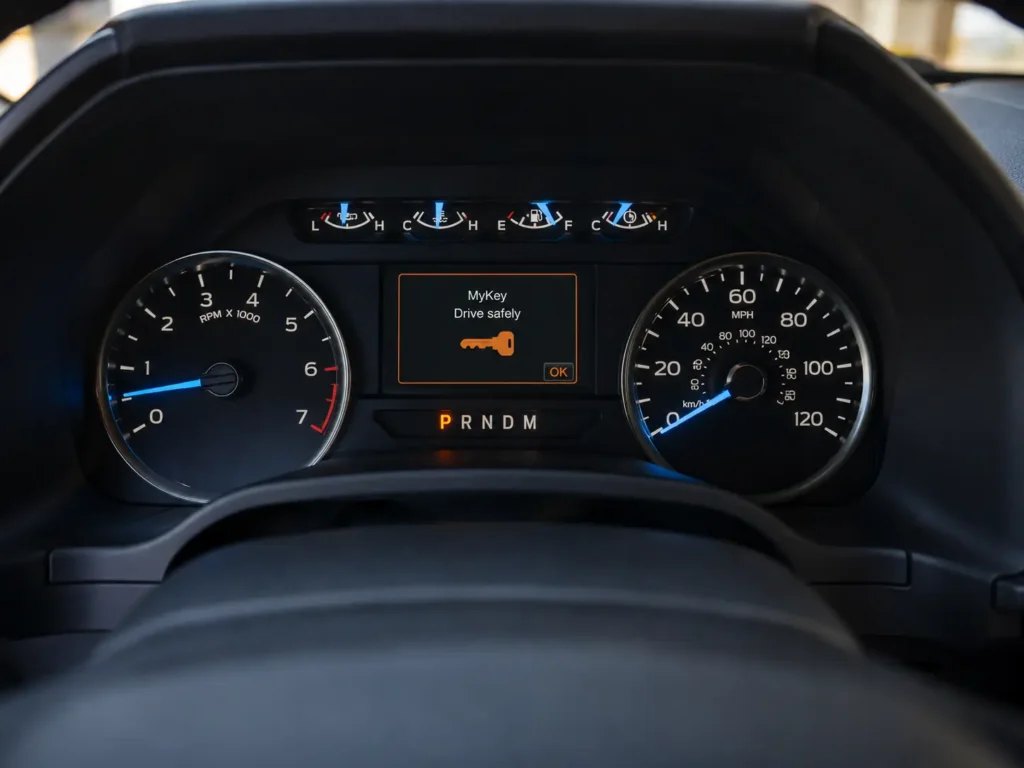
Ford MyKey is a built-in safety restriction system that limits vehicle speed, audio volume, and disables certain features. It was designed for rental fleets and parents of teen drivers.
The system works by tagging a specific key’s RFID chip as “restricted” inside the Body Control Module (BdyCM). Every time you start the car with that key, the restrictions kick in automatically.
If you bought a used Ford with only one key — and that key was a MyKey — you’re locked out of the admin menu entirely. Ford’s official fix costs $300–$500 at the dealership. But you have other options. 👉 Related: What Is Ford MyKey and How Does It Work?
What Restrictions Does MyKey Apply?
Recommended Best Deal Products

| Restriction | Effect |
|---|---|
| Speed Limiter | Hard cap at 75–80 mph |
| Audio Volume | Maximum 45% of full volume |
| Belt-Minder | Chimes can’t be muted until belts are on |
| AdvanceTrac | Stability control always ON, override disabled |
| Fuel Warning | Low fuel alert triggers at 75 miles remaining |
These restrictions are broadcast across the vehicle’s CAN bus network to multiple modules simultaneously. That’s why you can’t just unplug one thing and fix it. 👉 Related: Ford AdvanceTrac — What It Does and When to Override It
Method 1: Remote Start Trick (No Tools Required)
Works on: Ford vehicles with factory remote start | Difficulty: Easy
This method exploits a logic gap in how Ford handles remote start sessions. When the engine starts via remote command, the vehicle enters a temporary “admin-like” state — because no physical key is present yet.
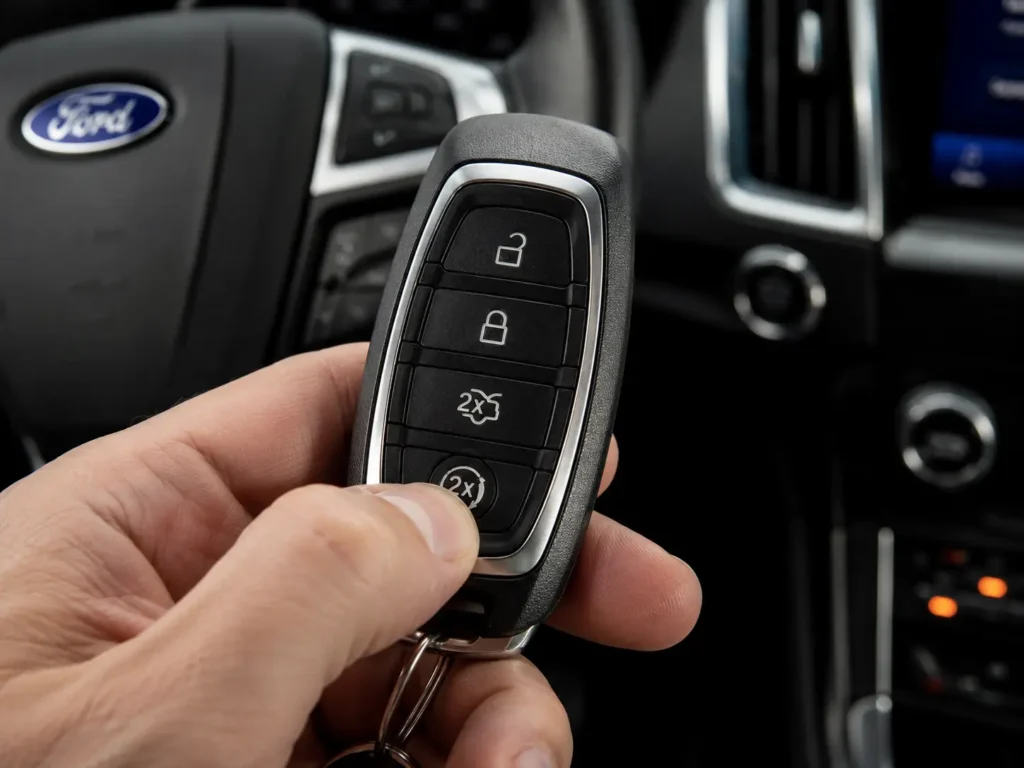
During that window, the MyKey menu becomes fully accessible. The trick is keeping the car in that state long enough to clear the restrictions.
Steps:
- Get inside the vehicle and close all doors.
- Start the engine using the remote start button on your key fob (while sitting inside).
- Do NOT open any door, press the brake, or shift out of Park — any of these ends the remote start state.
- Navigate to Settings → Vehicle → MyKey → Clear MyKey using the steering wheel buttons or SYNC touchscreen.
- Hold OK until you see “All MyKeys Cleared” on the display.
- Turn the vehicle off. The restriction is gone.
⚠️ If the MyKey menu is still greyed out, your vehicle’s firmware may have patched this gap. Try Method 2.

Audible — Listen Free for 30 Days
One free credit a month and thousands of titles included.
Listen Free for 30 Days As an Amazon Associate I earn from qualifying purchases.Method 2: RFID Foil Trick (Backup Induction Slot)
Works on: Ford vehicles without factory remote start | Difficulty: Moderate
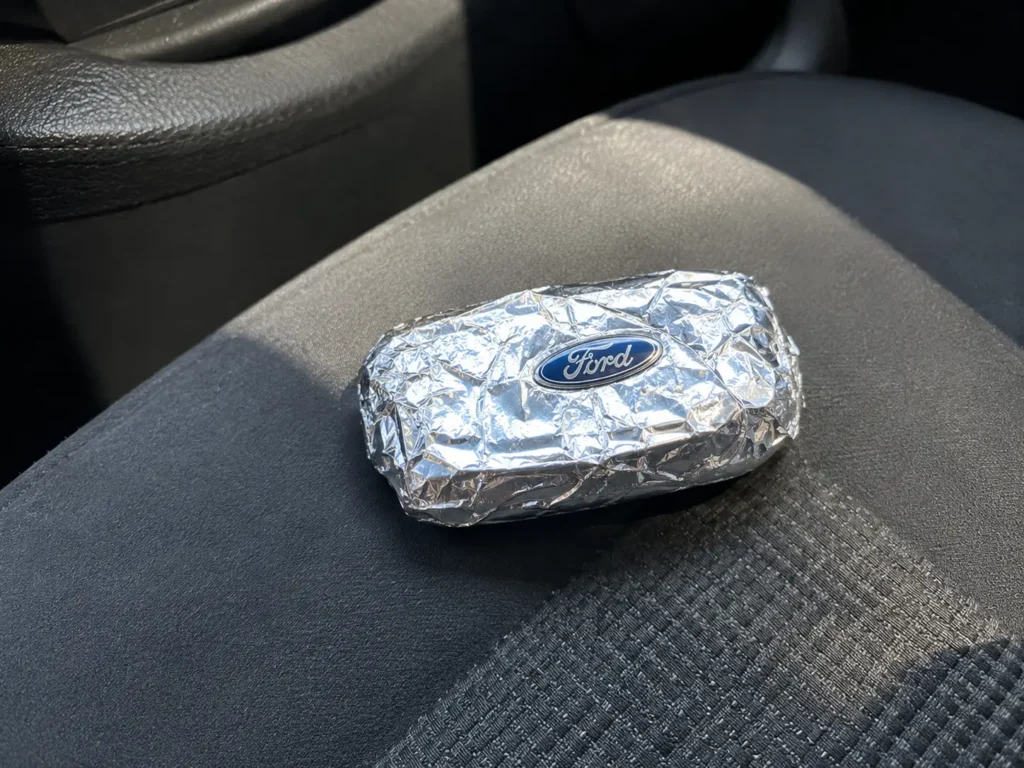
Your key fob communicates with the car via a 125 kHz passive RFID signal. Wrap the fob in aluminum foil and that signal is blocked — the car thinks no key is present.
This forces a “No Key Detected” error. When you then re-introduce the fob through the emergency backup reader, the BdyCM boots without loading the MyKey profile.
Steps:
- Enter the vehicle with your restricted MyKey fob. Close all doors.
- Start the car normally to confirm restrictions are active.
- Wrap the key fob tightly in multiple layers of aluminum foil — no gaps.
- Open and close one door — this triggers the BdyCM to re-poll for the key.
- The IPC will display “No Key Detected” with an alert chime.
- Unwrap the fob and locate the emergency backup induction slot for your model:
- F-150 / Super Duty (bench seat): Under the center jump seat storage bin
- Fusion / Edge / Explorer: Bottom of the cup holder (remove rubber mat)
- Older/base models: Against the steering column shroud
- Hold the fob firmly against that slot.
- Cycle ignition: Off → Accessory/On (do not crank the engine).
- Navigate to MyKey settings and clear all MyKeys.
👉 Related: How to Find the Ford Emergency Key Slot on Your Model
Method 3: FORScan KOER Self-Test Method
Works on: Most Ford vehicles (2010+) | Difficulty: Advanced | Required: Laptop + FORScan + OBDLink EX adapter
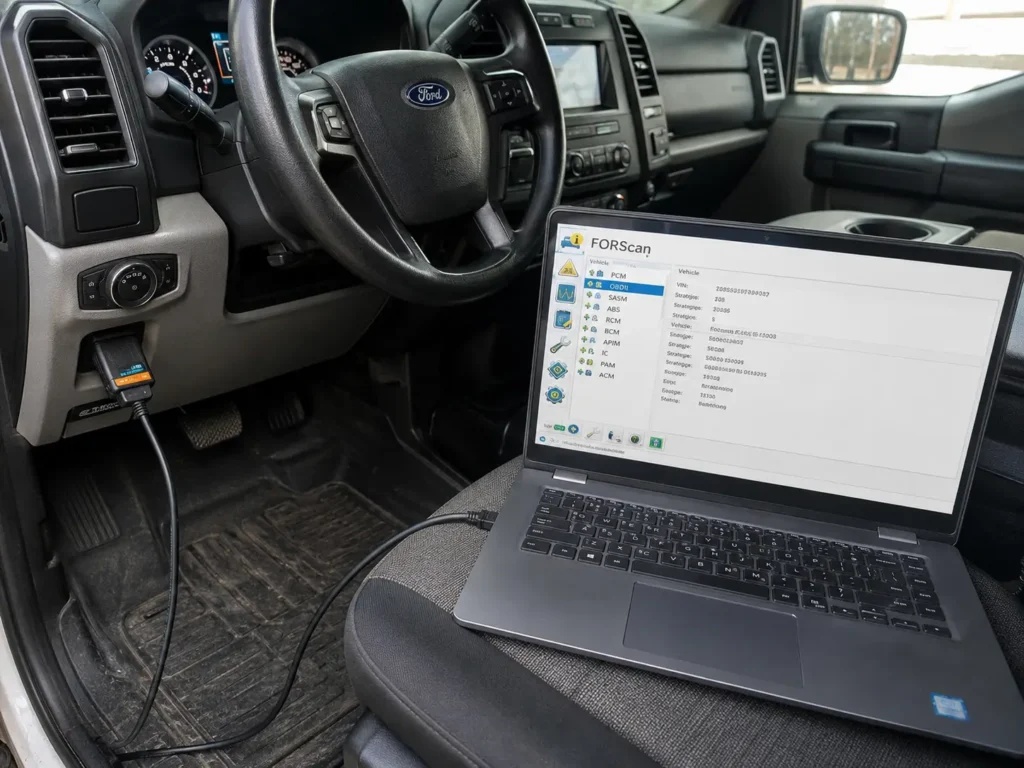
FORScan is free diagnostic software that speaks Ford’s proprietary CAN bus language. The KOER (Key On Engine Running) self-test forces the PCM into a diagnostic priority mode where secondary restrictions like MyKey are temporarily suspended.
Steps:
- Plug the OBDLink EX adapter into the OBD2 port (under driver’s side dash).
- Launch FORScan and connect to the vehicle with engine running.
- Go to Tests → PCM KOER On Demand Self Test and run it.
- Wait for the test to complete fully — RPM will fluctuate slightly.
- Immediately after completion, wrap the fob in foil to block the RFID signal.
- Turn ignition Off, then back to On/Accessory (do not start engine).
- Navigate to the MyKey menu — it should now be accessible.
- Clear all MyKeys.
⚠️ Known limitation: On some BdyCM firmware versions, this clears restrictions but removes the MyKey programming menu permanently. Speed limits and audio caps will still be gone — it’s a full functional fix for daily driving.
👉 Related: FORScan Setup Guide for Ford Owners — Beginner to Advanced
Method 4: FORScan PATS Full Memory Reset (Nuclear Option)
Works on: All Ford models | Difficulty: Very Advanced | Required: FORScan + OBDLink EX + 2 physical keys
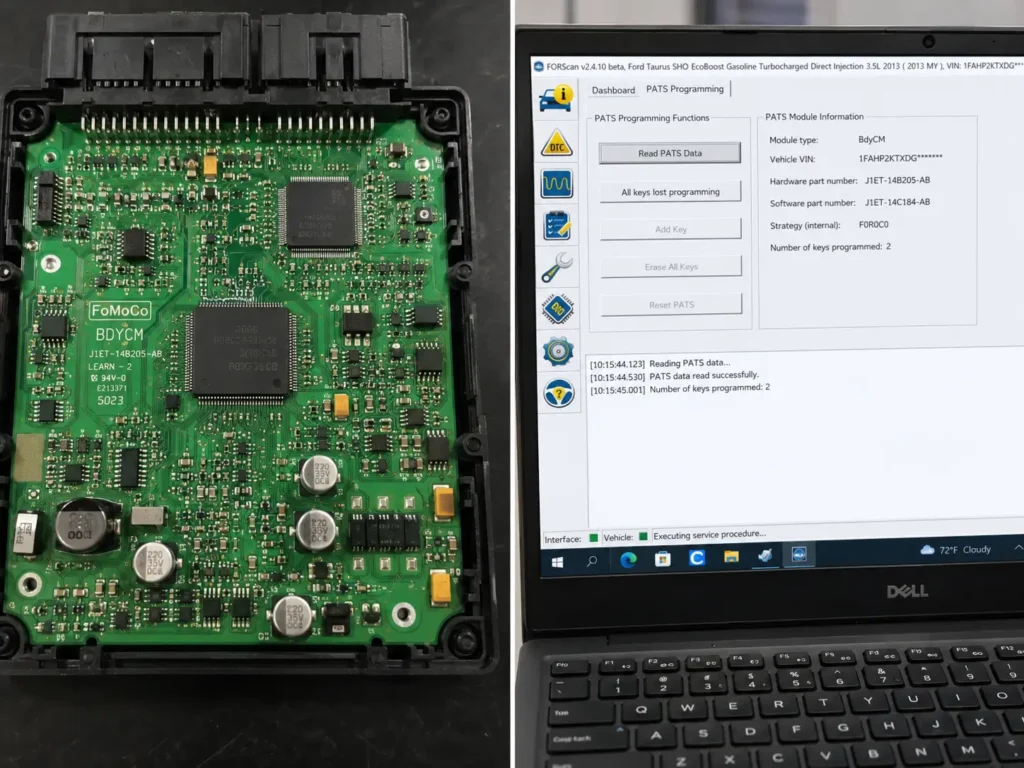
This is the dealership-level fix done yourself. The PATS reset completely wipes all key data from the BdyCM’s EEPROM — erasing every restriction profile. Your restricted key comes back clean as an admin key.
Audible Premium Plus — Annual Membership
12 audiobook credits up front, plus the full Audible catalogue.
See Annual Plans As an Amazon Associate I earn from qualifying purchases.Steps:
- Connect OBDLink EX and launch FORScan.
- Navigate to Service Functions (wrench icon) → BdyCM → PATS Programming → Parameter Reset.
- The system initiates a mandatory 10-minute security delay — hardcoded by Ford, cannot be skipped.
- After the delay, execute the memory wipe. All keys are erased from BdyCM.
- When prompted, hold the first key against the backup induction slot to pair it as the new admin key.
- Pair the second key to complete the initialization loop.
⚠️ Critical: PATS requires a minimum of 2 unique transponder keys to finalize. If you only have one key, buy a blank aftermarket transponder before starting this method.
👉 Related: How to Program a Ford Key Without Going to the Dealer
Which Method Should You Use?
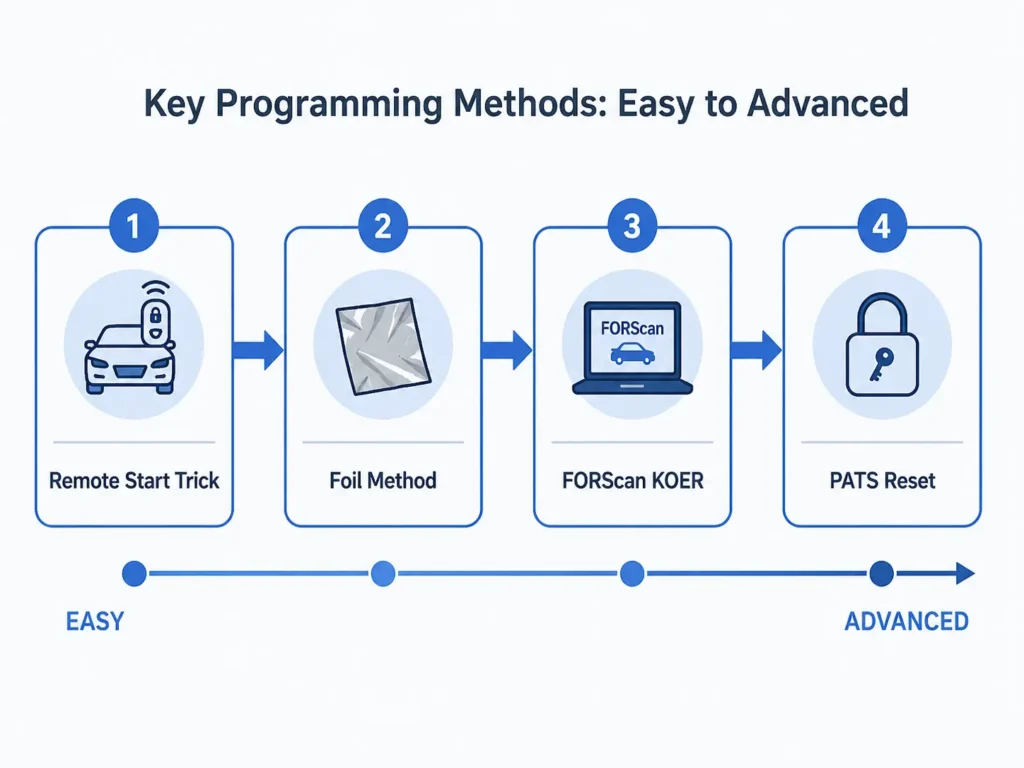
| Situation | Best Method |
|---|---|
| Have factory remote start, no tools | Method 1 — Remote Start Trick |
| No remote start, no tools | Method 2 — Foil Trick |
| Have a laptop and OBDLink EX | Method 3 — KOER Test |
| MyKey menu shows “0 MyKeys” but restrictions still active | Method 4 — PATS Reset |
| Only one key available | Method 3 first, then Method 4 with a spare key |
Troubleshooting: “0 MyKeys, 2 Admin Keys” Glitch
Some Ford owners see the IPC display “0 MyKeys Programmed” but the speed limiter and audio restrictions are still active. This is the Phantom MyKey Glitch — caused when a locksmith clones a restricted key instead of programming a new one via the OBD2 port.
The BdyCM sees two physical keys but treats them as the same restricted fob. Methods 1, 2, and 3 will fail in this state.
The only fix is a full PATS Parameter Reset via FORScan (Method 4). 👉 Related: Why Your Ford Key Fob Clone Isn’t Working
Frequently Asked Questions
Can I turn off MyKey without any tools at all?
Yes — if your Ford has a factory remote start, Method 1 requires only your key fob. No software or hardware needed.
Will clearing MyKey void my Ford warranty?
Clearing MyKey does not void the warranty. It’s a user-configurable setting Ford explicitly built into the vehicle.
What if I don’t have FORScan?
Methods 1 and 2 don’t require FORScan. If those don’t work, FORScan is free to download and the OBDLink EX adapter costs around $40–$60 — far cheaper than the $300–$500 dealer fee.
My Ford is a push-button start. Do these methods still work?
Yes. For push-button start vehicles, the backup induction slot is typically in the cup holder or center console storage bin. Place the fob there during the induction steps.
What happens if I only have one key and do a PATS reset?
The vehicle may get stuck in an initialization loop requiring a second unique transponder. Always source a second blank key before attempting Method 4.
Final Thoughts
Ford MyKey is a solid safety system — but it becomes a real problem when you’re the legitimate owner locked out of your own car’s full capabilities.
The Remote Start Trick is the fastest fix if you have factory remote start. The Foil Method works without any tools. If those fail, FORScan gives you dealer-level control at a fraction of the cost.
Got it working? Drop your Ford model and year in the comments — it helps other owners know which method worked best for their vehicle.
👉 Related: Best OBD2 Adapters for Ford Diagnostics
👉 Related: Ford MyKey Setup Guide — How to Create and Manage Restricted Keys