
How to Turn Off Ford Rear Occupant Alert on an F-150

To turn off Ford Rear Occupant Alert on an equipped 2025 F-150, park the truck, open Settings → Vehicle → Rear Occupant Alert, and select Off. If you only want to stop the exterior horn, choose Alert Only instead. That keeps the shutdown reminder inside the cab when the alert conditions are met.
Keep the reminder on if you carry children or regularly share the truck with someone who does. Check the back seat before locking up, whether the setting is on or off. The system in this F-150 uses rear-door and, depending on the setting, rear-seatbelt activity as clues. Its message can appear in an empty truck, and silence cannot tell you that the seat is empty.
Change Rear Occupant Alert from the center display
- Park before opening the menu. Leave the center display on so you can read and change the vehicle settings without dividing your attention.
- Open Settings, then Vehicle. Use the truck’s own screen. If Apple CarPlay or Android Auto is covering the display, return to the Ford interface first.
- Select Rear Occupant Alert. Look for the feature name in the Vehicle settings. The 2025 F-150 online owner’s manual lists the available modes together on the same page.
- Choose the mode that solves your problem. Select Alert Only for a reminder without the horn or Off to switch the system off. To turn the reminder back on, select Alert Only or Alert & Horn.
- Read the selected mode before leaving the menu. A quiet shutdown is not a reliable confirmation of what you selected. The alert only sounds after certain vehicle activity, so a single trip can be quiet even when the reminder is enabled.
These steps apply to the U.S. 2025 F-150 configuration covered by Ford’s manual. Ford uses similar wording across its lineup, but the screen layout and available options can vary. If you’re using another Ford, look up the rear occupant section in its exact owner’s manual before assuming the menu or horn choices match this truck.
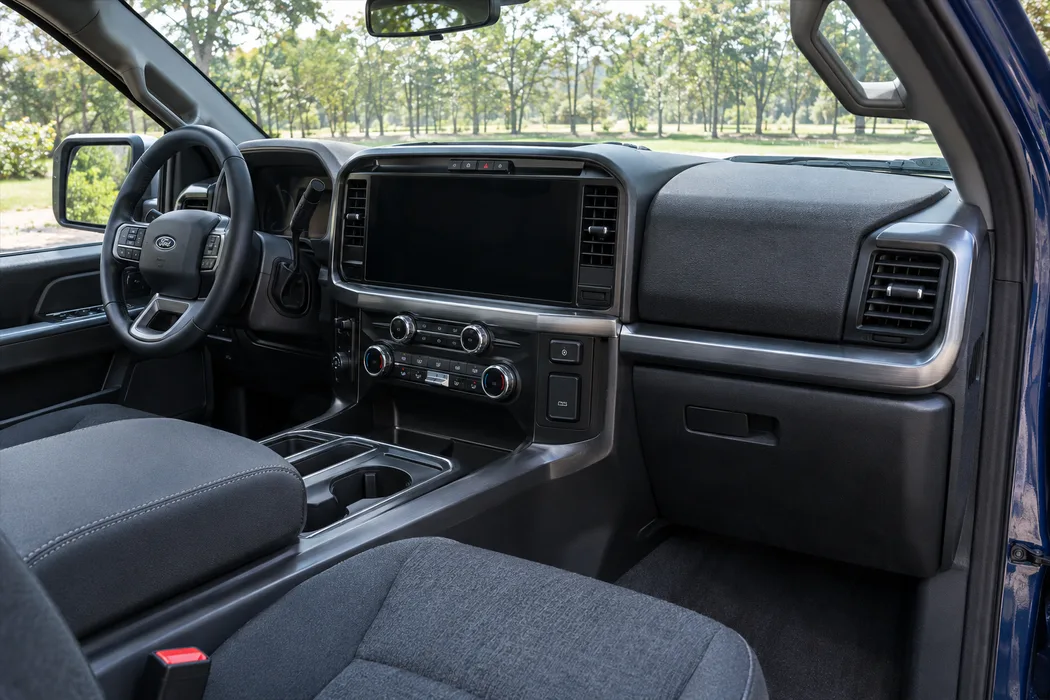
Choose between Alert Only, Alert & Horn, and Off
Read the alert at shutdown and pay attention to where the sound comes from. A short sound inside the cab and the truck’s exterior horn are two different parts of the system. You can remove the second without giving up the first.
| Setting | What changes | When to use it |
|---|---|---|
| Alert Only | The shutdown message and in-cab alert can occur. The rear occupant reminder does not activate the exterior horn. | You want to keep the reminder and avoid the horn. Ford lists this as the default. |
| Alert & Horn | The in-cab reminder stays available. A brief horn warning can follow if Ford’s conditions are met. | You want the added exterior warning. |
| Off | Turns the rear occupant reminder system off. A later message can remind you that it is off. | You have checked the implications and want to turn off the feature. |
Rear Occupant Alert modes
Park first. Open Settings → Vehicle → Rear Occupant Alert.
- Alert Only
Cabin reminder stays on. No exterior horn from this feature. - Alert & Horn
Cabin reminder plus a possible exterior horn warning. - Off
Cabin reminder switches off. A periodic off notice can still appear.
Always check the rear seat before you lock up. Applies to equipped U.S. 2025 Ford F-150 trucks.
If the horn is the only issue, start with Alert Only. That keeps the cue available if you get distracted while unloading or driving a different route. If the disruption is the screen message, check what it actually says before you change a vehicle setting. The message might be useful information about a rear door you opened earlier, or it might belong to a different feature entirely.
Stop the horn while keeping the reminder
In Alert & Horn, the exterior horn can sound after the in-cab reminder under the conditions Ford describes. The printed 2025 F-150 owner’s manual, pages 196–198, explains that the second warning can follow the screen message and cabin tone if a rear door is not opened within a short period after the driver door is opened and closed. Ford does not give an exact delay in this section. Read it as a short last prompt to check the rear, rather than as a timing test.
For example, you may have loaded a laptop behind the driver’s seat before leaving home. At the end of the trip you step out, close your door, and walk away to open a garage. With Alert & Horn selected, the truck may follow the cabin reminder with a short horn warning. Select Alert Only to address that particular horn behavior. The next eligible shutdown can still prompt you inside the truck.
If the horn keeps sounding even with Alert Only selected, note what happened immediately before the sound. Did the center screen display a rear-seat reminder as you turned the ignition off? Or did the sound coincide with locking the truck, using the key fob, or opening a door much later? Ford ties this feature to specific shutdown conditions. A different pattern gives you a reason to identify the alert before changing settings again.
Why it asks you to check an empty back seat
The rear occupant system on this F-150 can infer a possible occupant from normal activity around the rear doors. It does not identify what is actually on the seat. A rear door can be opened to stow groceries, put on a jacket, or remove a work bag. Those actions can meet the conditions for an alert even when nobody rode in the back.
Ford’s printed manual gives several timing examples. A rear door can open or close while the ignition is on. An alert can also follow when you switch the ignition on within 15 minutes after a rear door was opened and closed, or within 15 minutes after a prior alert. In those situations the next shutdown may bring up the reminder. This is why using a rear door before you start the truck can matter even if it stays shut for the rest of the trip.
The same limits work in the other direction. Ford notes that a rear seat occupant might not trigger the warning when the conditions aren’t met, for example if they did not enter through a rear door. Looking in the back is the dependable check. NHTSA’s hot-car prevention guidance recommends looking in the back seat before locking the vehicle and never leaving a child alone in a parked car. Ford also warns against leaving children or pets unattended.
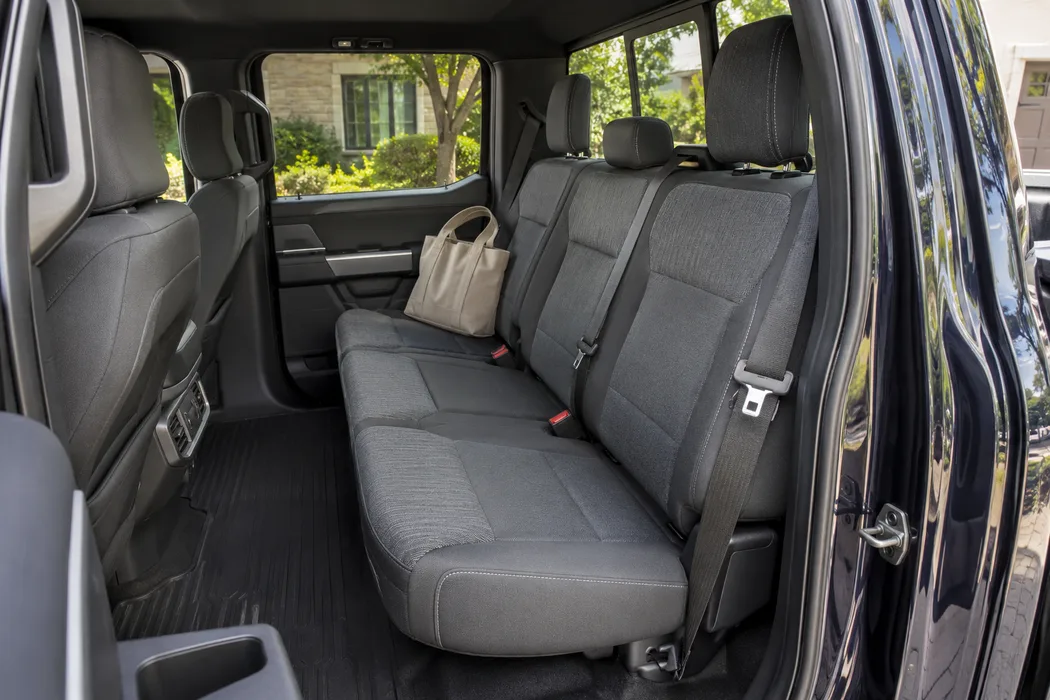
If you want to understand an unexpected prompt, think back to the beginning of the trip first. Did someone open a rear door while you were getting ready to leave? Did you stop briefly and restart the truck after a previous alert? Both observations are more useful than trying to make the message appear by placing weight on a seat. Ford describes this feature in terms of vehicle activity, so a backpack on its own is the wrong diagnostic test.
What Child Seat Installed changes
Child Seat Installed is a separate option inside the same menu. Ford says that when it is selected, the system uses rear-door activity. When it is not selected, the system can also monitor activity at the rear seatbelt buckles. Ford lists the child-seat option as on by default in the applicable manual.
For this setting, Ford describes selecting Child Seat Installed when a forward-facing or rear-facing child restraint is mounted, including a child seat installed using LATCH. Ford describes leaving that option unselected when a child uses a booster or the vehicle seat belt. These instructions apply to how the reminder uses inputs. Read the separate child-restraint and seatbelt sections for passenger protection and correct installation.
For a shared truck, agree on what the setting means before changing it. A driver who uses the truck alone during the workweek can hand it to someone who collects a child in the afternoon. Keeping the reminder available makes that handoff easier to manage. Check the selected mode and the restraint instructions when the truck’s regular use changes.
Why it can return after you switch it off
Start by distinguishing the regular Check rear seats for occupants message from the reminder that tells you the feature is off. Ford says the off reminder can appear every six months after you disable the system. It gives you a chance to turn the system back on or leave it off. Seeing that notice on its own does not establish that your previous selection failed.
Ford also says a system reset causes the feature to switch on again. If the shutdown reminder returns shortly after a reset, go back to the Rear Occupant Alert screen and read the selected mode. If you only wanted to quiet the horn, the Alert Only setting still gives you the shutdown reminder without the rear-occupant horn warning.
If you hit Close on the normal reminder, you only acknowledge the message on the screen. Ford notes that some versions of the prompt may also offer a separate option to switch the system off. To verify a persistent change, go to the Vehicle settings and inspect the selected mode. When you are trying to tell two alerts apart, write down the wording or take a photo while you are parked. A record of the exact message and selected mode is more useful than remembering whether the truck seemed quiet on the last trip.
What to check if Rear Occupant Alert is missing
First verify the exact model and year. F-150, F-150 Lightning, and Super Duty have separate Ford manuals. Search the manual for the option name and check whether the description matches the display in front of you. A Ford SYNC version chart by model year can help identify the screen, but the vehicle manual is the source for the reminder settings and their behavior.
Next, look at where the message appears and when it starts. A reminder on the center display at shutdown points toward the feature covered here. A warning about an unbuckled belt, an open door, or something behind the truck can come from a separate system. Record the wording and use the relevant section of your manual to identify it. Avoid changing another safety setting simply because its name also includes the word “rear.”
Finally, check whether the truck’s manual describes the feature for your equipment. If the setting should be present but you cannot find it, bring the VIN, the message wording, and any recent reset details to Ford support or a dealer. A change in software or equipment can be hard to diagnose from a generic menu image. The VIN lets support start with the equipment in your truck.
Common questions about Ford’s rear-seat reminder
Will Alert Only still make a sound inside the truck?
Yes. Alert Only removes the horn from this feature while keeping the in-cab reminder available. A brief tone inside the truck can still occur at shutdown when the conditions are met. Check the center screen to confirm it is the rear-seat reminder and not another warning.
Can I turn it back on without using the horn?
Yes. From the same menu, select Alert Only. If a reminder that the feature is off offers a way to re-enable it, you can still visit the settings afterward and verify the mode you want.
Why did the message appear after a quick stop?
Ford describes circumstances in which turning the ignition back on within 15 minutes of an earlier alert can help trigger another reminder at shutdown. Recent rear-door activity can also matter. Check the rear seat and consider what happened during the stop before assuming the alert is malfunctioning.
Does an empty child seat or bag trigger the system by weight?
Ford says the reminder described here does not detect passengers or objects in the seat. Loading a bag or child seat can involve opening a rear door, which does supply one of the activity cues. An empty cabin and a reminder can therefore occur together.
Do the setting and horn choices apply to every Ford?
No. This guide uses the controls documented for the equipped U.S. 2025 F-150. If you have another Ford or see different choices, use the manual for your model, model year, and vehicle equipment.
Use the setting that matches the alert you heard
The quickest fix for the horn is Alert Only. Verify the choice on the center display and keep the habit of looking behind you every time you park. If the issue is the screen message itself, compare the wording with Ford’s two types of notices before changing a setting. An alert to check the back seat means something different from a periodic reminder that the feature is off. The option lives in the same menu when you need to turn it back on, so you can choose the setting that matches who uses the truck and what you want the reminder to do.