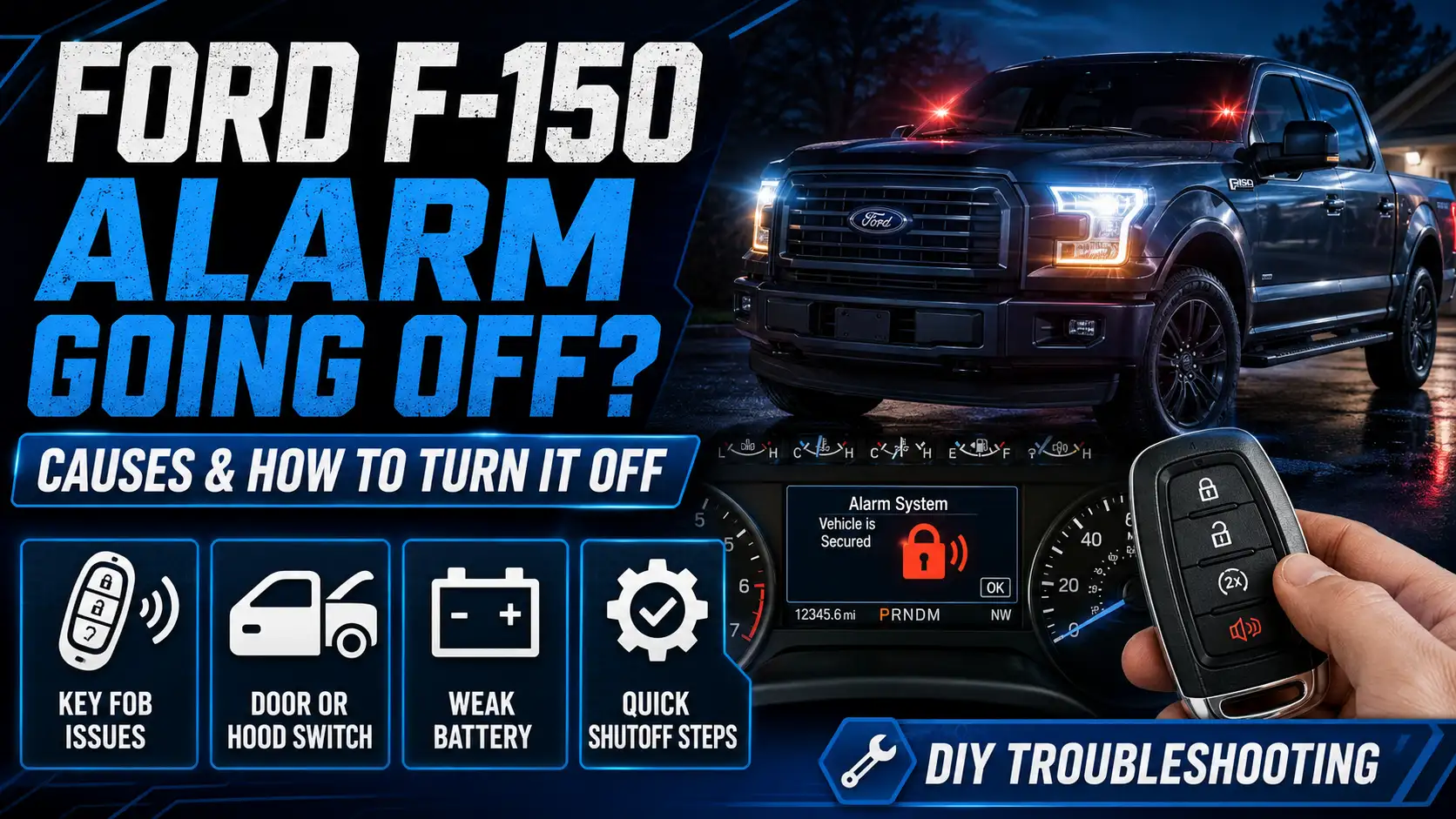
How to Turn Off Ford F-150 Alarm? Causes and Guide 2026

If your Ford F-150’s alarm is going off, the fastest fix for most trucks is simple: put the key in the ignition and turn it to the ON position, or press the unlock button on your key fob. That alone disarms a factory F-150 alarm on the vast majority of model years.
“Alarm” and “anti-theft system” are not the same thing on an F-150. The alarm is the siren and horn-honk security system. The anti-theft system, also called PATS, is the separate immobilizer that stops the engine from starting. This guide covers the alarm.

Prime for Young Adults — 6 Months Free
Students and 18–24s get six months of Prime free, then half price.
Start 6 Months Free As an Amazon Associate I earn from qualifying purchases.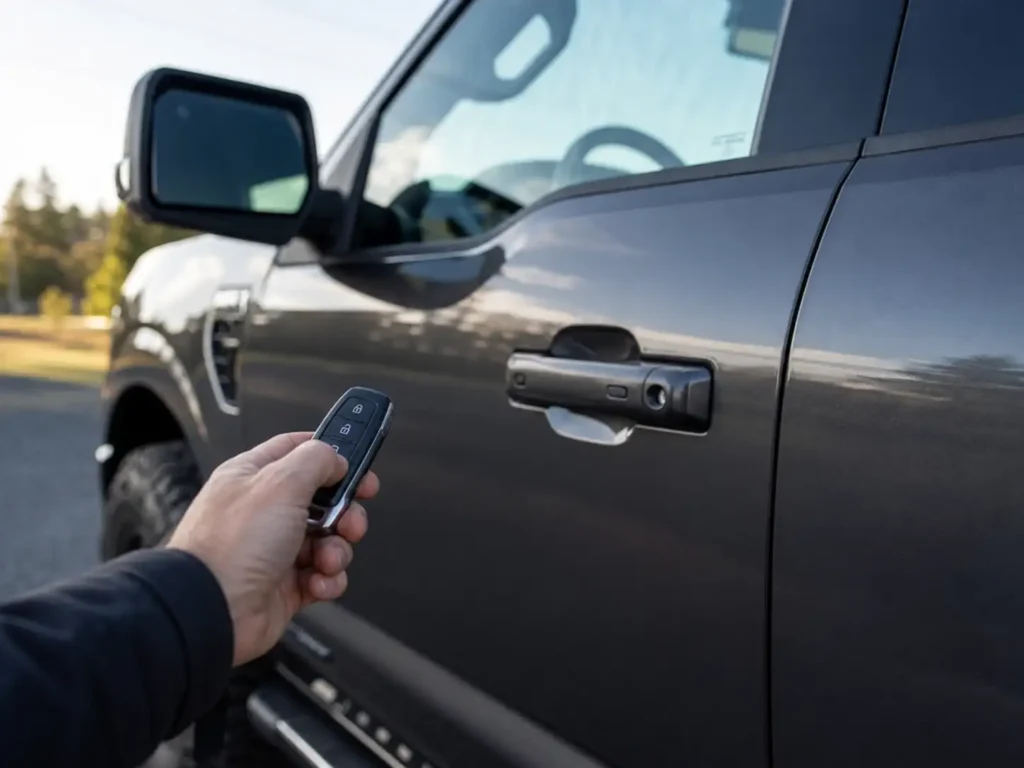
Below, you’ll find the quickest way to silence it right now, why it keeps happening on its own, how to turn it down or off on purpose, and what to do if your key fob is dead or missing.
FordMasterX Quick Reference
Ford F-150 Alarm Going Off
What it means, why it keeps happening, and how to turn it off by situation.
1Which Situation Matches Your Truck
Standing At The Truck
Alarm just went off, key or fob in hand.
Goes Off Randomly
No one is near the truck when it sounds.
Want It Off On Purpose
A dog rides along, or vibration sets it off.
Fob Is Dead Or Lost
None of the usual buttons respond.
2Fastest Fix Right Now

Audible — Listen Free for 30 Days
One free credit a month and thousands of titles included.
Listen Free for 30 Days As an Amazon Associate I earn from qualifying purchases.Try This First
Key in the ignition, turned to ON. Disarms the alarm on nearly every model year.
No Key Handy
Press the fob unlock button once. Same effect as the key.
36 Causes Of A False Alarm
Low Key Fob Battery
CR2032 or CR2450, depending on fob style.
Faulty Hood Latch Sensor
Misaligned after engine bay work.
Door Ajar Sensor Fault
Reads a closed door as open.
Oversensitive Motion Sensors
Pets or shifting cargo can trip them.
Weak 12V Battery
Voltage drops can read as tampering.
Audible Premium Plus — Annual Membership
12 audiobook credits up front, plus the full Audible catalogue.
See Annual Plans As an Amazon Associate I earn from qualifying purchases.2021 F-150 BCM Issue
Documented in bulletin SSM 49601. Dealer software fix.
43 Ways To Turn It Off On Purpose
2021+
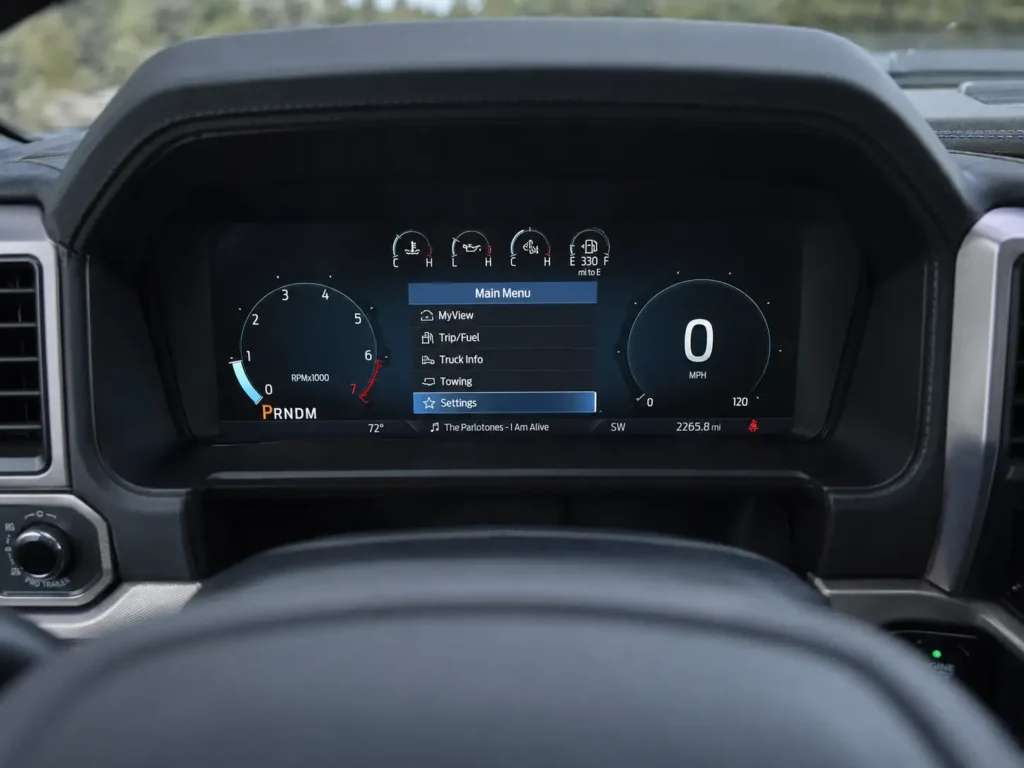
Gauge cluster Settings, then Vehicle, then Alarm System. Switch to Perimeter Sensing Only.
Most Years
Lock the driver’s door with the physical key blade instead of the fob. Disables interior motion sensors for that cycle.
Advanced
FORScan with an OBD-II adapter can quiet the alarm sound through BCM settings. Follow FORScan’s own documentation for your trim.
5Quick Fix By Situation
4 F-150 Alarm Situations That Need Different Fixes
Recommended Best Deal Products


Which of these matches what’s happening to your truck right now?
- You’re standing at the truck and it just went off. You have your key or fob in hand.
- The alarm keeps going off randomly when nobody is near the truck.
- You want to turn it down or off on purpose, for a reason like a dog riding in the truck or vibration from a ferry crossing.
- Your fob is dead or lost and the alarm won’t stop.
If your truck just went off and you’re standing right there, start with the fix below.
What to Do When Your F-150 Alarm Goes Off
Insert your key into the ignition and turn it to the ON position. On nearly every F-150, this disarms the alarm instantly, even if you don’t start the engine.
If you’re using the key fob instead, press the unlock button once. That also disarms the alarm on a factory system.
If your truck is connected to FordPass, check the app’s notifications after the alarm stops. It often shows which sensor triggered it, which saves you a diagnostic step later.
If the alarm stopped but you suspect it’ll happen again on its own, the next section covers why.
Why Your F-150 Alarm Keeps Going Off by Itself
Recommended Best Deal Products


If your alarm trips with nobody around, it’s almost always one of six things.
Low Key Fob Battery
A weak fob battery can cause intermittent communication with the truck, which sometimes triggers a false alarm instead of just a short range. Most F-150 fobs use a CR2032 or CR2450 coin cell, available for under $10 on Amazon. Check the number printed on your old battery before buying, since the size varies by fob style.
Our guide on replacing your F-150 key fob battery walks through opening the case without cracking it.
Faulty Hood Latch Sensor
The hood pin switch tied to your alarm can get dirty or knocked out of alignment, especially after engine bay work. A misaligned switch tells the BCM the hood is open when it isn’t, which can trip the alarm.
Door Ajar Sensor Fault
A failing door ajar sensor on any door can register as an open door while the truck is locked, which is enough to set off the perimeter alarm. If you’re also seeing a door ajar warning chime on the dash, our piece on disabling the door ajar warning on your F-150 covers that related symptom.
Oversensitive Interior Motion Sensors
The interior motion sensors sit in the roof console and watch for movement inside the cab. Pets, loose cargo shifting, or even strong window-rattling wind can trigger them.
Weak 12V Battery
A battery on its way out can cause voltage drops that the BCM misreads as a tamper event. If your alarm issues started around the same time as slow cranking or dim interior lights, check the battery first.
2021 F-150 BCM Software Issue
Some 2021 F-150 trucks have a documented false-alarm issue where the BCM misreads vibration from other truck systems as an intrusion attempt. Ford addressed it in service bulletin SSM 49601, archived by NHTSA, which calls for a BCM software update and a TPMS sensor relearn at the dealer, claimed under causal part 15K609. If your 2021 F-150 alarms overnight with no other explanation, ask your dealer to check for this specific update by bulletin number.
If none of these apply and you just want the alarm quieter or off for a reason of your own, here’s how to do that on purpose.
3 Ways to Turn Off Your F-150 Alarm on Purpose
Use the Gauge Cluster Settings
On 2021 and newer F-150s, Ford built in an actual control for this. From the gauge cluster screen, go to Settings, then Vehicle, then Alarm System. From there you can switch from “All Sensors Active” to “Perimeter Sensing Only,” which disables the interior motion sensors while keeping door and hood protection active. You can also turn off “Ask on Exit” so the truck stops prompting you every time you shut it off.
Lock the Driver’s Door With the Physical Key
On many F-150 model years, manually locking the driver’s door with the metal key blade, rather than the fob or the interior lock button, disables the interior motion sensor for that lock cycle. This is the most common workaround owners use for a dog riding in the truck or a vibration-prone parking spot like a ferry deck.
Disable It Through FORScan
FORScan, used with a roughly $30 OBD-II adapter, can adjust BCM and instrument cluster settings to quiet the alarm sound or double-honk without touching the separate PATS immobilizer circuit. The exact parameter names vary by model year and trim, so follow FORScan’s own documentation for your specific configuration rather than a generic byte address you find in a forum post. Treat this as an advanced, optional step, not a beginner fix.
2 Fixes for a Dead or Lost F-150 Key Fob
Recommended Best Deal Products


If the Fob Battery Is Dead
Unlock the driver’s door with the physical key blade and get in. If the alarm sounds because the system doesn’t recognize you, locate your truck’s backup key slot, commonly near the cup holders or wireless charging pad on push-button start models, and place the fob there. Press the Start button to authenticate the fob through direct contact instead of its radio signal, which silences the alarm and lets you start the truck normally.
If the Fob Is Completely Lost
A locksmith can cut a basic mechanical key to get you into the truck, but a lost fob still needs to be reprogrammed or replaced before the truck will start and the alarm will behave normally going forward. Our guide on getting a new F-150 key fob programmed covers what that process involves and what a dealer or locksmith needs from you.
5 F-150 Alarm Fixes at a Glance
If you skipped ahead, find your situation in the table below.
| Your Situation | Fastest Fix | Permanent | Notes |
|---|---|---|---|
| Standing at the truck with key or fob | Key to ON, or press fob unlock | No | Works for nearly every model year |
| Alarm keeps going off randomly | Check fob battery, hood and door sensors | Yes, once the faulty part is fixed | 2021 trucks should also check BCM bulletin SSM 49601 |
| Want it off on purpose | Gauge cluster Settings, or lock driver door with physical key | Until next key cycle on most trucks | 2021+ models have a dedicated menu toggle |
| Fob battery is dead | Use the backup key slot to authenticate | No, until battery replaced | Backup slot location varies by trim |
| Fob is lost | Locksmith for entry, dealer or locksmith for programming | Yes, once reprogrammed | Truck won’t start until a fob is paired |
If none of this resolves it, it’s worth ruling out two specific things before you keep troubleshooting on your own.
When an F-150 Alarm Problem Needs a Dealer Visit
If you’ve confirmed the 2021 BCM issue applies to your truck, the fix is a software flash that requires a dealer scan tool, not something you can do at home.
If the truck won’t start at all and you see a flashing red lock or car icon on the dash instead of hearing the alarm, that’s the separate PATS anti-theft system, not the alarm. Our guide on resetting your F-150’s anti-theft system covers that specific problem.
Persistent battery drain alongside alarm issues, or a dealer-installed or aftermarket alarm behaving differently than described here, is also worth having a professional look at directly.
5 Ford F-150 Alarm Questions Owners Ask
Why does my F-150 alarm go off when no one is near it?
The most common causes are a weak key fob battery, a faulty hood or door ajar sensor, or oversensitive interior motion sensors. On 2021 trucks specifically, ask your dealer about service bulletin SSM 49601.
Can I permanently disable my F-150’s alarm without affecting the engine immobilizer?
Yes. The alarm and the PATS immobilizer are separate systems. Settings changes through the gauge cluster or FORScan target the alarm sound and sensors without touching the immobilizer circuit.
Does disconnecting the battery turn off the F-150 alarm?
It can reset the alarm control module temporarily, but it isn’t a fix for a recurring cause, and it resets some other settings too. Use it as a last resort, not a first step.
Why does my F-150 alarm double honk when I lock it?
That’s a confirmation chime built into the factory alarm system, not a fault. Some FORScan adjustments can quiet it for owners who find it annoying.
Is it bad to drive with the anti-theft light on instead of the alarm going off?
A flashing anti-theft light means the PATS immobilizer has an issue, which is different from the alarm. If the truck starts and drives normally, it’s safe to drive, but get the light checked soon since it usually means a key or BCM communication issue.
Keep Your F-150 Alarm Working for You, Not Against You
Most of the time, turning off a Ford F-150 alarm is as simple as a key turn or a fob press. The harder part is figuring out why it’s happening in the first place, whether that’s a tired fob battery, a misaligned sensor, or a documented BCM issue on 2021 trucks.
Work through the situations above in order, start with the quickest fix, and move to the dealer only once you’ve ruled out the easy stuff. Your truck’s alarm is there to protect it. A few minutes of troubleshooting gets it back to doing that job quietly.