
Henry Ford Health System MyChart 2026 Complete Guide

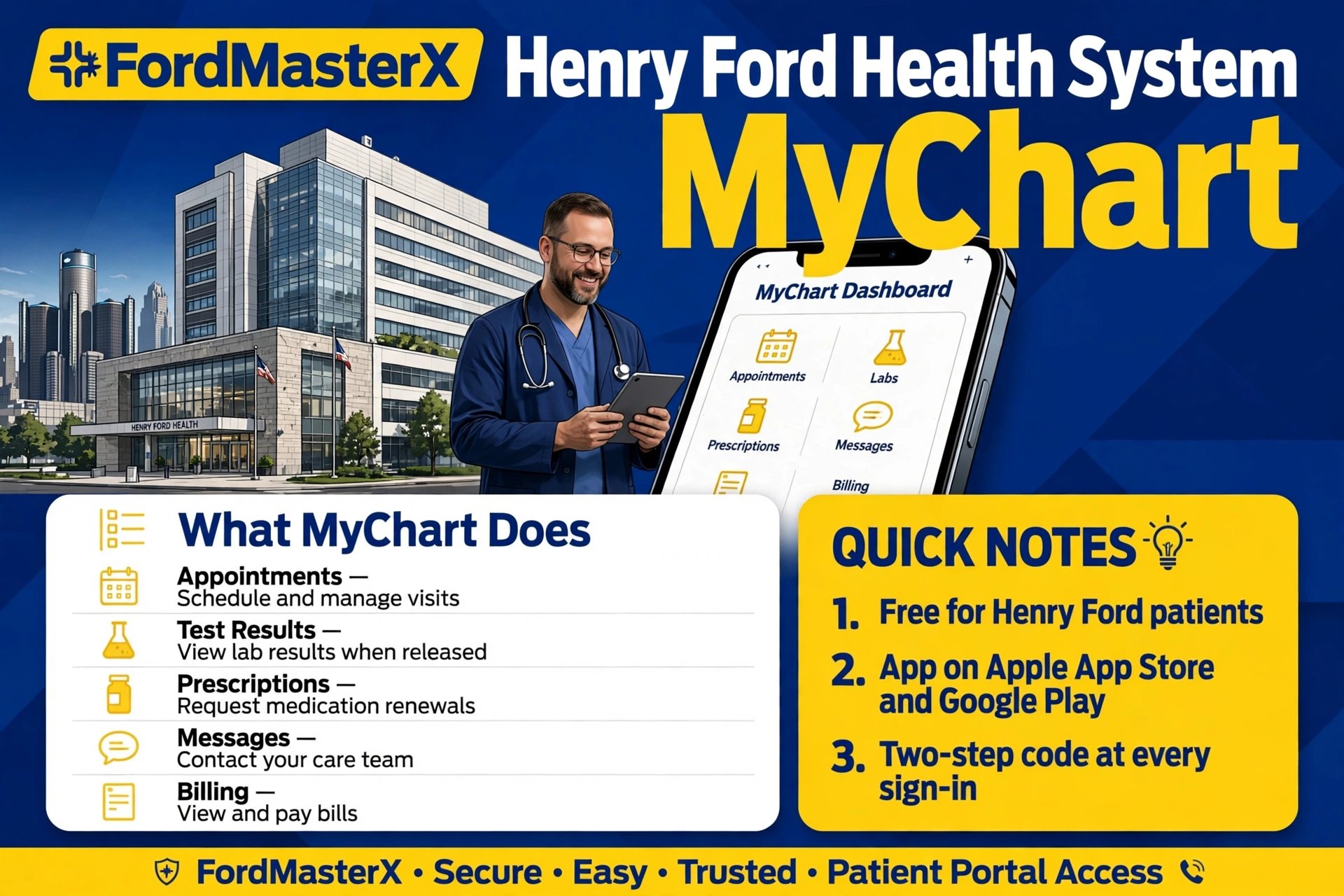
Henry Ford Health System MyChart is the free online patient portal for Henry Ford Health patients in Michigan. It puts your appointments, test results, prescriptions, messages, and bills in one secure place that you can open from a computer or a phone.
MyChart runs on Epic, the electronic health record system that Henry Ford Health uses across its hospitals and clinics. That means the portal shows the same record your care team uses, from your visit notes to your medication list.


This guide covers the whole portal, not just the sign-in screen. You will learn where the official portal lives, how to create an account, what each feature does, how family access works, and how to fix the problems that stop most people.
What Is Henry Ford Health System MyChart
MyChart is Henry Ford Health’s secure website and mobile app for patients. It is available to Henry Ford Health patients, and general access is free.
The portal is the fastest way to handle routine care tasks without a phone call. You can check a lab result, ask for a prescription renewal, book a follow-up visit, or pay a bill at any hour.
MyChart is not an emergency service. Henry Ford Health states plainly that the portal is not intended for medical emergencies, so call 911 or go to the nearest emergency department when care cannot wait.
Henry Ford Health is a health system based in Detroit, Michigan. It is a separate organization from Ford Motor Company, and its portal has nothing to do with cars, trucks, or vehicle service.
The portal also reaches beyond Henry Ford itself. Through linked accounts and the Sharing Hub, you can see health information from other organizations that use Epic, and you can share your record with doctors outside Henry Ford.
How To Reach The Official MyChart Portal


The only safe starting point is the official Henry Ford website. Go to henryford.com/mychart, which is the health system’s own MyChart page, and follow its links to sign in or create an account.
The sign-in site itself is mychart.hfhs.org. Type that address yourself or reach it through henryford.com, and never sign in through a link in an unexpected email or text message.


The mobile route is the free MyChart app by Epic Systems, available on the Apple App Store and Google Play. After you install it, search for Henry Ford Health inside the app and sign in with the same account you use on the website.
Our companion guide covers the sign-in steps in detail. Read our Henry Ford MyChart login guide if you only need help getting into an account you already have.
Every sign-in asks for two-step verification in addition to your username and password. You enter a one-time code sent to you by email or text message, which keeps your record safe even if someone learns your password.


MyChart logs you out after 15 minutes without activity. That short timeout protects your health information if you walk away from a shared computer or leave your phone unlocked.
Create Your MyChart Account In 6 Steps
You need an activation code to create your first account. Henry Ford usually gives you the code at a visit, and it proves that the record you are claiming belongs to you.
Activation codes expire after 60 days for security, and a code stops working after the first time you use it. If your code has expired or will not work, call (313) 876-7951 for help activating your account.
Set Up Your Henry Ford MyChart Account


Six steps from activation code to your first sign-in, using only the official Henry Ford channels.
- 1Get your activation code
Ask for one at your next Henry Ford visit, or call (313) 876-7951 if you never received one.
- 2Open the official sign-up page
Go to henryford.com/mychart in your browser and choose the sign-up option.
- 3Enter your code and details
Type your activation code plus the personal details that match your patient record, such as your date of birth.
- 4Choose a username and password
Pick a strong password you use nowhere else, and store it in a password manager if you have one.
- 5Set up two-step verification
Add an email address and a mobile number so Henry Ford can send you a one-time code at every sign-in.
- 6Download the app and sign in
Install the free MyChart app by Epic from the Apple App Store or Google Play, search for Henry Ford Health, and sign in.
Source: Henry Ford Health MyChart FAQ and how-to guide at henryford.com/mychart. FordMasterX guide only. Never sign in through a link in an unexpected email or text.
Step 1: Get your activation code. Ask for one at your next Henry Ford visit, or call (313) 876-7951 if you never received one.
Step 2: Open the official sign-up page. Go to henryford.com/mychart from your browser and choose the sign-up option.
Step 3: Enter your activation code and personal details. The form asks for the code plus details that match your patient record, such as your date of birth.
Step 4: Choose a username and password. Pick a strong password you use nowhere else, and store it in a password manager if you have one.
Step 5: Set up two-step verification. Add an email address and a mobile number so Henry Ford can send you a one-time code at every sign-in.
Step 6: Download the app and sign in. Install the free MyChart app from the Apple App Store or Google Play, search for Henry Ford Health, and sign in with your new account.
If you have no activation code, the sign-up page offers a way to request one by matching your identity to your record. The process may ask for personal details that only the patient would know.
Only the patient can reset a MyChart password. That rule protects your record, but it also means a family member cannot reset it for you, even with proxy access.
What You Can Do Inside MyChart
MyChart gathers the everyday tasks of managing your care into one menu. The sections below are the ones most patients use first, and each one is covered in detail later in this guide.
| Feature | What It Does | Where To Find It |
|---|---|---|
| Visits | See past and future visits, visit notes, and summaries | Menu, then Visits |
| Test Results | View lab and test results when they are released | Menu, then Test Results |
| Medications | See your medicine list and request renewals | Menu, then Medications |
| Messages | Send secure messages to your care team | Menu, then Messages |
| Billing | See statements, check what you owe, and pay | Menu, then Billing |
| Appointments | Schedule, request, or cancel a visit | Menu, then Visits |
| eCheck-in | Update your details before a visit | Visits, then eCheck-in |
| Sharing Hub | Share your record or download a summary | Menu, then Sharing Hub |
| Immunizations | Review your vaccination history | Menu, then Immunizations |
| Communication Preferences | Choose email, text, or paper notices | Menu, then Communication Preferences |
Some features depend on your clinic and your visit type. A feature that is missing for you may simply not be turned on for that department, so ask your clinic if you expected to see it.
You can also connect other health accounts through the Link My Accounts feature. The Care Everywhere symbol marks information that came from another Epic organization where you received care.
MyChart Central lets you reach all of your MyChart accounts from different health systems with a single login. Lucy, the personal health record feature inside MyChart, helps you organize health information from many sources in one place.
Test Results And Visit Notes Explained
Test results are the feature most patients open first. Henry Ford releases results to MyChart on a schedule that depends on where the test was done and how sensitive the result is.
| Result Type | When It Appears In MyChart |
|---|---|
| Walk-in lab tests | Released automatically when processed |
| Hospital stay or emergency visit tests | Released as soon as they are available |
| Sensitive results, such as a cancer diagnosis | Released by your doctor or after a three-day delay |
| Research-related results | Not released to MyChart |
| Radiology images | Not available, only a written summary |
That delay on sensitive results is deliberate. Henry Ford advises patients not to view such results before speaking with their doctor if they would rather hear the news from the care team first.
When you sign up for MyChart, you also enroll in paperless test results. Talk to your doctor if you would still like a paper copy of your results by mail.
Visit notes are the notes your doctor writes after your visit. You can read them once your doctor signs them, under Visits and then Past Visits, by choosing View Notes on the visit you want.
A note may be missing because it has not been signed yet, because your doctor chose not to share that note, or because you asked that a note not be shared. Send your doctor a message if you are unsure why a note is absent.
If you believe a note or another part of your record is wrong, you can request an amendment through MyChart. Go to the Menu and choose Request for Amendment of Medical Records, then complete the form and return it by one of the listed options.
Amendment requests are reviewed by the medical records team and your doctor. You will receive a letter with the decision within 60 days, or within 90 days if the team needs more time and sends you an extension letter.
You can download and print post-appointment summaries, a health summary, or test results to share with doctors outside Henry Ford. The Sharing Hub also lets you grant a non-Henry Ford doctor one-time, limited access through Share Everywhere, and that doctor can view your information and write a note to your Henry Ford care team.
Appointments Messages And Prescription Refills
MyChart handles most appointment tasks without a phone call. Open Visits to see upcoming and past visits, cancel a visit you cannot make, or schedule a follow-up with a doctor you have already seen.
Self-scheduling is available for non-urgent follow-up appointments in select specialty departments. It works only with physicians you have seen before, and you choose from the open dates and times for that clinic.
Appointment requests work differently from self-scheduling. You send a request with the dates, times, and location that suit you, and the clinic usually answers within two business days. Allow more time for requests sent on a weekend or a holiday.
Video Visit on Demand is available when you are sick or injured and need a primary care doctor quickly. You can reach a doctor 24 hours a day, seven days a week, through a video visit started from MyChart.
eCheck-in saves time before your visit. It lets you update your personal information and insurance and complete questionnaires in advance, so the front desk visit goes faster.
Secure messaging is for non-urgent questions. You will usually get an answer within two business days, and you should allow more time if you send a message on a weekend or a holiday.
To send a message with a document or a photo, open Messages, choose Send a Message, then Message your Doctor’s Office Staff. Read the disclaimer, choose Non-urgent Medical Question, pick your provider, add a subject and a message, then use Attach at the bottom to add your file or photo before you send.
Photos you send through secure messaging, including photos taken during a video visit with your consent, may become part of your Henry Ford Health record. Send only images that are relevant to your care question.
Your medication list lives under Medications. You can review the medicines Henry Ford has on file for you and select request renewals when a prescription is running low.
Contact your pharmacy to refill a current prescription. MyChart sends the renewal request to your care team, but the pharmacy still fills the prescription itself.
If a medicine, allergy, height, weight, or other detail in your record looks wrong, send a message to your doctor through MyChart. Your care team can correct it with you at your next appointment.
Billing And Pay As Guest Options
MyChart shows your Henry Ford bills and lets you pay them online. Open the Menu, scroll to the Billing section, and you will see your statements and what you owe.
Henry Ford Billing Customer Service answers billing questions at (800) 999-5829. The health system’s billing information page at henryford.com/billing explains pricing and payment options in more detail.
You can also pay without signing in. Choose Pay as a Guest from the MyChart home page on a computer or laptop, and have the guarantor ID or account number plus the guarantor’s last name ready.
A guarantor is the person responsible for paying the bill. If a guarantor has proxy access to a family member, that person can sign in to MyChart and pay the family member’s bill.
Paperless billing is controlled through your communication preferences. Log in to MyChart, open the Menu, search for Communication Preferences, and choose whether you want electronic or paper statements.
Some messages that need your provider’s clinical time and expertise may be billed to your insurance. General access to MyChart itself carries no charge, and Henry Ford gives notice before you use any feature that costs extra.
MyChart Mobile App On Your Phone
MyChart Mobile is the same portal in app form, and it is free. Download the MyChart app from the Apple App Store or Google Play, open it, accept the license agreement, and search for Henry Ford Health.
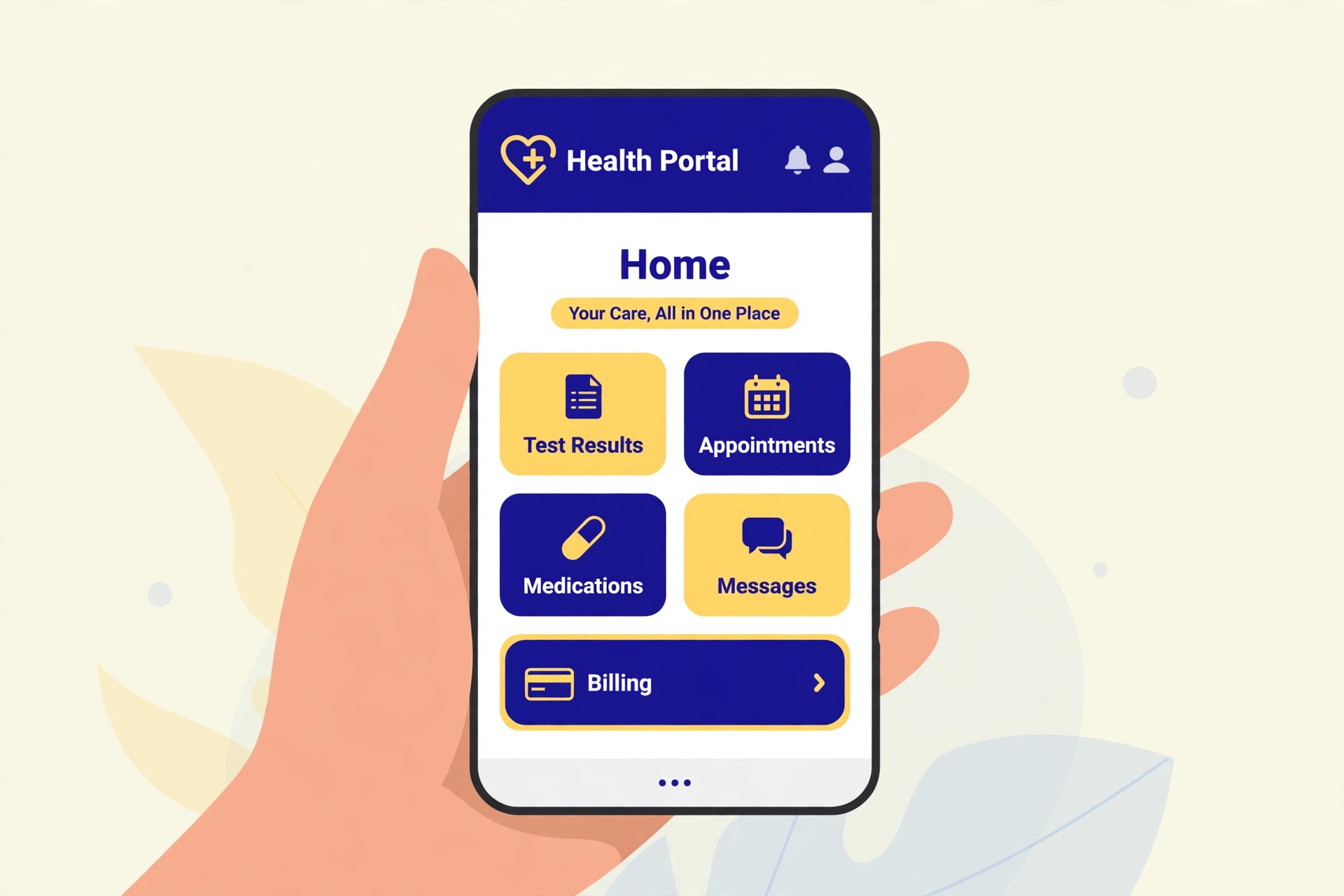
The app carries the same features as the website, including appointments, test results, refills, messages, and bill payment. What you can see and do depends on which features Henry Ford has enabled and whether the app is running the latest version of the Epic software.
The app can also connect to Apple Health or Google Fit to pull health data from your personal devices into MyChart. That link is optional, and you control it from the app settings.
If the app asks to use your current location, that prompt helps it find nearby Henry Ford locations. You can decline it and still use the portal normally.
Keep the app updated. New versions bring security fixes and new features, and an old version can behave strangely with a current MyChart account.
The MyChart app on Google Play is published by Epic Systems Corporation. On an iPhone, search for MyChart in the Apple App Store and check that the publisher is Epic Systems before you install it.
Proxy Access For Family And Caregivers
Proxy access lets a family member or caregiver view a patient’s MyChart record from their own account. The patient grants the access, and each person keeps a separate login.
Henry Ford sets proxy access by age, following Michigan law. The table below shows what each age group allows.
| Patient Age | What A Parent Or Guardian Can Do |
|---|---|
| Age 0 to 13 | View and act fully on behalf of the child |
| Age 14 to 17 | Request appointments and view billing only |
| Age 18 and older | Only what the adult patient grants through MyChart |
For an adult patient, the patient must grant proxy access to family members through MyChart. A Henry Ford staff member can also help set it up.
To invite someone, log in to MyChart, open the Menu, and choose Sharing Hub. Then choose Manage friend and family access, choose Invite friends or family, complete the form, and send the invite.
The invited person receives an email with a link. They must log in to their own MyChart account and accept the invitation, and they may need to provide information such as your date of birth to finish the process.
Spouses cannot share one MyChart account. Each person must have a separate account, and each can request proxy access to the other.
You cannot ask questions about a family member’s care from your own MyChart account. A message sent from your account goes into your health record, not theirs, so use the proxy connection or the family member’s own account instead.
Parents or legal guardians may request proxy access to a child’s record. An adult may also request access to an incapacitated adult under their legal guardianship, with legal documents in the patient’s record.
A court-ordered legal guardian needs to present paperwork proving that authority if a copy is not already in the record. A person with a medical durable power of attorney may need to present the same kind of proof to discuss the patient’s information.
You can revoke proxy access at any time. Log in to MyChart, open the Menu, find Account Settings, choose Allow Proxy Access, and choose Revoke for the person you want to remove.
Fix Common MyChart Problems Fast
Most MyChart problems have a simple cause. Work through the table below before you call for help, and note the exact error message you see.
| Problem | What To Try First |
|---|---|
| Forgot your password | Use the forgot password link on the login page, or call (313) 876-7951 |
| Activation code does not work | Codes expire after 60 days and work only once, so call (313) 876-7951 for a new code |
| Logged out right after signing in | Use Firefox, Chrome, Safari, or Edge, and clear your browser cache |
| Logged out while using MyChart | You were idle for 15 minutes, so sign in again |
| Cannot see a visit note | The note may not be signed yet, so check again later or message your doctor |
| Cannot see a test result | Sensitive results wait for your doctor or a three-day delay, and research results never appear |
| Account linking gives an error | Check the linked account details, then ask your clinic for help |
| Message has no reply yet | Allow two business days, longer after a weekend or holiday |
If you forgot your password, use the forgot password link on the login page. You can also call (313) 876-7951, but only the patient can reset the password, so a family member cannot do it for you.
A browser that is out of date can cause strange sign-in behavior. Henry Ford lists Mozilla Firefox, Google Chrome, Apple Safari, and Microsoft Edge as the supported browsers for MyChart.
Two-step verification codes arrive by email or text message. If no code arrives, check your spam folder, confirm the phone number and email address on your account, and request a new code.
If your personal details look out of date, you can change them inside MyChart. Log in, open the Menu, scroll to Account Settings, and choose Personal Information to update your email, password, or preferred name.
Stay Safe When You Use MyChart
MyChart holds sensitive health information, so a few habits keep it safe. Access is controlled through secure activation codes, personal usernames, passwords, and two-step verification codes.
Never share your password or a two-step code with anyone, including someone who claims to be from Henry Ford. Henry Ford will never ask for your password by email, text, or phone call.
Sign out when you finish, especially on a shared computer. The 15-minute automatic logout helps, but signing out yourself is faster and safer.
Check the web address before you type your username and password. The real portal starts at henryford.com or mychart.hfhs.org, and a link from a stranger should never be trusted.
Keep your email address and phone number current in MyChart. Those are the channels for two-step codes, appointment reminders, and billing notices, and an old address can lock you out.
Henry Ford’s MyChart privacy policy states that your name and email address receive the same care as your health records and will never be sold or leased. The portal is fully compliant with federal and state privacy laws.
Be careful with shared devices and screenshots. A screenshot of a test result can end up in a shared photo library or a cloud backup, so share results through the Sharing Hub instead of by text message when you can.
Henry Ford MyChart Questions Answered
Is Henry Ford MyChart Free To Use
Yes, general access to Henry Ford MyChart is free. Henry Ford notes that certain features may carry a cost, and you will see a notice and a chance to accept the charge before you use one.
How Long Until My Doctor Replies


You will usually get an answer within two business days. Allow more time if you send a message on a weekend or a holiday, and never use MyChart for an emergency.
Can I See Test Results Right Away
Walk-in lab results are released automatically when processed, and most hospital or emergency results appear as soon as they are available. Sensitive results wait for your doctor or a three-day delay, and research results are never released to MyChart.
What If I Have No Activation Code


You can request one through the sign-up page by matching your identity to your patient record. You can also ask at a Henry Ford visit or call (313) 876-7951 for help activating your account.
Can Spouses Share One MyChart Account
No, each person must have a separate MyChart account. You can grant each other proxy access, which lets each of you help with the other’s care from your own login.
How Do I Sign In To MyChart


Sign in only through henryford.com/mychart, directly at mychart.hfhs.org, or through the official MyChart app by Epic. Our Henry Ford MyChart login guide walks through the sign-in steps and the two-step code in detail.
Does MyChart Work For MSU Patients
Yes, MSU Health Care moved to the Henry Ford MyChart portal on January 31, 2026. MSU patients now use MyChart to schedule appointments, view test results, request refills, message their care team, and pay bills, while bills for care before that date stay in the old Athena portal.
Your First Week With MyChart Checklist
Your first week is the best time to set the portal up properly. Work through this list once, and the portal will serve you well for years.
Day 1: Create your account and sign in twice. Use your activation code, set up two-step verification, and sign in once on a computer and once on the phone app.
Day 2: Check your personal details. Open Account Settings, confirm your email, phone number, and preferred name, and set your communication preferences for reminders and statements.
Day 3: Review your medicines and allergies. Open Medications and your health summary, and message your care team about anything that looks wrong or out of date.
Day 4: Look at a past visit. Open Visits, pick a recent visit, read the visit note and the After Visit Summary, and download a copy if you want one for your files.
Day 5: Set up proxy access if you need it. Invite a family member through the Sharing Hub, or ask a loved one to invite you, and confirm the access works from both accounts.
Day 6: Try one task end to end. Request a prescription renewal, send a non-urgent message, or pay a bill, and note how long the reply or confirmation takes.
Day 7: Save the help numbers. Keep (313) 876-7951 for MyChart help and (800) 999-5829 for billing questions in your phone, so you are not searching for them during a problem.
Henry Ford Health System MyChart rewards a little setup time with years of easier care. Once your account, your app, and your proxy access are in place, most routine tasks take minutes instead of a phone call.
Start at henryford.com/mychart, use only the official sign-in routes in this guide, and keep your two-step codes private. Your health record will be there whenever you need it, on your computer and in your pocket.
Where These MyChart Facts Come From
Account setup, activation codes, test result timing, visit notes, proxy rules, billing, and security details are from the Henry Ford MyChart FAQ and the Henry Ford MyChart how-to guide.
App details are from the MyChart app listing on Google Play, published by Epic Systems Corporation. The MSU Health Care transition date is from the MSU Health Care portal transition notice.
Other sources: the Henry Ford MyChart terms of use on mychart.hfhs.org, the Henry Ford virtual care quick tips from Health Alliance Plan, and the Epic MyChart help pages at mychart.com. No login page was imitated, and no credentials were collected or requested for this guide.