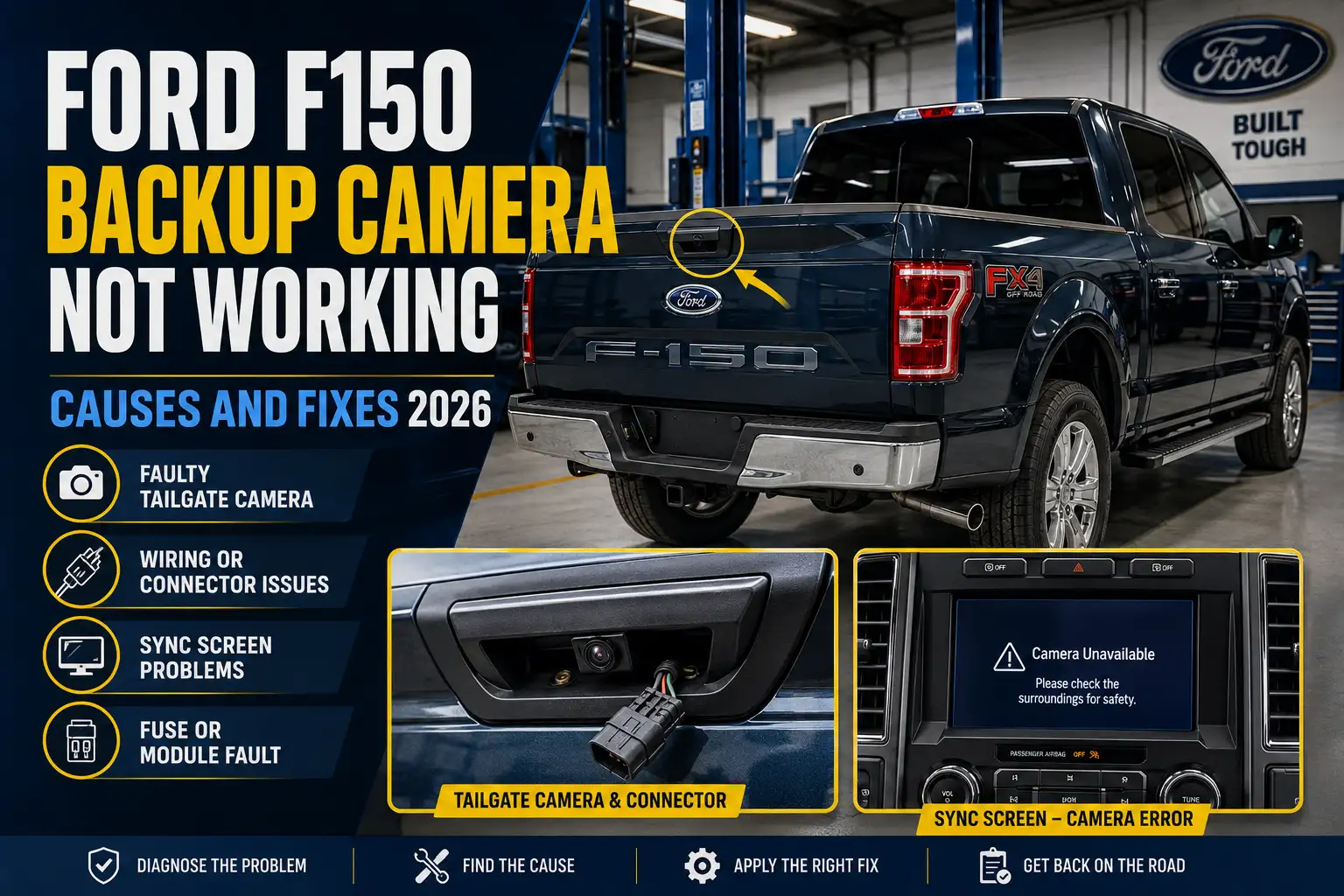
Ford F150 Backup Camera Not Working: Causes and Fixes 2026

If your Ford F150 backup camera is not working, start with what the screen actually does before buying a replacement camera. A blue screen, black screen, intermittent picture, distorted image, and missing guidelines point toward different parts of the system.
On a factory-equipped F-150, the rear camera is mounted in the tailgate handle. Ford confirms that the system should display the area behind the truck when you shift into Reverse.
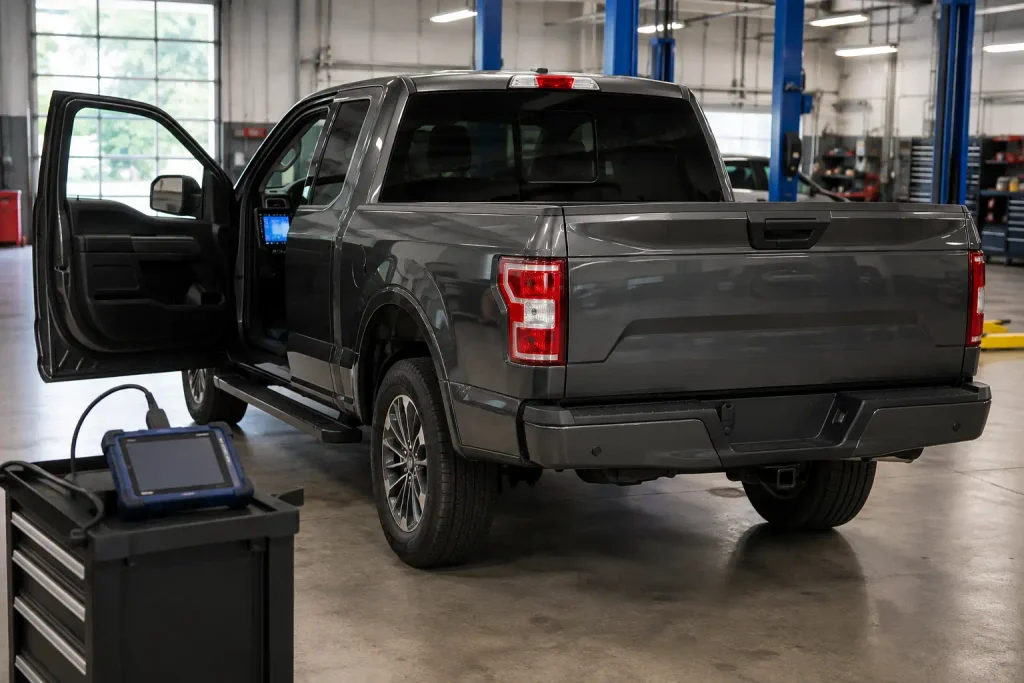
A dirty lens is easy to fix, but a completely lost image usually requires checking the tailgate connector, camera harness, power supply, fuse, camera itself, or SYNC configuration. Some F-150 model years also have rear-camera recalls, so check recall status before paying for parts.
What Your Backup Camera Screen Is Telling You
Match the screen symptom first. Then inspect the most likely circuit or component before replacing the camera.
Solid Blue Screen
Check First
Tailgate connector, camera harness, signal wiring, and ground.
Black Screen
Check First
Reverse-camera activation, correct fuse, camera power, and ground.
Intermittent Image
Check First
Moving harness sections, loose terminals, moisture, and corrosion.
Flickering or Distorted
Check First
Signal integrity, connector condition, internal camera fault, and recall status.
Camera Unavailable
Check First
Camera power, wiring continuity, module communication, and diagnostic trouble codes.
Picture Works but No Guidelines
Check First
Tailgate position, camera settings, configuration, and calibration.
Use This Diagnostic Order Before Replacing the Camera
Several Ford F-150 model years have been included in rear-camera hardware or software recalls. Recall eligibility depends on VIN, so verify the truck before purchasing replacement parts.
What 6 Backup Camera Symptoms Tell You First


Start by matching the problem on your screen to the most likely diagnostic path.
| Camera Symptom | Check First | Next Direction |
|---|---|---|
| Solid blue screen | Tailgate connector and harness | Signal wiring, ground, camera |
| Completely black screen | Camera activation, fuse, power | Wiring, camera, display system |
| Works intermittently | Connectors and moving harness | Corrosion, broken wire, camera |
| Flickers or distorts | Signal connection and camera | Recall status, camera failure |
| Camera Unavailable message | Power and communication | Scan codes, wiring, module |
| Video works without guidelines | Camera settings | Configuration or calibration |
The key is not treating all six conditions as the same failure.
For example, if the picture works normally but the guidelines disappeared, the camera is still producing video. Replacing it immediately would skip several easier checks.
If Your F150 Camera Shows a Blue Screen


If the display changes to a solid blue screen when you select Reverse, start with the camera signal path.
The truck is attempting to show the rear-camera display, but the system is not receiving a usable image. That makes the connector, wiring, and camera logical places to test.
Check the Tailgate Connector
Inspect the electrical connection between the removable tailgate and the truck harness.
Look for:
- Water inside the connector
- Green or white corrosion
- Bent or pushed-back terminals
- Loose connections
- Damaged locking tabs
Disconnect the connector only with the truck switched off. Inspect it carefully, then reconnect it until the lock fully engages.
If unplugging and reconnecting the connector temporarily restores the image, do not assume the problem is solved. Corrosion or poor terminal tension may still be present.
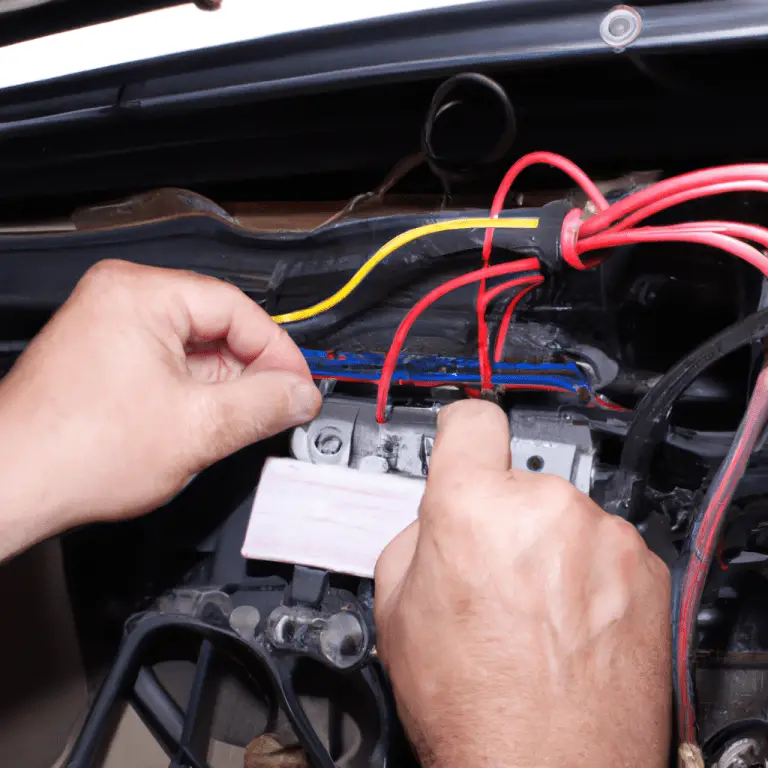
Inspect the Harness Under the Bed
Follow the camera harness from the tailgate connection toward the truck.
Pay attention to areas where the loom can move, rub against another component, or become pinched. Harness damage becomes especially suspicious if the problem started after removing the tailgate, bed, bumper, or related equipment.
If gently moving one section of the harness makes the picture appear or disappear, concentrate your testing there.
Check Ground and Signal Wiring
Do not add a jumper ground or modify wiring based only on a blue screen.
Instead, inspect the relevant circuit using wiring information for your exact model year. The pin layout and camera architecture changed across F-150 generations.
A digital multimeter can confirm continuity, supply voltage, and ground quality. A visually clean connector can still have excessive resistance.
Test the Camera Last
Once the camera has the required power and ground and the harness passes continuity checks, the camera itself becomes a stronger suspect.
This order matters. Replacing the rear camera before testing its electrical path can leave you with the same blue screen and an unnecessary parts bill.
If Your F150 Backup Camera Screen Is Black


A completely black display needs a slightly different approach.
First determine whether the infotainment screen actually changes modes when you select Reverse.
Confirm Reverse Camera Activation
Shift into Reverse with the parking brake applied and your foot firmly on the brake.
Ford’s 2016 F-150 manual states that the rear-camera image should appear when the transmission is placed in Reverse.
If the normal SYNC screen remains unchanged, the problem may involve camera activation, power, configuration, or communication rather than just loss of the camera’s video signal.
Check Camera Power and Ground
Inspect the camera connector and verify the circuit with a multimeter.
Do not use a universal pin number from another F-150 year. Camera connectors, modules, and power distribution can differ between generations and equipment packages.
If there is no power at the required camera circuit, trace the problem upstream before replacing the camera.
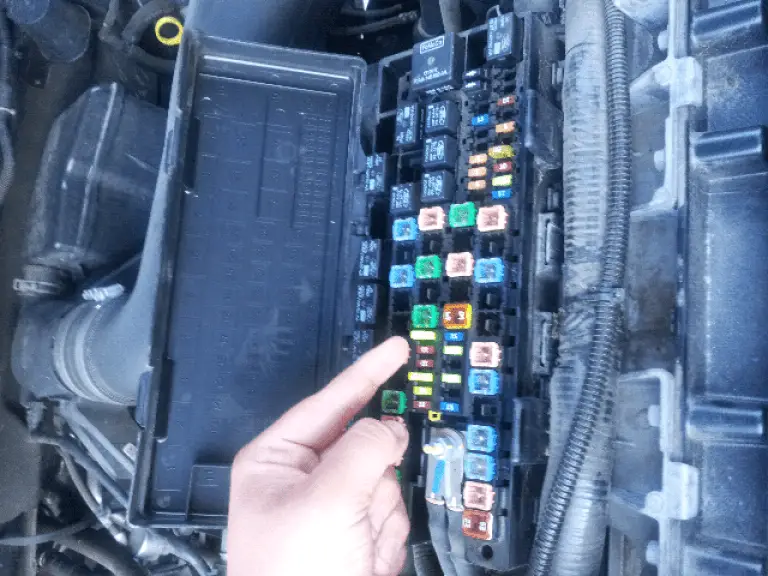
Check the Correct Fuse for Your Year
The rear camera does not use one universal fuse across every F-150.
As one verified example, Ford lists fuse 113 at 7.5 amps for the rear view camera, front view camera, Blind Spot Information System, and Voltage Quality Module in the 2016 F-150 power distribution box.
For another model year, use the owner’s manual or our Ford F150 fuse box diagram to identify the correct fuse layout before removing anything.
Never replace a fuse with a higher amperage rating.
Continue Beyond the Camera
If power, ground, fuse, connectors, and wiring all test correctly, the fault may be inside the camera or farther forward in the display and communication path.
At that point, a Ford-capable scan tool becomes much more valuable than replacing parts by guesswork.
If the Backup Camera Works Only Sometimes
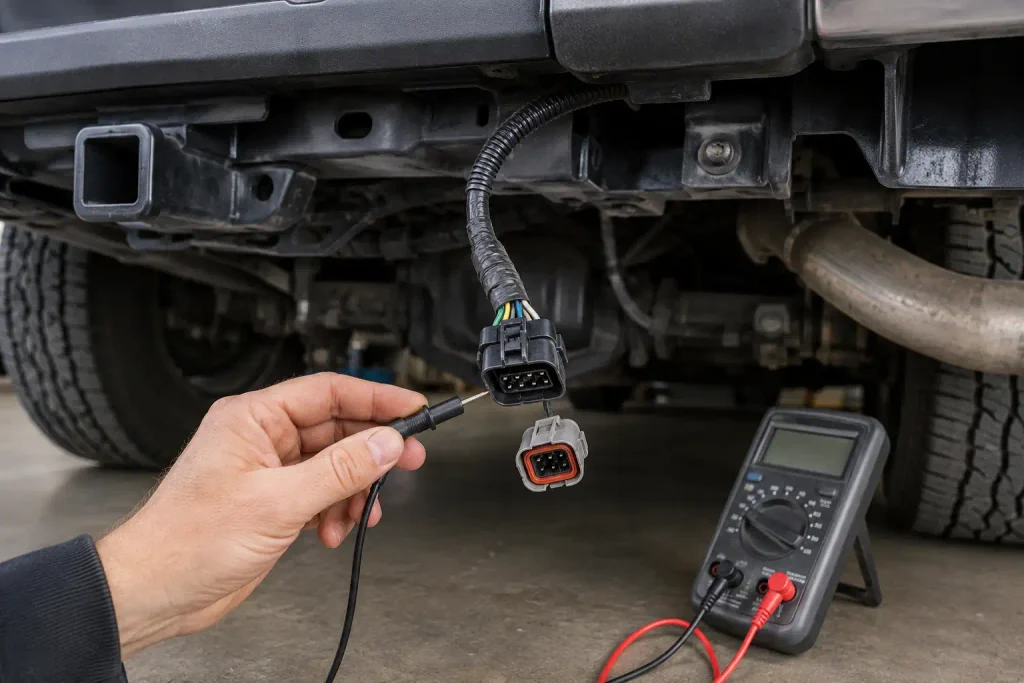
An intermittent F-150 backup camera strongly justifies inspecting wiring and connectors before ordering a new camera.
A connection may work when the truck is parked but lose contact as the tailgate, harness, temperature, or truck body moves.
Move the Tailgate Carefully
With the truck safely stationary, watch the camera image while gently changing the tailgate position.
If the image cuts in and out as the harness moves, inspect that section closely.
This test does not prove which wire is broken, but it helps narrow the physical location.
Inspect for Moisture and Corrosion
Check both sides of removable connectors.
Water intrusion can increase resistance or interrupt low-voltage camera signals even when the connector still appears mostly intact.
Dry the connection and repair damaged seals before reconnecting it.
Check Old Wiring Repairs
A previous owner may already have repaired the harness.
Look for crimp connectors, unsupported splices, electrical tape, damaged shielding, or wires that do not match the surrounding factory loom.
Repairing the circuit properly is usually better than continuing to reposition a damaged wire until the camera works.
If the Image Flickers or Looks Distorted
A flickering, rolling, washed-out, or distorted picture can result from poor signal integrity or an internal camera fault.
Start with the same connector and harness checks used for intermittent operation. If vibration or tailgate movement changes the distortion, wiring moves higher on the suspect list.
The camera itself also deserves attention because Ford has issued recalls involving blank and distorted rear-camera images.
Check Ford Backup Camera Recalls
Recall coverage should be checked by VIN, not only by model year.
Ford’s 20C19 campaign and NHTSA recall 20V-575 covered certain Ford trucks with rear cameras that could intermittently display a blank or distorted image. Ford’s remedy was camera replacement at no charge.
The original 2020 campaign included certain F-150s, and Ford later recalled certain 2019 F-150s for a similar rear-camera electrical-connection condition.
There are newer software-related camera campaigns too. In 2025, certain 2019–2020 F-150s were included in campaign 25S72 for software that could cause a blank camera image. Certain 2021–2024 F-150s were also included in a separate 2025 software recall involving delayed, frozen, or missing rear-camera images.
By August 2026, another recall covered certain 2021–2023 F-150s with an 8-inch SYNC display and 360-degree camera system because a camera menu could obstruct part of the rear image. (Pickup Truck +SUV Talk)
Use your VIN in Ford’s or NHTSA’s recall lookup before assuming your truck is included.
If Ford Says Camera Unavailable
A Camera Unavailable message means you should move past simple lens cleaning.
The camera system knows that expected camera information is missing or unavailable, so electrical testing and module diagnostics become more useful.
Verify Power First
Confirm the applicable fuse, camera supply circuit, and ground.
If power is missing, find the open circuit before buying a camera.
Inspect the Communication Path
Check connectors and wiring between the tailgate camera and the rest of the truck.
A broken wire, high-resistance connection, or damaged connector can cause the camera to disappear from the system even when the camera itself is good.
Scan the Truck for Codes
Use a scanner capable of reading Ford body and infotainment modules, not only generic engine codes.
Camera-related diagnostic trouble codes can narrow the fault to a circuit, camera, configuration, or communication problem.
Record every code before clearing anything.
If Video Works but Guidelines Do Not
If the picture is clear but the parking guidelines disappeared, do not start with camera replacement.
Ford’s 2016 system uses active guidelines, fixed guidelines, and a centerline. Ford also notes that guideline availability can change with certain trailer configurations.
The same manual provides camera settings through Menu > Vehicle > Camera Settings when the truck is not in Reverse.
Check the camera settings first.
Also confirm that the tailgate is completely closed. Ford states that an ajar tailgate changes the camera position and removes the guidelines.
If settings are correct but active guidelines remain missing, configuration or calibration may need diagnosis.
If the Problem Started After Recent Work
A backup camera failure that begins immediately after another repair deserves a different diagnostic order.
After Tailgate Removal
Check the removable camera harness connector first.
Confirm that it is fully seated and that no pins were bent or pushed backward during reconnection.
After Bed or Bumper Work
Trace the rear harness for pinching, stretching, or an unplugged connector.
Do not assume the failure is unrelated simply because other equipment was being repaired.
After SYNC Replacement
Check configuration before replacing the camera.
A factory camera may stop behaving correctly after an APIM, SYNC screen, or infotainment retrofit if the replacement hardware is not configured for the truck.
If the infotainment system itself is acting strangely, our Ford SYNC master reset procedure covers the reset process. A master reset should not be used as a substitute for repairing damaged camera wiring.
If the truck has a documented SYNC software issue, follow the proper Ford SYNC software update process rather than installing random configuration files.
After FORScan Changes
Review what changed immediately before the camera problem appeared.
Restore known-good original configuration data if a relevant module was altered. Do not change unrelated As-Built values hoping that one of them restores the camera.
How to Diagnose the Camera in 7 Steps
Use this order to reduce unnecessary parts replacement.
- Identify the symptom. Blue, black, intermittent, distorted, unavailable, or missing guidelines each need a different starting point.
- Inspect the camera lens and tailgate. Clean the lens and make sure the tailgate is fully closed.
- Inspect the tailgate connector. Look for moisture, corrosion, loose pins, and damaged locks.
- Inspect the rear harness. Check areas that move, flex, rub, or were disturbed during previous work.
- Verify the fuse, power, and ground. Use the wiring and fuse information for your exact F-150 year.
- Scan Ford modules for DTCs. Record codes before clearing them.
- Check recalls and configuration. Do this before purchasing a camera or module.
If moving the tailgate changes the picture, focus on wiring.
If the camera does not have power or ground, do not replace it yet.
If all electrical tests pass but the camera still produces no usable signal, camera replacement becomes a more reasonable next step.
When Advanced Camera Diagnosis Makes More Sense
Basic connector, fuse, and harness checks are realistic DIY work for many F-150 owners.
Advanced diagnosis makes more sense when the camera has verified power and ground but no image, the fault disappears inside the main body harness, or several cameras fail together on a 360-degree system.
Module programming, APIM configuration, calibration, CAN communication faults, and complex harness repairs may require Ford-level diagnostic information.
Also stop treating the problem as a simple rear-camera fault if it appears together with other camera or driver-assistance failures.
Best First Fix for Each Camera Symptom
| Your Symptom | Best First Move |
|---|---|
| Blue screen | Inspect tailgate connector and camera harness |
| Black screen | Verify camera activation, fuse, power, and ground |
| Intermittent picture | Inspect connectors and moving harness sections |
| Flickering picture | Test connections, then check recall status |
| Camera Unavailable | Scan modules and test camera circuits |
| Missing guidelines | Check tailgate position and camera settings |
| Failed after recent work | Recheck wiring and configuration that was changed |
The most expensive mistake is replacing the camera before proving that the camera is the failed part.
For a Ford F150 backup camera not working, the best diagnostic path is symptom first, wiring second, electrical testing third, and parts replacement last. Checking open recall campaigns before paying for repairs can also save you from buying a component Ford may repair free of charge.
5 Common Ford F150 Backup Camera Questions
Does a Ford F150 Backup Camera Have a Fuse
Yes, factory camera systems use fused electrical circuits, but the fuse number changes with model year and system configuration. For example, the 2016 manual lists fuse 113 at 7.5 amps for several systems including the rear camera, but you should verify the fuse chart for your exact year.
Why Does My F150 Backup Camera Show a Blue Screen
A blue screen usually sends you toward the camera signal path rather than immediately proving that the camera is bad. Inspect the tailgate connector, harness, power, ground, and camera connection before ordering a replacement.
How Do I Reset My Ford F150 Backup Camera
There is no single backup-camera reset procedure that applies to every F-150 generation. A SYNC reset can address certain infotainment problems, but it will not repair a corroded connector, broken harness, blown fuse, or failed camera.
Is There a Recall for Ford F150 Backup Cameras
Yes, several F-150 year ranges have been involved in camera-related recalls, including hardware and software campaigns. Coverage depends on the specific VIN, so check Ford or NHTSA recall records instead of assuming every truck from an affected model year qualifies.
Do Ford F150 Backup Cameras Need Programming
Some replacement or infotainment-related repairs can require configuration or calibration, while others may not. The requirement depends on the model year, camera system, SYNC hardware, 360-degree camera equipment, and the component being replaced.
Editor Source Links
Ford’s 2016 F-150 owner’s manual provides the verified rear-camera operation, tailgate location, guideline settings, and 2016 fuse information used above. 2016 Ford F-150 Owner’s Manual
Ford’s recall notice confirms campaign 20C19 and NHTSA 20V-575 for affected rear-view cameras displaying blank or distorted images. Ford Recall 20C19 Notice
Current camera software recall reporting also identifies affected F-150 populations from later model years. (Reuters)