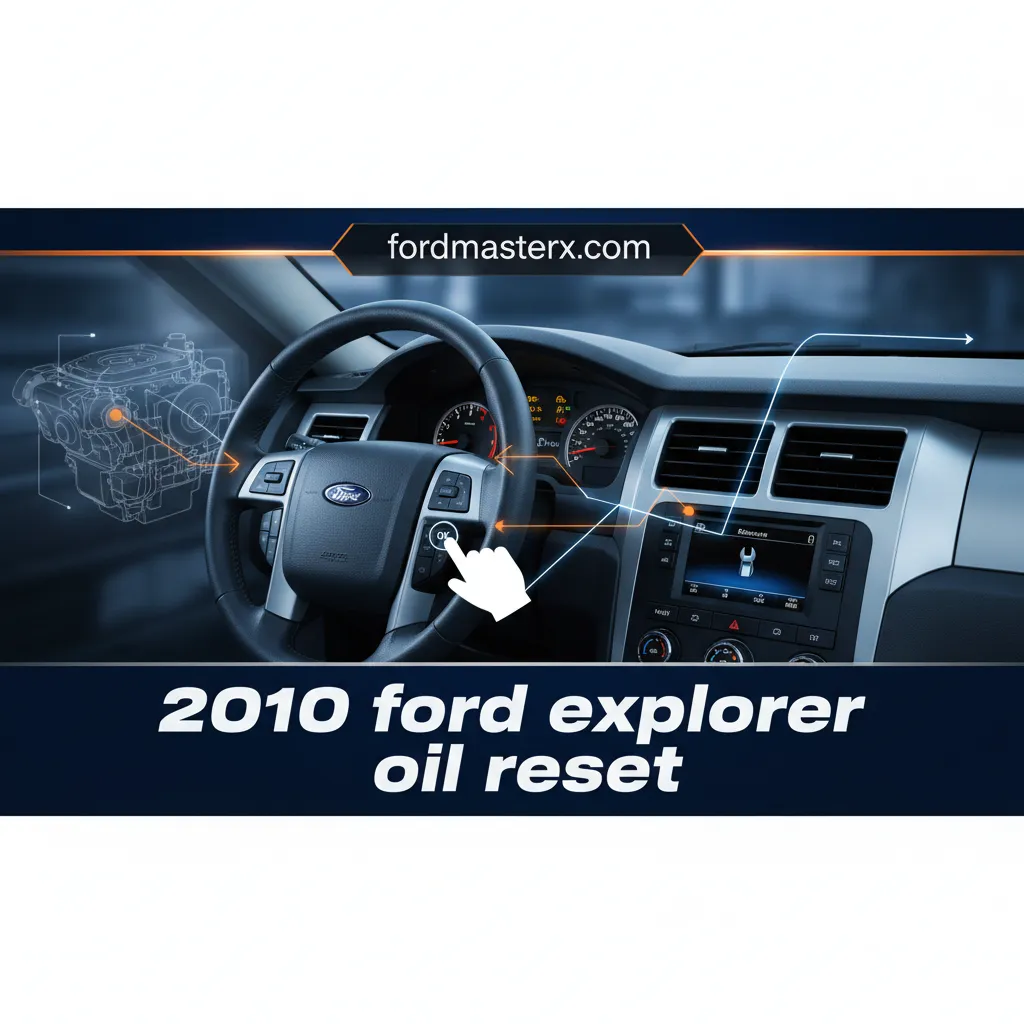
2010 Ford Explorer Oil Reset: All Models Step-By-Step Guide 2026

For owners of the robust 2010 Ford Explorer, understanding and managing routine maintenance, particularly oil changes, is paramount to preserving vehicle longevity and performance. When the ‘Change Oil Soon’ light illuminates on your dashboard, it signals the need for service, but simply changing the oil isn’t enough; the vehicle’s Intelligent Oil-Life Monitor (IOLM) system requires a specific reset procedure to accurately track your next service interval. This authoritative guide provides a detailed, step-by-step methodology for performing the 2010 Ford Explorer oil reset across all models, ensuring you can confidently restore your vehicle’s monitoring system and maintain its optimal operational status well into 2026 and beyond.

Understanding the ‘Change Oil Soon’ Light in Your 2010 Ford Explorer
Recommended Best Deal Products


The ‘Change Oil Soon’ light on your 2010 Ford Explorer’s dashboard is not merely a timer; it’s an indicator managed by the vehicle’s sophisticated Intelligent Oil-Life Monitor (IOLM) system. This system is designed to calculate oil degradation based on a complex algorithm that considers various engine operating conditions, providing a far more accurate assessment of oil life than a fixed mileage interval alone.
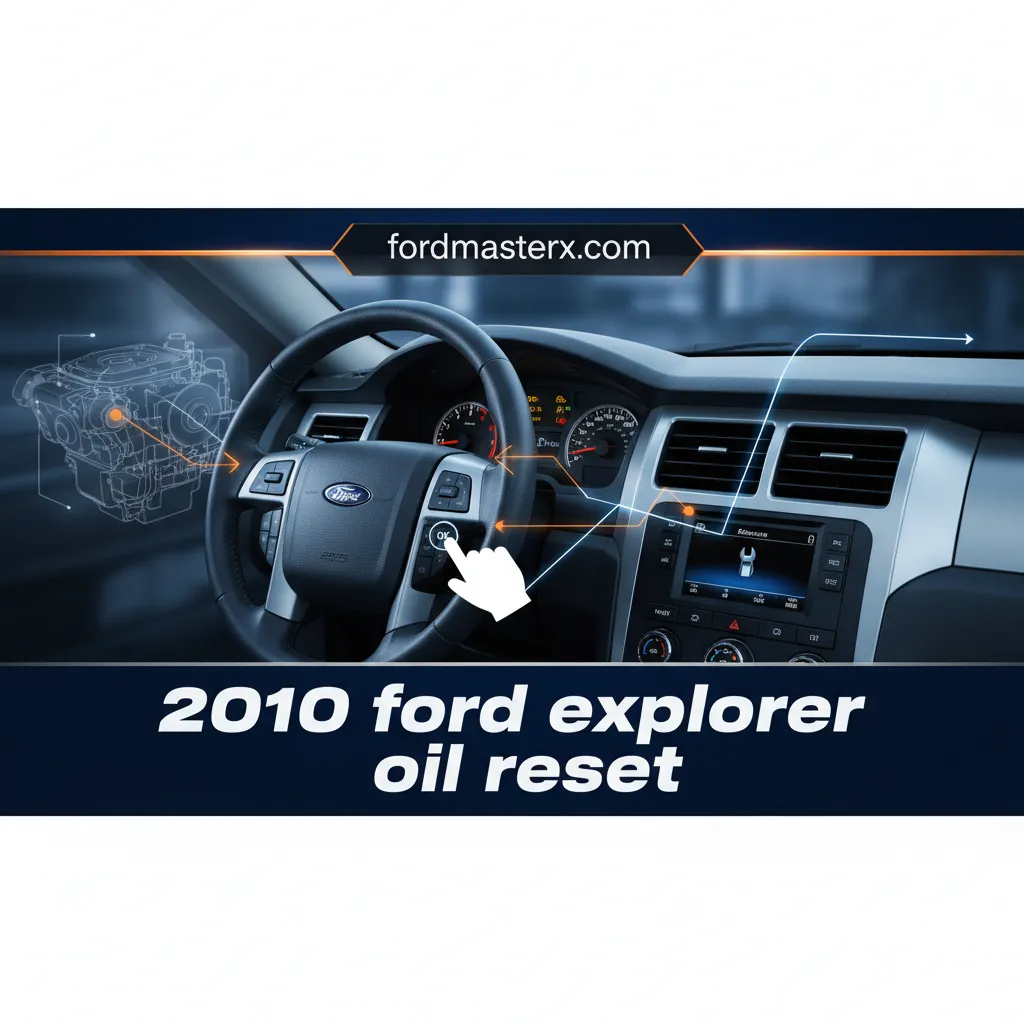
📤 Share Image
Unlike older, simpler systems, the 2010 Explorer’s IOLM dynamically adjusts its recommendation. Factors influencing the IOLM’s calculation include engine temperature, total mileage, engine load (e.g., towing or heavy acceleration), idle time, and ambient temperature. For instance, a 2010 Explorer driven primarily for short city commutes, involving frequent cold starts and stops, might trigger the ‘Change Oil Soon’ light faster than one driven mostly on long highway stretches, despite similar total mileage. This is because severe operating conditions accelerate oil degradation. This system, while intelligent, does not measure the actual oil quality directly, but rather estimates its lifespan based on these operational parameters.
It’s crucial to distinguish the ‘Change Oil Soon’ light from other critical engine warning lights. An indicator like ‘Oil Pressure Low’ demands immediate attention and could signify a serious mechanical issue requiring you to stop the vehicle safely. The oil change reminder, conversely, is a maintenance prompt, allowing for scheduled service. However, once an oil change is performed, performing a manual reset is absolutely necessary. The IOLM system does not automatically detect new oil, so failing to reset the system means it will continue to track oil life based on the old oil’s parameters, leading to inaccurate future reminders and potentially shortened intervals. This reset effectively provides a ‘fresh start’ for the monitoring cycle, initializing the system to its default setting.
By The Numbers
Miles (Typical IOLM Interval)
Miles (Severe Conditions)
Months (Typical IOLM Interval)
Research indicates that the 2010 Ford Explorer’s IOLM typically recommends oil changes between 7,500 to 10,000 miles or 6 to 12 months, though this can be reduced to as low as 3,000 miles under severe conditions (e.g., heavy towing, extreme temperatures, excessive idling). This highlights the system’s adaptive nature, emphasizing the need for a proper reset to maintain its accuracy.
.png "2010 Ford Explorer Oil Reset: All Models Step-By-Step Guide 2026 3")
How to Perform a 2010 Ford Explorer Oil Reset Step-By-Step
Resetting the oil life monitor on your 2010 Ford Explorer is a straightforward process performed via the instrument cluster. This procedure is universally applicable to all 2010 Ford Explorer trim levels equipped with the standard instrument cluster display, regardless of engine type. There are no known variations based on engine for this specific reset function.
📋
Step-by-Step Guide
Recommended Best Deal Products


Ensure your 2010 Ford Explorer is parked on a level surface, the parking brake is engaged, and the engine is off. Turn the ignition key to the ‘ON’ position without starting the engine. This specific ignition state is crucial as it powers the instrument cluster and allows access to the diagnostic menus without engine interference. Attempting to reset with the engine running is a common mistake that can prevent the procedure from completing successfully.
Locate the ‘SETUP’ button on your dashboard or steering wheel (its exact location may vary slightly but is typically near the instrument cluster). Press the ‘SETUP’ button repeatedly until the information display shows the ‘OIL LIFE XXX%’ message. This display indicates the current estimated percentage of remaining oil life. Confirm you see this specific message before proceeding; navigating to the wrong menu option will prevent the reset.

Audible — Listen Free for 30 Days
One free credit a month and thousands of titles included.
Listen Free for 30 Days As an Amazon Associate I earn from qualifying purchases.With ‘OIL LIFE XXX%’ displayed, locate the ‘RESET’ button (often found near the ‘SETUP’ button). Press and hold the ‘RESET’ button for approximately two seconds. You may observe the display flicker or change briefly. The key is a continuous, firm press for the duration. Releasing the button too quickly is a common error that will abort the reset process, requiring you to start over.
Upon successfully holding the ‘RESET’ button, the display should change to ‘OIL LIFE SET TO 100%’. This message is your definitive confirmation that the system has been successfully restored to its default setting and the oil life monitor has been initialized. Once confirmed, you can turn off the ignition. The successful reset effectively reboots the monitor, setting it for the next 7,500-10,000 mile cycle, depending on your driving conditions.
Troubleshooting: What If the Oil Change Light Persists After Reset?
Even with clear instructions, sometimes the oil change light might persist after attempting a reset. This can be frustrating, but understanding the potential causes can help resolve the issue. Often, the problem stems from common user errors during the reset procedure. These include not holding the ‘RESET’ button long enough (e.g., less than two seconds), accidentally starting the engine instead of just turning the ignition ‘ON,’ or navigating to the wrong menu option on the information display.
For example, a user attempting the reset might find the display returns to ‘OIL LIFE XXX%’ without ever showing ‘SET TO 100%’. In such a scenario, the most effective first step is to simply try the procedure again, paying meticulous attention to a firm, continuous press of the ‘RESET’ button and ensuring the ignition state is correct.
While disconnecting the vehicle’s battery might inadvertently ‘restore’ some settings by cycling power to modules, it is not a reliable or recommended method for performing an oil life reset. It can also erase other learned vehicle parameters or radio presets, requiring additional setup.
If you have successfully performed the reset, observed the ‘OIL LIFE SET TO 100%’ confirmation, yet the ‘Change Oil Soon’ light or message persists, this points to a more complex issue. This could indicate underlying sensor or system malfunctions. Potential culprits include a faulty instrument cluster, wiring issues leading to the cluster, or a deeper diagnostic problem within the vehicle’s Body Control Module (BCM) that manages these indicators. Such scenarios are less common but do occur.
In a small percentage of cases (estimated less than 1%), persistent issues with dashboard indicators not resetting can be attributed to aged instrument cluster components. If the manual reset consistently fails after multiple careful attempts, or if the light returns despite confirmed reset, professional diagnostic steps are warranted. A certified Ford service technician has specialized scan tools capable of reading specific fault codes (DTCs) from the OBD-II port. These tools can pinpoint communication errors or internal faults within the instrument panel or BCM that prevent the system from accurately recognizing the reset command or maintaining its restored state. This level of diagnosis ensures a thorough understanding and resolution of the problem, far beyond what a simple dashboard reset can address.
Maintaining Optimal Oil Health Beyond the Reset for Your 2010 Explorer
Recommended Best Deal Products


Performing the oil life reset is a critical step after every oil change, but it’s only one part of comprehensive engine maintenance. The reset simply clears the reminder; it does not magically restore oil quality. The importance of timely oil changes cannot be overstated. Adhering to the IOLM or the manufacturer’s recommended intervals is paramount for the long-term health and performance of your 2010 Ford Explorer’s engine.
Audible Premium Plus — Annual Membership
12 audiobook credits up front, plus the full Audible catalogue.
See Annual Plans As an Amazon Associate I earn from qualifying purchases.Equally vital is selecting the correct engine oil. For the 2010 Ford Explorer, Ford typically recommends a 5W-20 synthetic blend motor oil. Using this specified viscosity and type ensures optimal engine lubrication across varying temperatures, contributes to fuel efficiency, and minimizes wear. Using a generic 10W-30 oil, for instance, instead of the recommended 5W-20, can lead to suboptimal lubrication, particularly during critical cold starts, where thicker oil takes longer to circulate. Always check your owner’s manual for the precise specification, though 5W-20 is standard for many Ford models of this era.
Alongside the right oil, choosing quality oil filters plays a significant role. A high-quality oil filter is designed to efficiently trap contaminants, metal particles, and sludge, keeping the engine oil clean. The benefits of using OEM (Original Equipment Manufacturer) filters or reputable aftermarket filters over budget options are substantial. Premium filters offer superior filtration media and construction, directly contributing to maintaining engine cleanliness and longevity. This ensures the oil remains effective longer, maximizing the benefits of your ‘fresh start’ with new oil.
Reduced Engine Wear
Clean, high-quality oil reduces friction by up to 90%, preventing premature wear on critical engine components.
Improved Fuel Efficiency
Optimal lubrication ensures engine components move freely, maintaining your Explorer’s specified fuel economy.
Enhanced Engine Cooling
Engine oil absorbs about 20% of engine heat, contributing significantly to thermal management.
The consequences of neglecting oil maintenance are severe and costly. Failure to change oil regularly can lead to increased engine wear, reduced fuel economy (often by 5-10% over time), premature sludge buildup, and ultimately, catastrophic engine failure. Adhering to maintenance schedules and performing proper resets is not just about compliance; it’s about protecting your investment and ensuring reliable operation for years to come. Properly maintaining your engine oil ensures the system operates in its default, optimal state, preventing the need for costly repairs.
Frequently Asked Questions About the 2010 Ford Explorer Oil Reset
Why does the ‘Change Oil Soon’ light appear even with new oil?
The light appears because the Intelligent Oil-Life Monitor (IOLM) system does not detect the new oil physically. It simply counts down based on accumulated engine operating conditions. You must manually reset the system after an oil change to signal that fresh oil is in the engine and to begin a new monitoring cycle.
Can I reset the oil light without changing the oil?
While technically possible to perform the reset procedure without actually changing the oil, it is strongly discouraged. Resetting the light prematurely gives a false sense of security regarding your oil’s condition and can lead to severe engine damage from operating with degraded oil. The reset should only be done immediately after a full oil and filter change to ensure an accurate ‘fresh start’ for the monitoring system.
What happens if I don’t reset the oil life monitor?
If you don’t reset the oil life monitor, the ‘Change Oil Soon’ light will remain illuminated or continue to appear, nagging you to perform maintenance. More importantly, the IOLM will not accurately track the life of your new oil, potentially leading to future reminders being triggered too early or, more critically, giving you a delayed warning if a significant period passes without a new oil change, putting your engine at risk.
What kind of oil should I use for my 2010 Ford Explorer?
For the 2010 Ford Explorer, Ford generally recommends using a 5W-20 synthetic blend motor oil. Always refer to your owner’s manual for the precise oil specification and capacity for your specific engine variant. Using the correct oil type and viscosity is crucial for optimal engine performance and longevity.
How often should I change the oil in my 2010 Ford Explorer?
The 2010 Ford Explorer’s Intelligent Oil-Life Monitor (IOLM) will determine the optimal interval, typically recommending changes between 7,500 to 10,000 miles or 6 to 12 months under normal driving conditions. However, under severe conditions (heavy towing, extreme temperatures, excessive idling), the system may trigger a reminder as early as 3,000 miles. Always follow the IOLM’s indication or consult your owner’s manual for fixed intervals if you prefer.
The 2010 Ford Explorer oil reset is a simple, dashboard-based procedure essential after every oil change. Accurate execution involves specific steps: ensure ignition is ON, navigate to ‘OIL LIFE’ display, then hold ‘RESET’ until 100% is confirmed. Persistent warning lights after reset indicate potential user error or a deeper system malfunction requiring professional diagnosis. Beyond the reset, using correct oil viscosity and quality filters is crucial for engine health and extending the life of your vehicle.
By adhering to these professional guidelines, you ensure your 2010 Ford Explorer’s oil life monitor is accurately tracking service intervals. Make routine oil changes and proper resets a consistent part of your vehicle maintenance schedule to guarantee a reliable and ‘fresh start’ for your engine, avoiding preventable issues and costly repairs. If any issues persist, consult a certified Ford technician.
Frequently Asked Questions
Can I reset the oil light on my 2010 Ford Explorer without actually changing the oil?
While technically possible to reset the light without an oil change, it is strongly advised against. The reset only clears the reminder; it does not ‘clean’ or ‘restore’ your engine’s oil. Doing so jeopardizes engine health, as degraded oil loses its lubricating properties, leading to increased wear and potential engine damage. Always change the oil first.
What happens if I don’t reset the oil life monitor after an oil change?
If you don’t reset the oil life monitor on your 2010 Ford Explorer, the ‘Change Oil Soon’ light will continue to illuminate prematurely or stay on. The system won’t accurately track the life of your fresh oil, potentially causing confusion about your next service interval. It’s crucial to ‘fresh start’ the monitor to ensure accurate reminders.
What type of oil is recommended for a 2010 Ford Explorer?
For optimal performance and engine longevity in your 2010 Ford Explorer, Ford generally recommends using a 5W-20 synthetic blend motor oil. Always consult your owner’s manual for the precise specification, as using the correct viscosity and quality of oil is essential for proper lubrication and efficiency across varying operating conditions.
How often should I change the oil in my 2010 Ford Explorer?
The frequency depends on your driving conditions and the Intelligent Oil-Life Monitor (IOLM). Ford typically recommends oil changes every 7,500 to 10,000 miles or every 6 to 12 months, whichever comes first, for normal driving. However, severe conditions may necessitate changes as frequently as every 3,000 to 5,000 miles to maintain engine health.
My ‘Change Oil Soon’ light came on immediately after a professional oil change. What should I do?
If the ‘Change Oil Soon’ light appears immediately after a professional service, it’s highly probable the technician simply forgot to perform the oil life monitor reset. Contact the service center and ask them to perform the reset. Alternatively, you can follow the step-by-step instructions in this guide to perform the ‘default’ reset yourself to ‘clean’ the warning.
Other Explorer years: 2006 Ford Explorer Oil Reset · 2007 Ford Explorer Oil Reset
All Ford models: Ford Oil Life Monitor Reset Guide (All Models & Years)