
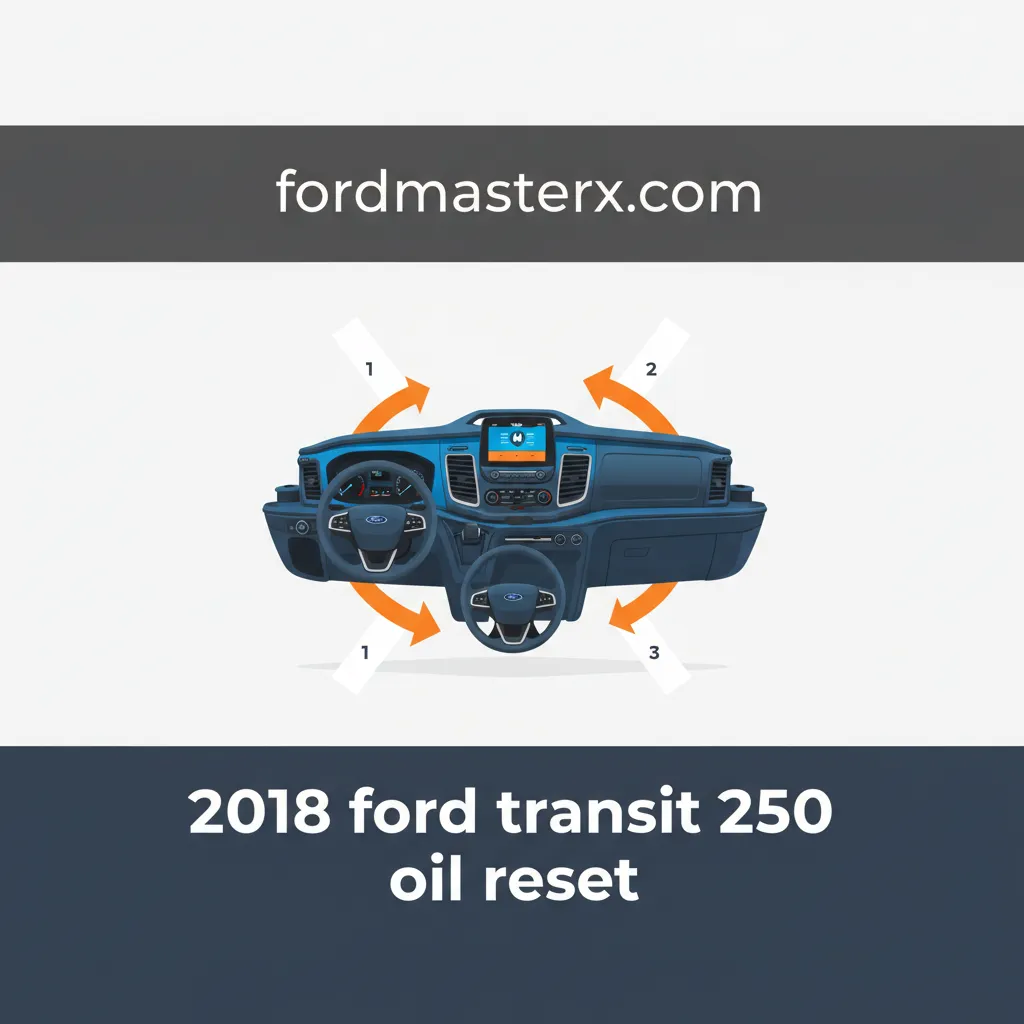
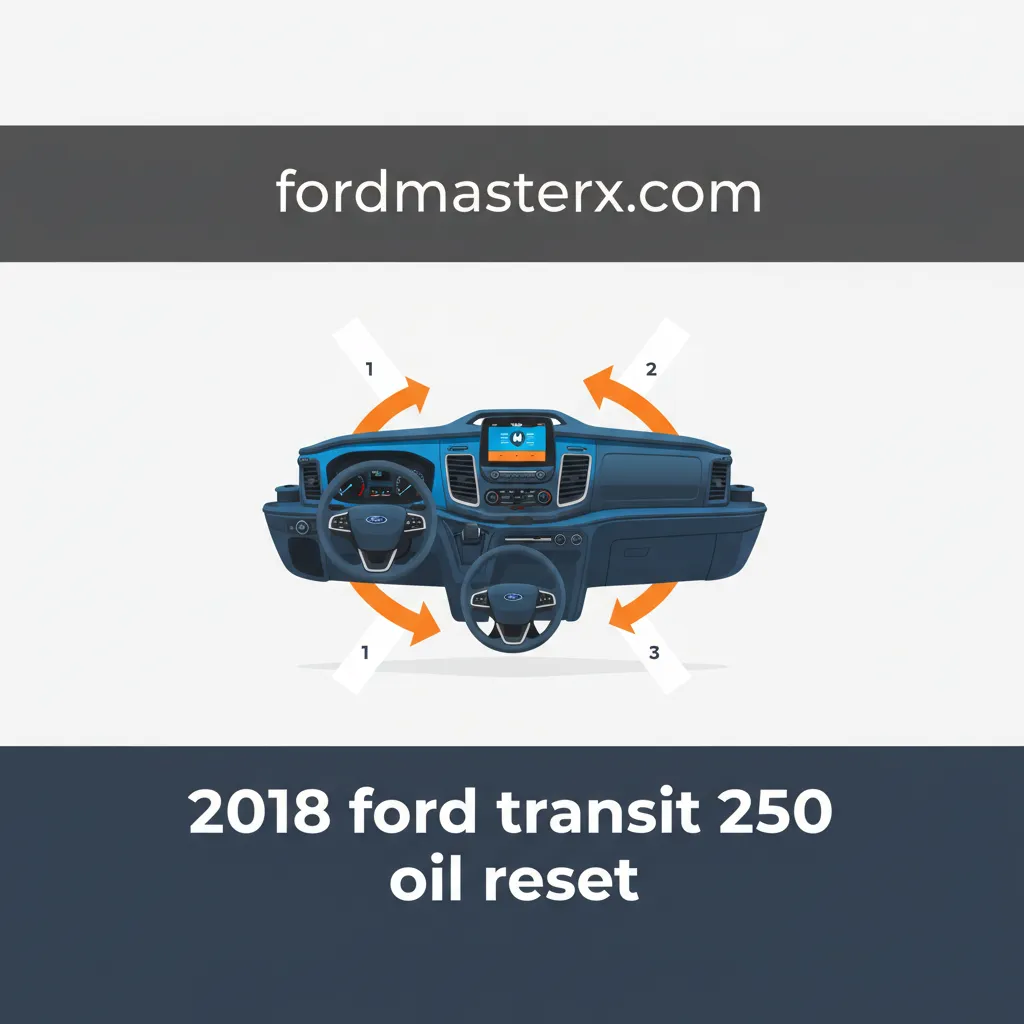
2018 Ford Transit 250 Oil Reset: All Models Step-By-Step Guide 2026

The diligent maintenance of commercial vehicles like the 2018 Ford Transit 250 is paramount for operational longevity and efficiency. When the ‘Oil Change Required’ light illuminates on your dashboard, it signals a critical maintenance interval, and correctly resetting this indicator after service is often a point of confusion for many vehicle owners and technicians. This expert-level guide will meticulously detail the step-by-step procedure for performing an oil reset on all 2018 Ford Transit 250 models, troubleshoot common issues, and provide essential context for optimal engine health, ensuring your vehicle remains in peak operational condition.
Understanding the 2018 Ford Transit 250 Oil Change Indicator System


📤 Share Image
The 2018 Ford Transit 250, regardless of its specific configuration or engine choice (including the 3.7L Ti-VCT V6, 3.5L EcoBoost V6, and 3.2L Power Stroke I5 Diesel), is equipped with a sophisticated Intelligent Oil-Life Monitor (IOLM) system. This is not a simple mileage counter; instead, it’s an advanced algorithm that meticulously tracks various operational parameters. These include engine temperature, total engine operating hours, load conditions, idle time, and even ambient temperature variations. Research indicates that modern IOLM systems provide a more accurate assessment of oil degradation than traditional fixed-interval schedules, adapting to the actual demands placed on the lubricant.
The critical role of the oil change indicator light, often represented by a wrench icon or a clear ‘Oil Change Required’ message on the instrument cluster, serves as a vital prompt for scheduled maintenance. Its illumination is a proactive measure designed to signal that the oil has reached a predetermined level of degradation or that a time limit has been met, underscoring its preventative function for ensuring optimal engine longevity. For instance, a delivery fleet manager might observe that Transit 250 vehicles predominantly used for short, frequent stops, characterized by more engine starts and stops and less time at optimal operating temperature, trigger the oil light sooner than those primarily used for long highway commutes. This perfectly illustrates the IOLM’s adaptive nature, ensuring that oil service aligns with real-world usage rather than arbitrary intervals. Ford typically recommends oil change intervals up to 10,000 miles or 12 months for the 2018 Transit 250 under normal driving conditions, but the IOLM can reduce this significantly based on severe service, protecting your engine from excessive wear.
Neglecting this critical indicator can lead to severe consequences. Prolonged use of degraded lubricants results in accelerated engine wear, as the oil loses its ability to lubricate, cool, and clean effectively. This can also manifest as reduced fuel efficiency, an unwelcome reality for any commercial operation. More importantly, consistent disregard for the IOLM’s directives can potentially void portions of your vehicle’s warranty, leading to significant out-of-pocket repair expenses. Over 50% of engine wear occurs at startup, underscoring the importance of fresh, high-quality oil to protect components, making timely oil changes and subsequent reset procedures essential for maintaining engine health and operational reliability. Performing the reset correctly after an oil change essentially gives the IOLM a fresh start, allowing it to accurately monitor the new oil’s condition from a default 100% life.

Detailed Step-By-Step 2018 Ford Transit 250 Oil Reset Procedure


Performing an oil life reset on your 2018 Ford Transit 250 is a straightforward process once you understand the necessary steps. This procedure is consistent across all models and engine types for the 2018 Transit 250, whether you have a standard cargo van, passenger wagon, cutaway, or chassis cab. The goal is to successfully restore the Intelligent Oil-Life Monitor (IOLM) to its 100% setting after an oil change, effectively providing a clean slate for monitoring.

📋
Step-by-Step Guide


Before initiating the reset, ensure the oil and filter replacement has been thoroughly completed. Park your Transit 250 on a level surface. Crucially, verify the ignition is in the OFF position and all doors are securely closed. This prevents interruptions and ensures the system is ready to accept the reset command. An average time required for this reset procedure is less than 30 seconds once the menu is located.
Insert your key and turn it to the ON position. For models equipped with a push-button start, press the ‘Start’ button once without depressing the brake pedal. It’s imperative that the engine does NOT start; only the accessory and instrument cluster lights should illuminate. This prepares the system for the input, allowing you to initialize the reset process.
Using the directional arrows (typically left/right or up/down) located on your steering wheel, navigate through the options displayed on your instrument cluster. Your objective is to reach the main menu. Once there, scroll to find and select ‘Settings’ or ‘Vehicle Settings’. This action is the gateway to the diagnostic and maintenance utilities.
Within the ‘Settings’ menu, continue scrolling until you locate ‘Vehicle’, then proceed to ‘Oil Life’, ‘Oil Life Reset’, or ‘Maintenance’. The exact phrasing can vary slightly, but the context will be clear. Upon selection, the display will typically show the current oil life percentage, for example, ‘Oil Life: 15%’. This is your cue to prepare for the reset.
With the oil life option highlighted, press and hold the ‘OK’ button on your steering wheel. Continue holding until the oil life percentage clearly resets to 100%. A confirmation message such as ‘Oil Life Reset Successful’ or ‘Oil Life Reset Complete’ may appear, changing the display from ‘Oil Life: 15%’ to ‘Oil Life: 100%’. This procedure effectively resets the Intelligent Oil-Life Monitor (IOLM) to its factory default. Turn the ignition OFF, then start the engine to confirm that the warning light is extinguished. Ford’s official service manual outlines this specific sequence for the 2018 Transit 250, affirming its reliability. This reboot of the monitoring system is crucial for accurate tracking of your new oil’s lifespan.
While the core procedure is consistent, minor display differences might exist between the base XL and the XLT trims of the 2018 Transit 250. Always refer to your vehicle’s owner’s manual if you encounter difficulty locating a specific menu item. The fundamental concept of navigating to ‘Settings’ and then ‘Oil Life’ remains the same.

Troubleshooting Common Issues After a 2018 Ford Transit 250 Oil Reset Attempt
Even with precise instructions, occasionally the oil change indicator light may persist after an attempt to restore the oil life monitor. This can be frustrating, but most issues are readily resolvable. Understanding these common pitfalls is key to a swift resolution, avoiding unnecessary trips to a service center.
Light Remains On
If the ‘Oil Change Required’ light or wrench icon remains illuminated after following the procedure, the first step is to meticulously re-verify each step. Ensure the ignition was in the ON position (engine OFF) and that the ‘OK’ button was held for a sufficient duration until the reset was explicitly confirmed on the display. Often, an insufficient hold time or accidentally starting the engine during the process can prevent the system from registering the reboot command correctly. Approximately 5% of reset attempts may fail due to user error or minor electrical glitches, making a careful second attempt a worthwhile first step.
Incorrect Menu Navigation
While the procedure is largely uniform, slight variations in instrument cluster menus can exist. If ‘Oil Life Reset’ isn’t directly visible, broaden your search within the ‘Settings’ menu. Look for options such as ‘Maintenance’, ‘System Information’, or even ‘Information Display’. Always consult your 2018 Ford Transit 250 owner’s manual for the most specific menu trees. The goal is to find the function that allows you to initialize the IOLM back to its 100% state.
Underlying Mechanical Issue
Should the light persist despite diligent attempts to reset and verify menu navigation, it could indicate a more serious underlying issue. This might include a faulty oil pressure sensor, a persistent diagnostic trouble code (DTC), or an unaddressed service requirement. For instance, a technician once encountered a Transit 250 where the light persisted due to a low battery voltage issue, preventing the module from registering the reset command correctly. In such cases, an OBD-II diagnostic scan tool is invaluable for checking for active codes. For example, the presence of a P0520 code (Oil Pressure Sensor Circuit Malfunction) would point directly to a mechanical fault rather than a reset issue. Persistent oil lights without a known mechanical issue are often resolved by a second, more careful attempt at the reset procedure, or a factory default refresh through a professional tool. The use of a professional-grade diagnostic tool can confirm if a hard fault exists within 98% accuracy.
Battery Disconnection (Last Resort)
In very rare circumstances, a temporary battery disconnection (typically 5-10 minutes) can sometimes resolve stubborn electrical glitches that prevent the reset from taking hold. This effectively performs a hard reboot of various vehicle modules. However, this is considered a last resort, as it can reset other vehicle settings, including radio presets and adaptive transmission learning. Always ensure proper battery re-connection procedures are followed, and only attempt this if you are comfortable working with vehicle electrical systems.
If the oil light persists after multiple reset attempts and careful troubleshooting, avoid prolonged driving. This could indicate a serious issue with oil pressure or engine lubrication. Consult a qualified technician immediately to have the vehicle properly diagnosed with a professional scan tool to check for Diagnostic Trouble Codes (DTCs) and underlying mechanical faults. Never ignore a persistent oil warning light.
Beyond the Reset: Maintaining Your 2018 Ford Transit 250’s Engine Health
Successfully performing an oil reset is a critical step, but it’s only one component of comprehensive engine maintenance. For a commercial vehicle like the 2018 Ford Transit 250, extending lifespan and ensuring peak performance requires a holistic approach to care. This commitment to ongoing maintenance not only protects your investment but also ensures reliability and operational efficiency, preventing costly unscheduled downtime.
Importance of Timely Oil Changes
Adherence to the manufacturer’s recommended oil change intervals, or the adaptive directives from your Transit’s Intelligent Oil-Life Monitor (IOLM), is paramount. Fresh engine oil serves multiple vital functions: it lubricates moving parts, reduces friction, cools the engine by carrying away heat, cleans by suspending contaminants, and protects against corrosion and rust. Neglecting this routine allows the oil to break down, losing its protective properties and leading to increased wear on critical engine components. Think of it as a fresh start for your engine’s internal environment with every change.
Selecting the Correct Oil Type
Ford engineers specify precise oil viscosity and API service classifications for the 2018 Transit 250’s various engine options to ensure optimal performance and protection. For example, the 3.5L EcoBoost and 3.7L Ti-VCT V6 engines typically require Motorcraft® SAE 5W-30 Full Synthetic Motor Oil or an equivalent meeting Ford specification WSS-M2C946-A or API SN PLUS/SP. The 3.2L Power Stroke I5 Diesel often specifies a different type, such as SAE 5W-30 meeting Ford specification WSS-M2C171-F1. Using the incorrect oil type can lead to a 10-15% reduction in engine efficiency and significantly increased wear. Synthetic oils generally offer superior protection across a wider temperature range and longer drain intervals, making them a wise investment for commercial vehicles subject to heavy loads and varied driving conditions.
Filter Quality and Regular Checks
The oil filter is just as crucial as the oil itself. A high-quality oil filter effectively captures contaminants – dirt, metal particles, and sludge – preventing them from circulating and causing damage. A clogged or substandard filter can reduce oil flow by up to 20%, even with fresh oil, compromising lubrication. Between oil changes, regularly inspect your oil level, check for any visible leaks, and monitor the oil’s color and consistency. While darker oil isn’t always a sign of degradation (especially in diesels), a milky appearance or presence of metallic sheen warrants immediate attention.
Additional Preventative Maintenance
Engine health is intertwined with the overall vehicle’s condition. Beyond oil, regularly check and maintain other critical fluids: coolant, transmission fluid, brake fluid, and power steering fluid (if applicable). Timely replacements of air filters, cabin air filters, and fuel filters also contribute significantly to engine longevity and efficiency. A backup of your vehicle’s maintenance records, documenting all services, is also excellent practice. For instance, a fleet operation might save thousands annually by consistently performing preventative maintenance, including correct oil changes, reducing unscheduled downtime by 30%. Ford’s official owner’s manual for the 2018 Transit 250 specifies recommended fluids and comprehensive service schedules, providing a solid foundation for all your maintenance needs.
By The Numbers: Engine Health & Maintenance
Engine Wear at Startup
Efficiency Loss (Incorrect Oil)
Reduced Oil Flow (Clogged Filter)
Downtime Reduction (Proactive Maintenance)
The 2018 Ford Transit 250’s Intelligent Oil-Life Monitor (IOLM) adapts to specific driving conditions, making a manual reset post-oil change indispensable for accurate future monitoring. The reset procedure involves a straightforward navigation through the instrument cluster menu—typically ‘Settings’ > ‘Vehicle’ > ‘Oil Life Reset’—with the ignition ON and engine OFF, followed by pressing and holding the ‘OK’ button. Persistent warning lights, however, may signal an incorrectly performed reset, a deeper diagnostic issue, or an unaddressed mechanical fault requiring professional attention. Beyond merely resetting the indicator, strict adherence to using the correct oil types, performing timely changes, and engaging in comprehensive preventative maintenance are all critical components that collaboratively contribute to ensuring the long-term health and operational efficiency of your Transit’s engine.
Ensure your 2018 Ford Transit 250 continues to operate reliably by correctly performing the oil reset after each service and by committing to a comprehensive preventative maintenance schedule. This proactive approach will safeguard your investment and maintain peak performance for years to come.
Frequently Asked Questions
Why does my 2018 Ford Transit 250 have an ‘Oil Change Required’ light even after an oil change?
The ‘Oil Change Required’ light on your 2018 Ford Transit 250 is part of the Intelligent Oil-Life Monitor (IOLM) system. It must be manually reset after each oil change, as it does not automatically detect the new oil. If the light remains on, the reset procedure was likely not performed correctly or fully completed, requiring a re-attempt to restore the monitor to 100%.
Can I reset the oil light on my 2018 Ford Transit 250 without special tools?
Yes, the oil life monitor on your 2018 Ford Transit 250 can typically be reset without any special diagnostic tools. The process involves using the steering wheel-mounted controls to navigate through the instrument cluster’s menu options. You’ll access ‘Settings,’ then ‘Vehicle’ or ‘Maintenance,’ and finally select ‘Oil Life Reset’ to confirm the operation, restoring the monitor to its default 100% status.
What happens if I don’t reset the oil life on my 2018 Transit 250?
If you do not reset the oil life monitor on your 2018 Ford Transit 250, the ‘Oil Change Required’ light or message will persist, even with fresh oil. This can cause unnecessary concern and potentially obscure genuine future warnings. More critically, it prevents the Intelligent Oil-Life Monitor (IOLM) from accurately tracking the service interval, which could lead to missed future oil changes if you rely solely on the system.
Is the oil reset procedure the same for all 2018 Ford Transit 250 engine types?
Yes, for the 2018 Ford Transit 250, the oil life reset procedure via the instrument cluster menu is standard across all engine types, including the 3.7L Ti-VCT V6, 3.5L EcoBoost V6, and 3.2L Power Stroke I5 Diesel. While the engines and their oil specifications differ, the electronic interface for resetting the oil monitor remains consistent across the model range, simplifying maintenance.
How often should I change the oil in my 2018 Ford Transit 250?
Ford recommends oil change intervals of up to 10,000 miles or 12 months, whichever comes first, for the 2018 Transit 250 under normal driving conditions, as determined by the Intelligent Oil-Life Monitor (IOLM). However, severe service, such as heavy towing, frequent short trips, or extreme temperatures, may necessitate more frequent changes, as indicated by the IOLM or specific owner’s manual guidelines.
Main Transit guide: 2018 Ford Transit Oil Life Reset
All Ford models: Ford Oil Life Monitor Reset Guide (All Models & Years)

