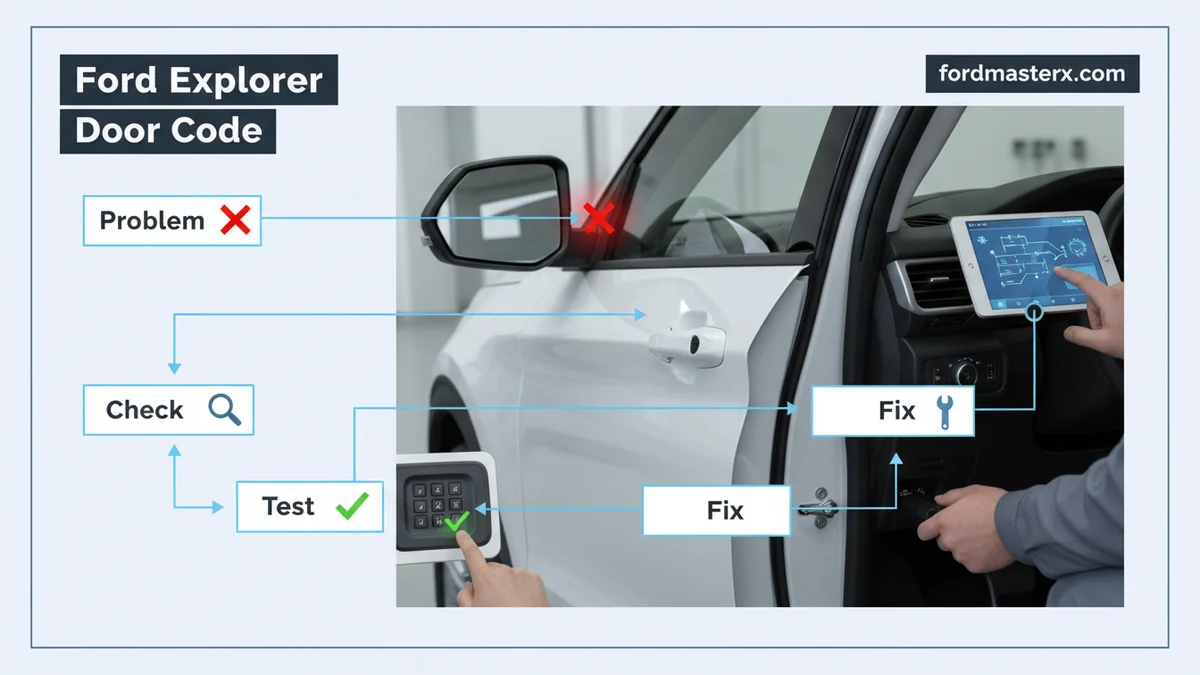
Ford Explorer Door Code Expert Step-by-Step Guide 2026

Finding your Ford Explorer door code involves locating the factory 5-digit code, typically on a sticker in the driver’s door jamb, or programming your own custom sequence. You can then use this code to securely lock and unlock your vehicle without a key.
The Ford Explorer door code offers a convenient keyless entry solution for owners seeking enhanced accessibility and security. Understanding how this system works allows you to unlock your vehicle without traditional keys, enhancing convenience and providing a backup in emergencies. Our guide aims to demystify the process of finding your factory code, programming a personal one, and troubleshooting common issues.
By the end, you will confidently manage your Ford Explorer’s entry system for years to come.
Key Takeaways


- Factory code often on door jamb sticker.
- Program a personal 5-digit code easily.
- Unlock/lock doors with correct sequence.
- Troubleshoot common keypad issues effectively.
- Model year impacts code location slightly.
How to Locate Your Ford Explorer’s Original Factory Door Code

To locate your Ford Explorer’s original factory door code, begin by checking the most common and accessible locations for this crucial 5-digit sequence. This original code is essential for programming any personal entry codes. It often serves as the master key for your vehicle’s keyless entry system.

Check Door Jamb Label
Most Ford Explorer models feature a sticker containing the factory door code on the driver’s side door jamb. Open the driver’s door completely. Look for a white or yellow sticker near the latch mechanism, sometimes located on the B-pillar. This sticker will clearly display a five-digit number, which is your permanent factory code.
Review Owner Manual
Your vehicle’s owner’s manual is another reliable source for the factory door code. Many manuals include a dedicated page or a card inserted within the manual itself that lists this important number. Consult the index under “Keyless Entry Keypad” or “Door Code.” This method is especially helpful if the door jamb sticker is damaged or missing.
Access Smart Junction Box
For some Ford Explorer models, particularly those produced between 2011 and 2019, the factory door code is also physically printed on the Smart Junction Box (SJB) or Body Control Module (BCM). This module is typically located behind the glove compartment. You may need to remove a few screws and lower the glove box to access it.
The code will be a five-digit number printed directly on the module. Once you have successfully identified your factory code, the next step involves personalizing your vehicle’s security by programming a custom sequence.
How to Program a New Personal Ford Explorer Door Code
Programming a new personal Ford Explorer door code allows you to create a memorable and secure entry sequence unique to you. This custom code provides an additional layer of convenience, as you can easily recall it. It also means you do not have to rely solely on the factory code for everyday use.
Enter Factory Number
Begin by entering the 5-digit factory code you just located. Type this code slowly and deliberately on the door keypad. Ensure each button press registers correctly. The doors should lock and then unlock, indicating successful entry of the factory code.
Set Custom Digits
Within five seconds of entering the factory code, press the “1/2” button on the keypad. Immediately after, enter your desired new 5-digit personal code. Choose a code that is easy for you to remember but difficult for others to guess. Avoid simple sequences like 12345 or your birth year.
Confirm New Code
After entering your new personal code, the doors will again lock and then unlock. This action confirms that your new code has been successfully programmed into the system. Test your new code immediately to ensure it works as expected. With your personalized code now active, understanding the full range of functions your keypad offers is essential for daily use.
How to Effectively Use Your Ford Explorer Door Keypad
To effectively use your Ford Explorer door keypad, simply follow the correct sequence for unlocking, locking, and accessing your vehicle’s various compartments. This system is designed for intuitive operation, providing quick and convenient access.
Unlock Door Sequence
To unlock the driver’s door, enter your 5-digit factory or personal code. The driver’s door will unlock automatically. If you wish to unlock all doors and the liftgate, enter your 5-digit code and then press the “3/4” button within five seconds. This sequence ensures all entry points are accessible for passengers or cargo loading.
Lock All Doors
Locking your Ford Explorer using the keypad is even simpler. You do not need to enter any code for this function. Simply press the “7/8” and “9/0” buttons simultaneously. This action will immediately lock all doors and the liftgate. It provides a quick and secure way to exit your vehicle without using a key fob.
Open Trunk Separately
Some Ford Explorer models allow you to open the liftgate independently using the keypad. To do this, enter your 5-digit factory or personal code. Within five seconds, press and hold the “5/6” button. The liftgate will unlatch or open, depending on your vehicle’s features. This is useful for loading groceries or gear without fully unlocking the passenger compartment.
While typically reliable, keypads can encounter issues, making it important to know how to troubleshoot common problems.
What to Do When Your Explorer Door Keypad Stops Working
If your Explorer door keypad stops working, several common troubleshooting steps can help resolve the issue before needing professional assistance. Many problems have straightforward solutions that you can address yourself.
Check Power Source
First, ensure your vehicle’s battery is not dead or low. A weak battery can cause intermittent or complete keypad failure. Check the related fuse in your fuse box, which could be labeled “Keyless Entry” or “Body Control Module.” A blown fuse will cut power to the keypad, rendering it inoperable.
Reprogram Code
If the keypad lights up but your codes are not working, try reprogramming your personal code. Use your factory code to reset it, following the steps outlined earlier in this guide. Sometimes, a software glitch or interference can cause codes to become unresponsive, and reprogramming can resolve this.
Seek Professional Help
If basic troubleshooting does not work, the keypad itself might be faulty, or there could be an issue with the wiring harness connecting it to the vehicle’s system. In such cases, it is best to consult a Ford dealership or a certified automotive technician. They have specialized diagnostic tools to pinpoint the exact problem and can perform necessary repairs or replacements.
Beyond troubleshooting, adopting best practices ensures the longevity and security of your keypad system.
5 Essential Tips for Managing Your Explorer’s Door Code
Adopting these 5 essential tips for managing your Explorer’s door code will help ensure its consistent security and convenience. Proactive measures can prevent future issues and maintain ease of access.
Note Model Differences
Be aware that Ford Explorer models can have slight variations in keypad operation and code location depending on the year of manufacture. Always refer to your specific model year’s owner’s manual for the most accurate instructions. Our 2026 guide covers the most common procedures across generations.
Keep Code Safe
Never share your factory or personal door codes with unauthorized individuals. Treat these codes with the same level of security as your physical keys. Avoid writing them down in easily accessible places, like your wallet or glove compartment.
Avoid Simple Sequences
When programming a personal code, choose a sequence that is not easily guessable. Avoid birth dates, repeating numbers, or sequential numbers. A unique, random combination of five digits offers better security. This helps protect your vehicle from potential theft.
Change Code Periodically
Consider changing your personal door code every few years or if you suspect it may have been compromised. This simple security practice can deter unauthorized access. Regularly changing your code enhances your vehicle’s overall security posture.
Document Your Code
After finding or programming your code, write it down and store it in a secure, memorable location away from your vehicle. This could be a password manager or a secure home file. Having a backup prevents frustration if you forget the code. You can also refer to our helpful Ford Explorer maintenance tips to keep your vehicle in top condition.
Frequently Asked Questions
Where Is the Factory Door Code Located on a Ford Explorer?
The factory 5-digit door code for a Ford Explorer is typically found on a sticker in the driver’s door jamb, often near the latch. It can also be in your owner’s manual or, for newer models, physically printed on the Smart Junction Box/BCM module behind the glove compartment.
How Do I Program a New Personal Code for My Ford Explorer?
To program a new personal code, first enter your factory 5-digit code. Within five seconds, press 1-2 on the keypad. Then, enter your new 5-digit personal code. The doors will lock and unlock, confirming the new code is set. Test it immediately.
What If I Lost My Ford Explorer Door Code or Owner’s Manual?
If you lost your code or manual, check the driver’s door jamb sticker carefully. For many models, the code is also on the Smart Junction Box (BCM). If all else fails, a Ford dealership can retrieve it using your vehicle’s VIN, though a service fee may apply.
How Do I Lock My Ford Explorer Using the Keypad?
To lock your Ford Explorer using the keypad, simply press the 7-8 and 9-0 buttons simultaneously. You do not need to enter any code for this function. This action will immediately lock all doors and the liftgate of your vehicle.
Why Is My Ford Explorer Door Keypad Not Working?
If your Ford Explorer door keypad isn’t working, check for common issues like a dead car battery, a blown fuse, or a disconnected wiring harness to the keypad. Try reprogramming your personal code to ensure it’s correctly stored. In some cases, the keypad itself might be faulty and require replacement.
Conclusion
Mastering your Ford Explorer door code system is straightforward and significantly enhances your daily convenience and vehicle security. Finding your factory code, programming a personal sequence, and understanding how to use the keypad are all simple processes. With our guidance, you can confidently troubleshoot common issues and maintain optimal functionality.
The keyless entry system is a valuable feature for any Explorer owner. Use this guide to master your Ford Explorer’s keyless entry system today and enjoy seamless access to your vehicle.