
2017 Ford Focus Oil Reset: Manual Versus OBD-II Scanner Methods

To reset the oil life system on your 2017 Ford Focus, navigate to the Settings menu on your steering wheel display, select Vehicle, and choose Oil Life Reset. Hold the “OK” button until the system displays 100%.
This guide details the specific menu paths for varying trim levels, compares manual reset procedures with OBD-II diagnostic tool methods, and explains how to avoid common errors during the maintenance reset process.


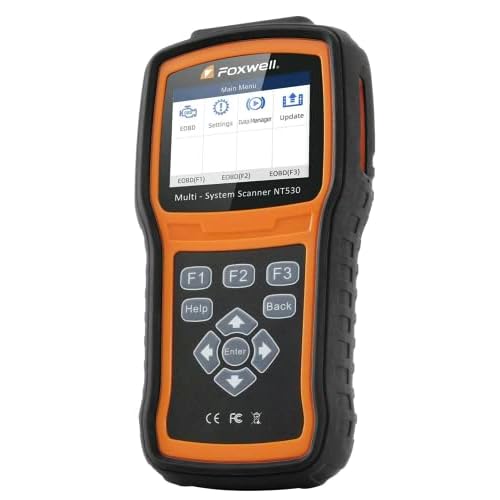
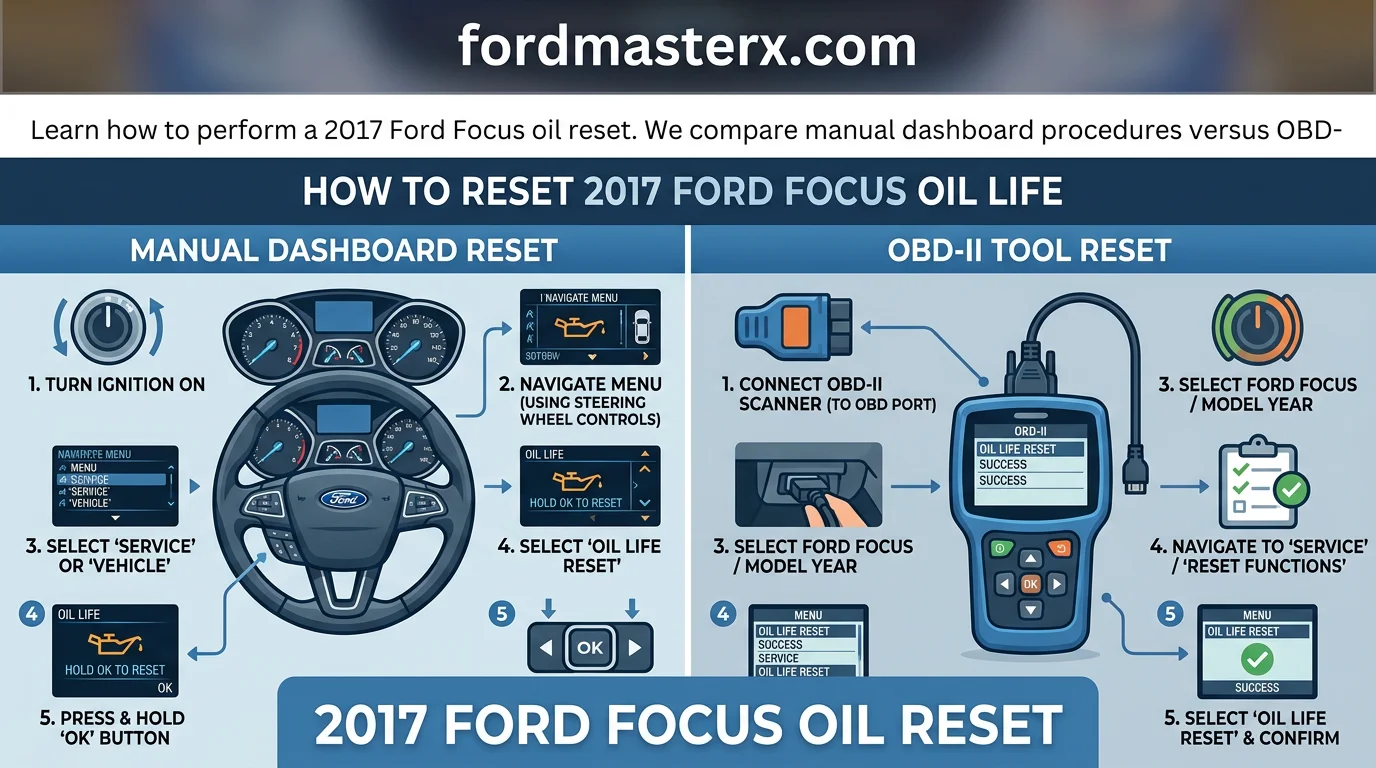
2017 Ford Focus Oil Reset: Quick Reference Procedures


How to Read This Chart
This reference chart outlines the specific manual sequence required to reset the Oil Life Monitoring System (OLMS) on a 2017 Ford Focus. The “Action” column defines the physical input required from the driver, while the “System Response” column details the messages displayed on the instrument cluster to confirm progress.
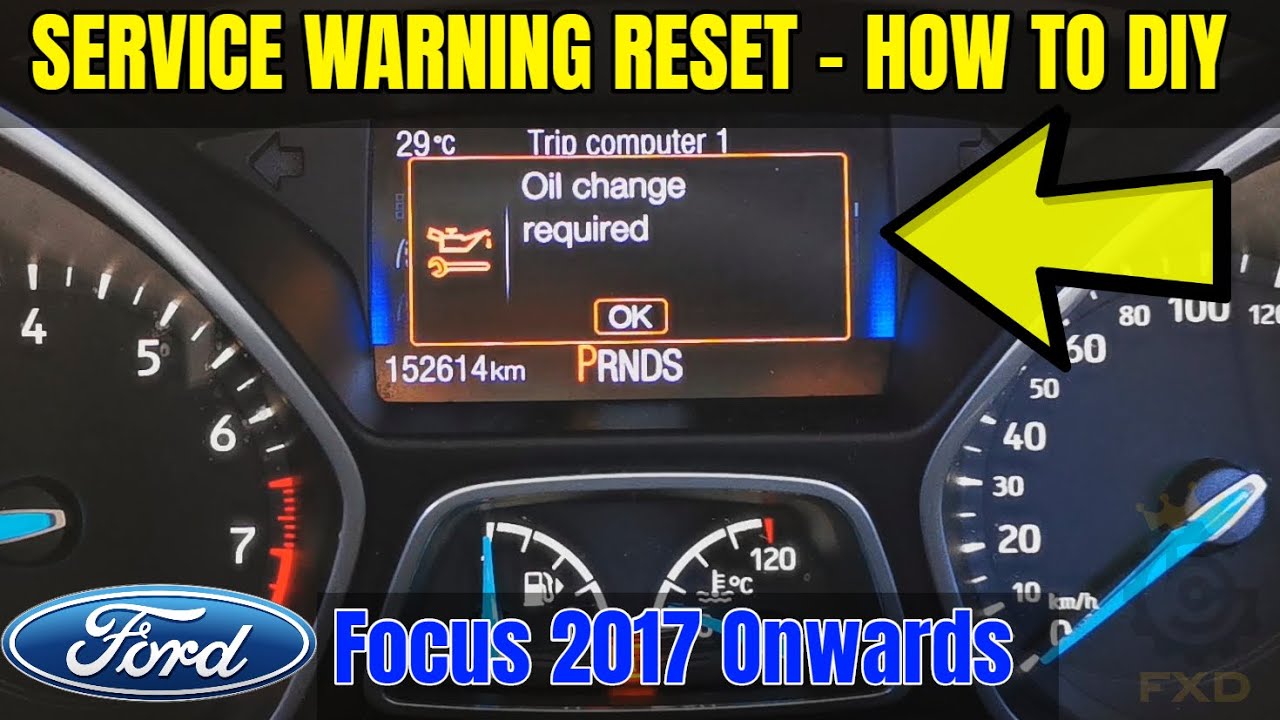
The time duration listed in Step 4 is the industry-standard interval for this procedure. It is essential that the ignition remains in the “On” position—where the dashboard lights are active but the engine is not running—throughout the entire duration. If the engine is started accidentally, the reset sequence will not initialize, and you must return to the beginning of the sequence.

Please note that this reset procedure is strictly a software function designed to clear the maintenance notification. Performing these steps does not replace the physical requirement of draining old oil and replacing the oil filter. Ensure all maintenance is completed according to your service interval before resetting the system to ensure accurate monitoring for the next cycle.
The sequence provided applies to the standard 2017 Ford Focus instrument cluster configuration. If your dashboard does not display the expected confirmation text, verify your ignition status or consult the owner’s manual for trim-specific display variances.
Understanding the Ford Oil Life Monitoring System (OLMS)


| Variable | Impact on Oil Life |
|---|---|
| Engine Revolutions | High RPM increases thermal degradation. |
| Operating Temperature | Cold starts lead to fuel dilution of oil. |
| Idle Duration | Low load, long idle prevents oil warming. |
How to Read This Chart


This table outlines the primary data points tracked by your 2017 Ford Focus Engine Control Module (ECM). The “Variable” column identifies the technical inputs the system monitors in real-time, while “Impact on Oil Life” explains how these inputs accelerate or slow the degradation of engine oil quality.


These metrics apply specifically to the 2017 Ford Focus 2.0L and 1.0L EcoBoost engines. The system uses these inputs to calculate an estimated percentage of remaining oil life, moving beyond simple distance-based maintenance.
Unlike older vehicles using a hard 3,000-mile rule, the 2017 Ford Focus OLMS is reactive. It detects exactly how hard your engine is working, ensuring oil changes match your specific usage habits rather than an arbitrary calendar date.
How Driving Conditions Affect Your Oil Life Algorithm


The Ford Oil Life Monitoring System is not a timer; it is a sophisticated algorithm integrated into the Engine Control Module (ECM). By continuously processing data from engine sensors, the system determines the precise moment the oil’s chemical additives have reached their performance limit.
Short-trip city driving places the highest stress on engine oil. Frequent cold starts prevent the oil from reaching the ideal operating temperature needed to evaporate moisture and unburnt fuel. Consequently, the ECM reduces the oil life percentage faster during these conditions.


Conversely, steady highway cruising allows the engine to maintain optimal thermal stability. During these long, consistent trips, the oil maintains its viscosity and chemical integrity for longer durations. The algorithm recognizes this efficient operating state, causing the oil life percentage to decline at a much slower rate.
Relying on this algorithm provides a more accurate maintenance schedule than the traditional 3,000-mile rule. By factoring in exact engine revolutions and temperature cycles, the system protects your specific 2017 Ford Focus engine against wear-inducing oil breakdown based on your unique driving environment.
2017 Ford Focus Trim Levels and Menu Navigation Differences


| Trim Level / Configuration | Primary Interface | Control Method |
|---|---|---|
| Base (S, SE, SEL) | Standard LCD Message Center | Steering Wheel D-Pad (OK Button) |
| Performance (ST, RS) | Performance Gauge Cluster | Steering Wheel D-Pad (OK Button) |
| SYNC 3 Equipped Models | Infotainment Center / Cluster | Steering Wheel D-Pad / Touchscreen |
How to Read This Chart
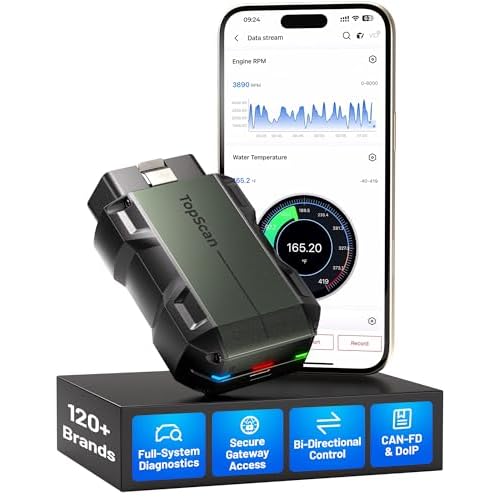
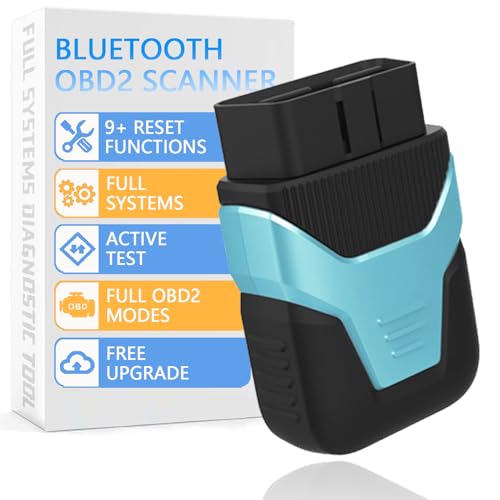

The table above outlines how your 2017 Ford Focus hardware influences the oil reset procedure. The “Trim Level” column identifies the specific model variant, as internal software mapping differs between standard models and high-performance editions.


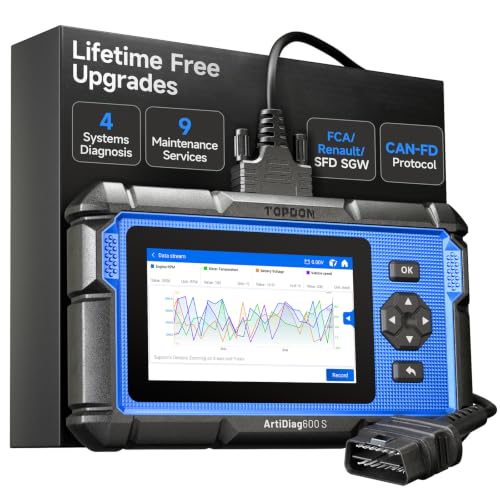
The “Primary Interface” column identifies where the diagnostic system resides. While most resets occur within the digital gauge cluster, SYNC 3 versions may integrate status updates differently depending on the installed firmware version.
The “Control Method” confirms the physical interaction required for all 2017 models. Regardless of the trim, the steering wheel directional pad and the “OK” button serve as the universal interface for navigating the vehicle’s maintenance settings.
Accessing Maintenance Settings via Steering Wheel Controls
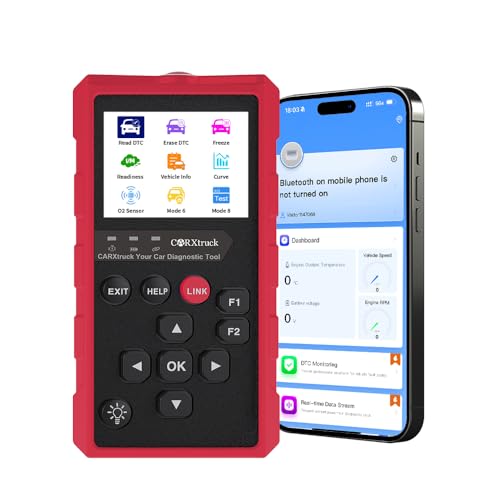


Navigating the settings menu on a 2017 Ford Focus requires using the directional keypad located on the left side of the steering wheel. These controls allow you to scroll through the digital message center found between your speedometer and tachometer.
To begin, ensure your ignition is in “Accessory” mode without starting the engine. Use the “Left” arrow button to back out of any current warnings or active screens until you reach the main menu display.
Once at the main menu, use the “Down” arrow to highlight “Settings” and press “OK.” From here, navigate to “Vehicle,” then “Oil Life Reset.” Keep in mind that the exact hierarchy of these menus may shift slightly based on the specific software version loaded in your dashboard cluster.
Performance models such as the ST and RS utilize a slightly different cluster layout to highlight boost and oil temperature gauges. However, the logic for the maintenance reset remains identical to base trims. You will still use the directional pad to confirm the reset when prompted by the screen.
After holding the “OK” button to initiate the reset, the screen will display a confirmation message. Note that the text displayed upon completion varies by software version. Some versions may display “Oil Life Set to 100%,” while others might simply show “Oil Life Reset Complete.”
If you encounter a menu that does not match these steps, ensure your vehicle is in the correct ignition state. Variations in dashboard software versions can occasionally hide the “Vehicle” menu if the car is currently in “Run” mode. Always return to the “Settings” menu root if you become lost during navigation.
Common Pitfalls During 2017 Ford Focus Oil Reset Attempts
| Pitfall Category | Primary Cause | Resulting System Response |
|---|---|---|
| Engine Status | Engine started during process | Reset logic aborted by PCM |
| Pedal Input | Rushing the accelerator | Input signal ignored/ignored |
| Diagnostic Conflict | Confusing DTC with OIL light | Reset attempt yields no change |
How to Read This Chart
The table above categorizes the most frequent errors reported by 2017 Ford Focus owners during the Oil Life Monitoring System (OLMS) reset procedure. The “Pitfall Category” defines the mechanical or human input variable, while “Primary Cause” describes the specific error action taken by the operator.
The “Resulting System Response” column details why the dashboard fails to acknowledge the request. These findings apply universally to all 2017 Ford Focus trim levels, including the S, SE, SEL, Titanium, and RS/ST variants, as they all utilize the same electronic communication protocol for the maintenance reminder system.
The most frequent error occurs when the operator starts the engine instead of simply turning the ignition to the “ON” (accessory) position. If the engine is running, the Power Control Module (PCM) prioritizes fuel injection and ignition timing data over maintenance menu requests, effectively locking out the reset command.
Furthermore, rushing the pedal sequence is a guaranteed way to trigger a reset failure. The Ford OLMS requires a steady, deliberate input. Rapidly pumping the gas pedal does not allow the computer enough time to register the specific diagnostic trigger sequence, causing the system to ignore your inputs as accidental throttle noise.
You must ensure the pedal is held firmly for the duration required by the system. Many users find success by consciously waiting 3 full seconds after the pedals are fully depressed; this window allows the “Reset in Progress” message to populate on the instrument cluster display, signaling that the system is ready to process the command.
Troubleshooting an Oil Light That Won’t Go Out
If you have successfully completed the pedal sequence but the light remains, distinguish between a routine maintenance reminder and a diagnostic trouble code (DTC). A maintenance light is strictly mileage or time-based; a Check Engine light is triggered by an active malfunction in the vehicle’s emission or powertrain systems.
The Oil Life Monitoring System cannot clear a Check Engine light. If you are seeing a wrench or engine icon that remains illuminated despite a successful reset of the oil life percentage, the vehicle is alerting you to a hard fault. In this instance, a standard OBD-II scanner is required to retrieve the specific fault code.
Finally, confirm that your instrument cluster is not displaying other priority warnings, such as “Door Ajar” or “Tire Pressure Low.” These system messages sometimes overlay the status bar and prevent the maintenance confirmation screen from appearing, leading many users to believe the reset was unsuccessful when it was actually hidden.
Professional Maintenance Tips for Ford Focus Owners
Performing an oil reset is a critical administrative step in your vehicle’s maintenance schedule. However, it must always be treated as a secondary action to the physical oil change. Resetting the software without replacing the old oil will lead to inaccurate engine health tracking and can cause severe long-term mechanical damage to your 2017 Ford Focus.
The Oil Life Monitoring System (OLMS) is a software-based calculation, not a direct sensor of oil condition. If you reset the monitor without draining the contaminated oil and replacing the filter, the engine will continue to run on degraded lubricant. The computer will incorrectly assume you have a fresh supply, potentially delaying necessary maintenance until engine wear has already occurred.
When performing the oil change, prioritizing a high-quality oil filter is just as important as the oil itself. A premium filter ensures that the system maintains optimal pressure and flow rates throughout the entire service interval. Cheap or ill-fitting filters can bypass the filtration element or fail prematurely, which renders the OLMS countdown irrelevant because the lubrication itself is failing.
Verifying Your Oil Life Percentage After Service
Many owners mistakenly assume that seeing a ‘Reset Complete’ message on the instrument cluster is the final step. To ensure the system has correctly updated, you must navigate back into the information menu manually. Verify that the Oil Life percentage indicator has reset to 100 percent before driving the vehicle.
To perform this verification, use the steering wheel mounted controls to access the ‘Settings’ menu on your dashboard display. Select ‘Vehicle’ and then choose ‘Oil Life.’ If the display shows any number less than 100 percent, the reset was not successful, and you must repeat the procedure. Relying on an incorrect percentage leads to unnecessary early oil changes or, more dangerously, delayed maintenance.
Table: Post-Service Verification Checklist
| Action | Expected Feedback | Criticality |
|---|---|---|
| Execute Reset | ‘Reset Complete’ Message | High |
| Navigate to Settings | Display shows ‘Oil Life’ | Medium |
| Confirm Percentage | 100% Value | High |
How to Read This Chart
This table outlines the necessary steps to validate that your 2017 Ford Focus OLMS has been properly updated. The ‘Action’ column identifies the physical or digital task performed. The ‘Expected Feedback’ column lists the specific response your dashboard should provide upon successful completion.
The ‘Criticality’ column highlights the importance of each step. A reset procedure is essentially void if the final ‘100%’ value is not confirmed in the menu. This guide applies specifically to the 2017 model year, regardless of engine displacement or trim level, as the dashboard menu structure remains consistent across the platform.
Manual Reset vs. OBD-II Scanner Methods
How to Read This Chart
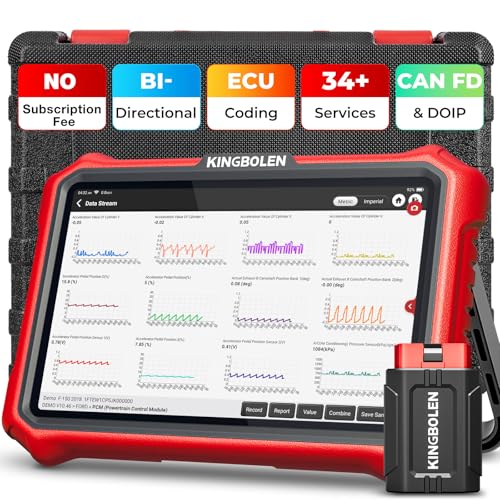
This table compares the two primary ways to reset the Oil Life Monitoring System (OLMS) on a 2017 Ford Focus. The “Manual Pedal Method” refers to the built-in factory procedure requiring only the use of the brake and accelerator pedals, while the “OBD-II Scanner Tool” refers to an external diagnostic device connected to the vehicle’s diagnostic port.
The “Estimated Cost” row highlights that the manual method incurs no expense, whereas scanners require an initial financial investment. The “Primary Use Case” indicates that manual resetting is intended for standard oil service updates. In contrast, scanners are diagnostic instruments used when standard reset attempts fail to clear the message, which often points to deeper issues like faulty sensors or persistent electronic communication errors within the vehicle’s computer modules.
For the majority of 2017 Ford Focus owners, the manual pedal method is the preferred and intended path. It is designed to be accessible, requiring no specialized technical knowledge or external hardware. By simply cycling the ignition and following the specific pedal sequence, the system recalibrates the oil life percentage to 100%.
A professional OBD-II scanner is rarely necessary for a simple oil light reset. These tools are typically reserved for professional mechanics or enthusiasts performing in-depth vehicle diagnostics. If you attempt the manual sequence multiple times without the “Service: Oil reset complete” confirmation, it may indicate a mechanical or electrical fault rather than a simple need for a reset.
In cases where the dashboard light refuses to reset after a successful oil change, an OBD-II scanner can bypass the standard software protocol. By interfacing directly with the Powertrain Control Module (PCM), the scanner can force the reset. This is useful if a faulty sensor is preventing the vehicle from acknowledging the manual pedal input, serving as a secondary troubleshooting layer.
Ultimately, most home users should avoid the added expense and complexity of scan tools. Since the Ford OLMS is programmed to accept manual inputs via the pedal sequence, relying on these tools is only recommended if you suspect a technical malfunction. If your car is otherwise functioning normally, the manual method will consistently clear your maintenance indicators.
Key Takeaways
-
✓
The manual reset process requires using the steering wheel menu controls to navigate to the ‘Settings’ and ‘Oil Life’ sub-menus. -
✓
Manual resets offer the advantage of zero cost, whereas OBD-II scanners provide a deeper diagnostic look at the system’s features. -
✓
Disadvantages of the manual method include navigating potentially complex trim-specific menu hierarchies. -
✓
OBD-II scanners eliminate the frustration of menu navigation errors, ensuring the reset is captured by the engine control module. -
✓
Our expert verdict suggests manual resets are sufficient for most owners, but scanners are superior for troubleshooting related system warnings.
❓ Frequently Asked Questions
1
What is the 2017 Ford Focus oil reset?
The oil reset is a procedure that informs the vehicle’s onboard computer that the engine oil has been replaced. It resets the Oil Life Monitoring System (OLMS) to 100%, ensuring that service alerts for the next oil change interval are accurate based on your actual driving habits.
2
How does the Ford Oil Life Monitoring System work?
The system monitors engine operating conditions, including temperature, idle time, and driving patterns. Rather than using a simple timer, it calculates the degradation of the oil based on these variables to determine exactly when the next change is required to maintain optimal engine performance and longevity.
3
Why is performing the oil reset important?
Resetting the system is vital because if the light stays on, you lose the ability to track when your next service is due. Failure to reset it can lead to confusion regarding engine health and potentially missed maintenance, which could compromise the engine’s long-term mechanical reliability and performance.
4
What are the benefits of using an OBD-II scanner?
The primary advantage of an OBD-II scanner is accuracy and ease of use. It bypasses the multi-step manual menu navigation, reducing the risk of error. Additionally, many scanners provide additional features, such as reading fault codes, which can help identify other hidden engine or emissions-related issues.
5
How can I get started with the oil reset?
Start by identifying your trim level, as navigation menus differ. For most 2017 models, use the left-hand steering wheel keypad to enter the ‘Settings’ menu, locate ‘Vehicle,’ then select ‘Oil Life Reset.’ Follow the on-screen prompts to hold the ‘OK’ button until the display confirms the reset is complete.
6
Do I need a tool to reset the oil light?
No, the 2017 Ford Focus is designed to be reset using the pedals or steering wheel menu controls.