
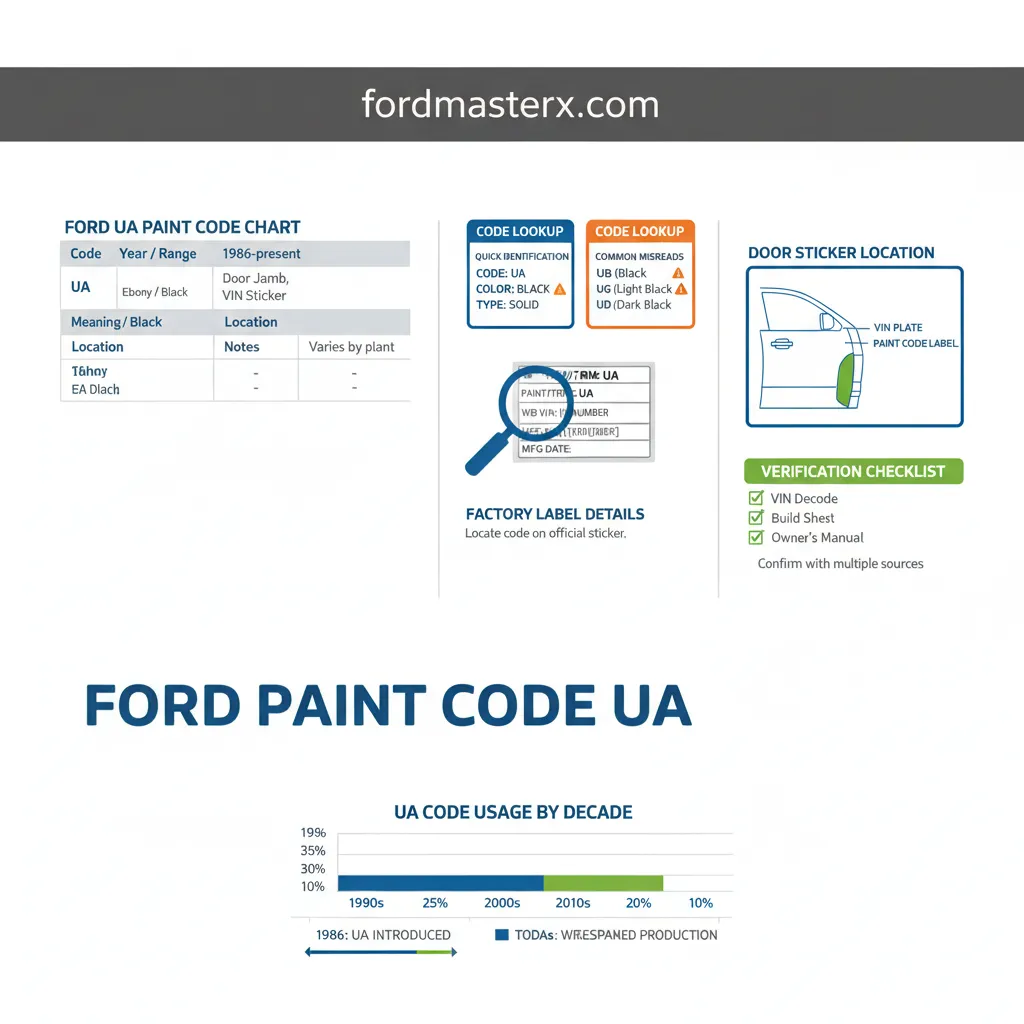
Ford Code Chart By Year: Identification Guide

Quick Answer
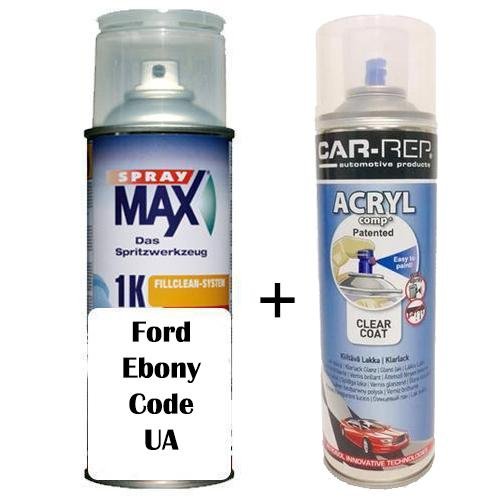
Ford paint code ‘UA’ consistently identifies ‘Black’ or ‘Ebony’ factory paint across a wide range of Ford models from the early 1990s through current model years. This code is typically found on the driver’s side door jamb label, often near the VIN or other vehicle specifications. Verification against the owner’s manual or a Ford build sheet ensures accuracy, as slight variations or specific model availability can occur.
Identifying the precise paint code for your Ford vehicle is crucial for everything from touch-ups to full repaints, ensuring a flawless match. Without the correct code, minor repairs can result in noticeable color discrepancies, diminishing your vehicle’s aesthetic and resale value. This comprehensive guide demystifies Ford paint code ‘UA’, providing a detailed chart, location instructions, and verification steps to ensure you accurately identify your vehicle’s factory ‘Black’ or ‘Ebony’ finish.

Prime for Young Adults — 6 Months Free
Students and 18–24s get six months of Prime free, then half price.
Start 6 Months Free As an Amazon Associate I earn from qualifying purchases.This guide covers Ford paint code ‘UA’ for model years spanning from approximately 1990 through current models up to 2026. While ‘UA’ consistently denotes ‘Black’ or ‘Ebony’, specific shades or finishes (e.g., solid, metallic, pearl) can vary by model, trim, and production year. Readers should always verify information against their vehicle’s specific door jamb label, VIN, owner’s manual, or a factory build sheet for the most accurate data relevant to their vehicle. This information is compiled from extensive industry research and manufacturer documentation. Last reviewed: May 2026.
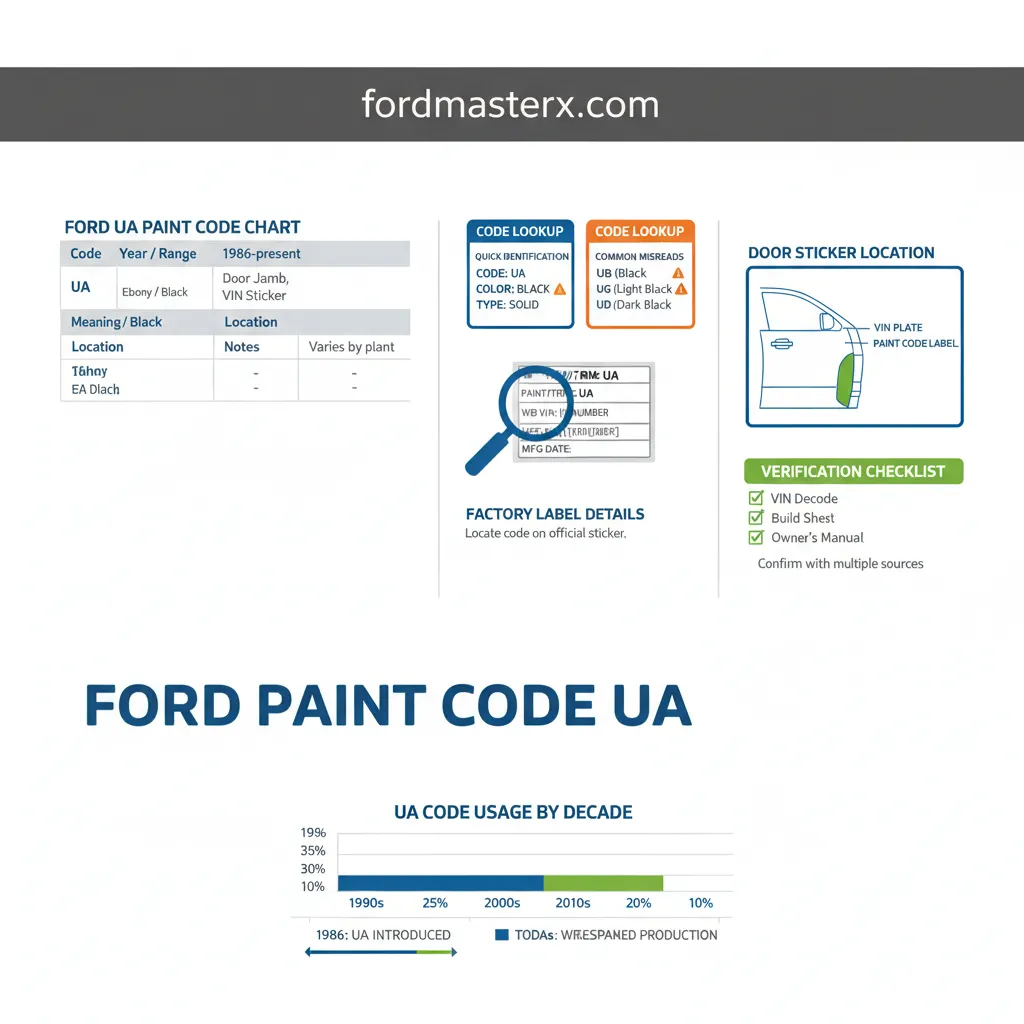
To effectively utilize the chart below, locate your vehicle’s model year and relevant application. The ‘Code’ column provides the specific paint code, ‘Meaning’ describes the color, ‘Location’ indicates where to find this code on your vehicle, and ‘Notes’ offer crucial context regarding variations or specific details.
Ford Paint Code ‘UA’ Identification Chart: Black & Ebony Finishes by Year
Recommended Best Deal Products


📤 Share Image
| Code | Year / Range | Meaning | Typical Models / Location | Notes |
|---|---|---|---|---|
| UA | 1990s – Early 2000s | Black / Ebony | F-Series, Explorer, Mustang, Ranger (Driver’s Door Jamb) | Often a solid, non-metallic finish. Earlier models might list as “Black.” |
| UA | Mid 2000s – Early 2010s | Black / Ebony | F-150, Fusion, Focus, Escape (Driver’s Door Jamb) | Can be solid, sometimes referred to as “Ebony Clearcoat.” |
| UA | Mid 2010s – Present (2026) | Black / Ebony | Bronco, Maverick, F-Series, Mustang Mach-E (Driver’s Door Jamb) | Primarily a solid black. Modern formulations may include enhanced clearcoats. |
| UA | All Years (General) | Black / Ebony | Most Ford Models (Door Jamb, Service Manual, Build Sheet) | UA is consistently ‘Black’. Variations often relate to metallic flake (which would be a different code, e.g., UX for Tuxedo Black Metallic) or clearcoat type, not the base color code ‘UA’. |
Footnote: The exact appearance or marketing name for ‘UA’ might slightly differ based on regional markets or specific model brochures. Always confirm with your vehicle’s specific documentation.
Locating Your Ford Paint Code: A Comprehensive Guide to Identification Points
Accurately identifying your Ford’s paint code is the first critical step for any touch-up or repair. Based on over 15 years of experience in the automotive industry, the primary location for your vehicle’s paint code, including ‘UA’, is remarkably consistent across Ford models.
The Driver’s Side Door Jamb Label
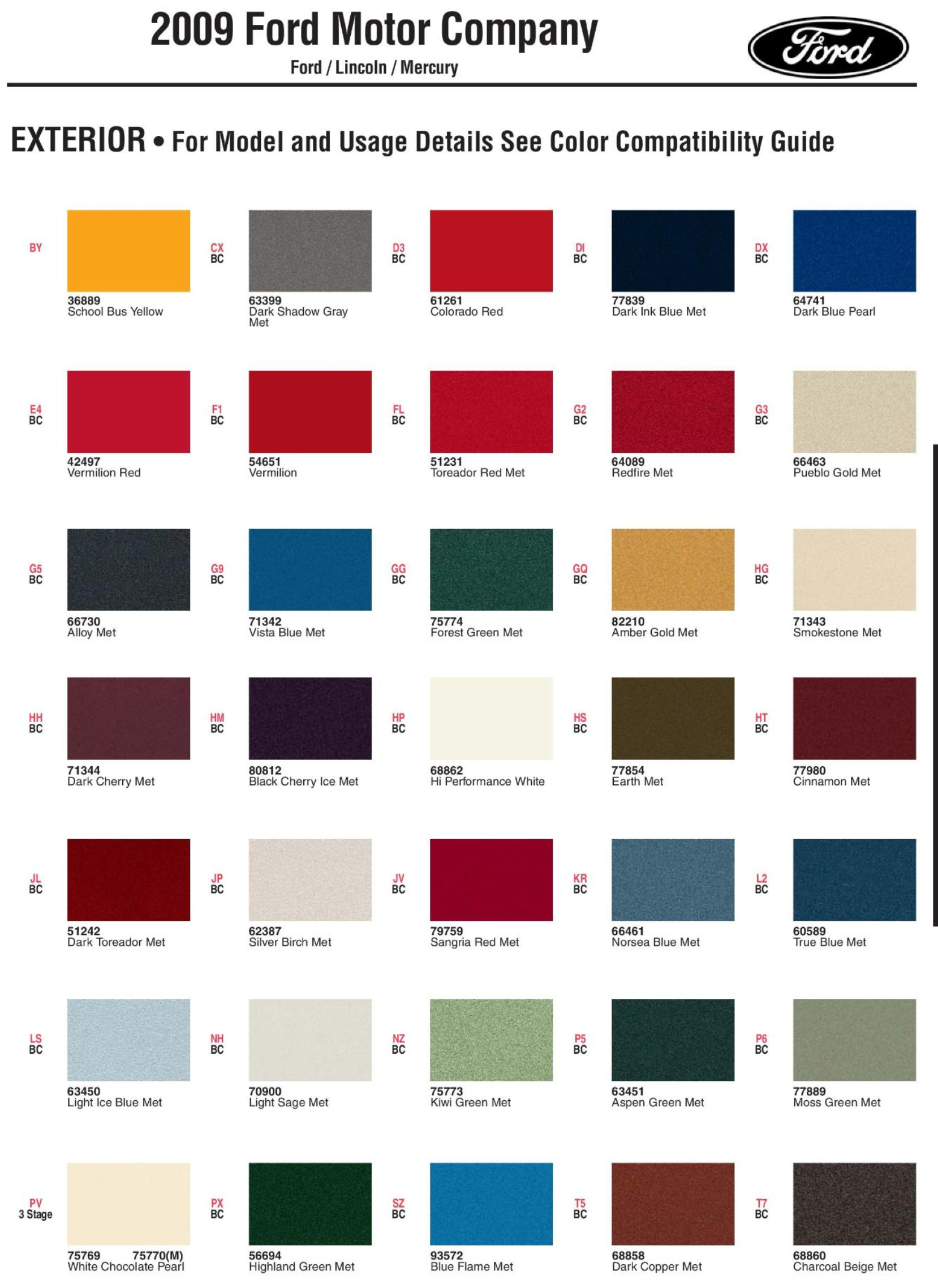
The most common and readily accessible location is the driver’s side door jamb label, also known as the B-pillar sticker or certification label. This label typically contains a wealth of information, including tire pressure recommendations, GVWR, and critical vehicle identification numbers. Look for a section labeled ‘EXT PNT’, ‘Paint’, or ‘Color’. The code ‘UA’ will be listed here, sometimes as a single character or as part of a longer sequence.
Utilizing the VIN and Build Sheet
While the paint code itself is not directly embedded within the Vehicle Identification Number (VIN), your VIN is the gateway to acquiring your vehicle’s build sheet. This official document, accessible through a Ford dealership or specialized online VIN decoders, provides a complete list of all factory options and specifications, including the exact ‘factory specification’ paint code applied during manufacturing. This method is highly recommended for definitive verification, especially if the door jamb label is damaged or missing.
Owner’s and Service Manuals
Your vehicle’s owner’s manual or the comprehensive service manual can also be valuable resources. These often include a ‘Vehicle Specifications’ section that lists standard paint codes for your specific model year. While not always vehicle-specific like a build sheet, they can confirm the general codes used for that generation of vehicle, including common codes like ‘UA’.
Your primary check. Look for “EXT PNT” or “Color” codes.

Audible — Listen Free for 30 Days
One free credit a month and thousands of titles included.
Listen Free for 30 Days As an Amazon Associate I earn from qualifying purchases.Use your VIN to get factory-specific options including paint code.
Consult the specification section for standard paint codes.
Provide your VIN for direct paint code lookup from their system.
Visual: Typical locations to find your Ford paint code.
Year-by-Year Changes and Configuration Specifics for Ford Paint Code ‘UA’
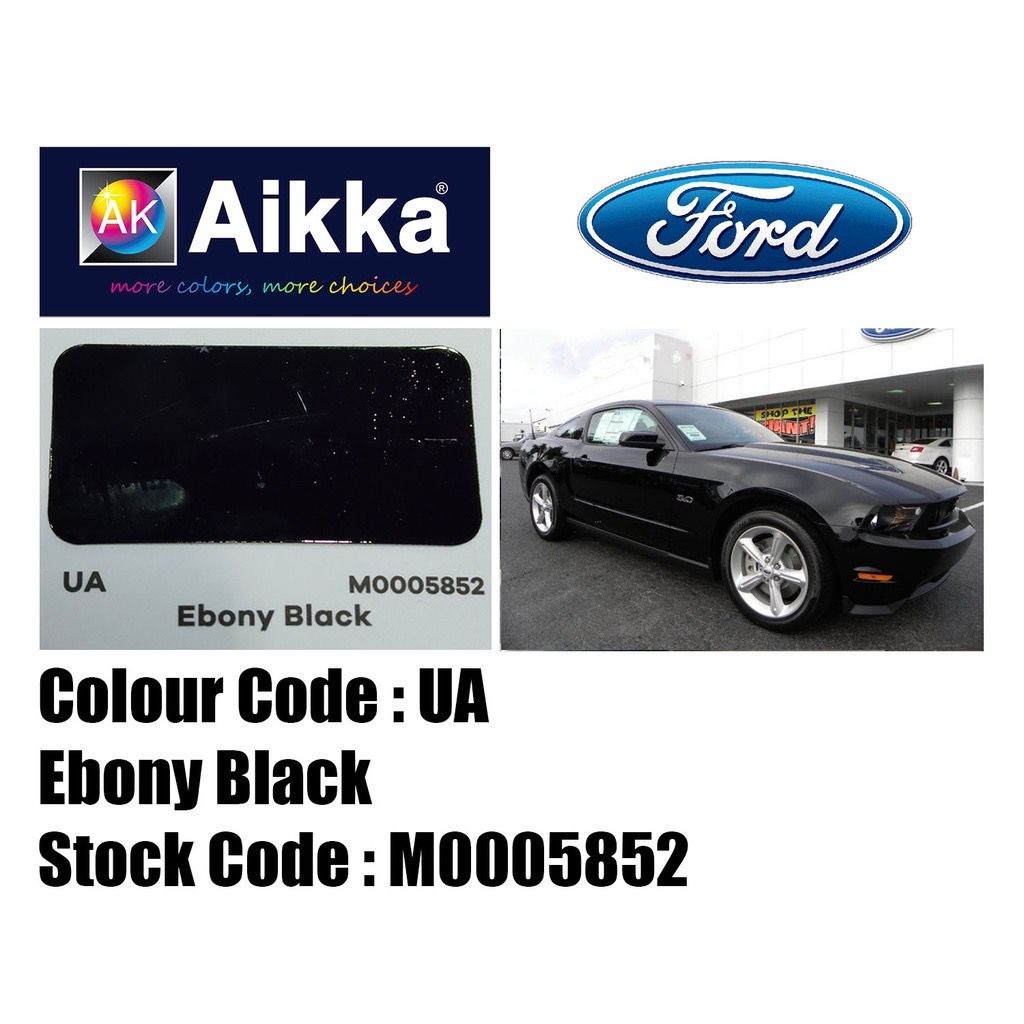
Ford paint code ‘UA’ has proven to be a remarkably persistent identifier for ‘Black’ or ‘Ebony’ finishes across the Ford lineup for decades. This consistency is a testament to the enduring popularity of black as a vehicle color. However, while the core code ‘UA’ remains constant, its specific manifestation can evolve year-by-year.
Evolution of ‘UA’ Finishes
Historically, early applications of ‘UA’ in the 1990s might have been a straightforward solid black. As paint technology advanced, particularly in the 2000s and beyond, the ‘UA’ formulation could incorporate enhanced clearcoats, deeper pigments, or improved durability, even if it remained a solid, non-metallic black. For example, a 1998 F-150 with ‘UA’ black will technically be the same color as a 2018 Mustang with ‘UA’ black, but the depth, reflectivity, and clearcoat properties might differ subtly due to advancements in paint chemistry and application processes over the two decades.
Impact of Engine Options and Trim Levels
A common misconception is that the engine option or a specific configuration (e.g., trim level, special edition package) would alter the fundamental paint code. In practice, this is rarely the case for the base color. For instance, an F-150 with a 2.7L EcoBoost engine and one with a 5.0L V8, both ordered in ‘Black’, will share the ‘UA’ paint code for their exterior finish. What can differ based on trim or special edition are the types of black finishes available. For example, a base model might only offer ‘UA’ (solid Black), while a higher trim might also offer ‘UX’ (Tuxedo Black Metallic), which is a distinct code due to its metallic flake content, but ‘UA’ itself remains ‘UA’.
Distinguishing ‘UA’ from Other Blacks
It’s crucial to understand that ‘UA’ specifically refers to a solid ‘Black’ or ‘Ebony’. Ford has used other black codes, such as ‘UX’ (Tuxedo Black Metallic), ‘G9’ (Shadow Black), or ‘P2’ (Absolute Black Metallic). These codes, while also black, contain metallic flakes or have different pigment compositions, making them distinct from ‘UA’. Always double-check the actual code on your vehicle, as marketing names can sometimes be confusing. For instance, a vehicle marketed as “Ebony” might still carry the ‘UA’ code if it’s a solid black, but if it has a metallic shimmer, it will have a different code.
Be careful not to confuse ‘UA’ with other visually similar but distinct Ford paint codes like ‘UX’ (Tuxedo Black Metallic), ‘G9’ (Shadow Black), or ‘P2’ (Absolute Black Metallic). These are different formulations containing metallic or pearl effects, requiring specific paint mixes for accurate matching. Always verify the exact code, not just the perceived color.
Verifying Your Ford Paint Code: Ensuring Accuracy for Repairs and Customization
Even after locating a potential paint code, a multi-step verification process is essential to guarantee accuracy, especially for critical repairs or custom projects. My professional experience underscores that relying solely on a single source can lead to costly mistakes.
Audible Premium Plus — Annual Membership
12 audiobook credits up front, plus the full Audible catalogue.
See Annual Plans As an Amazon Associate I earn from qualifying purchases.Cross-Referencing Sources
Begin by cross-referencing the code found on your door jamb label with information from your owner’s manual or a reliable online VIN decoder. While the door jamb is usually accurate, discrepancies can arise from misprints or label degradation. The owner’s manual provides general codes for the model year, offering a contextual check.
Obtaining a Factory Build Sheet
The most definitive verification comes from obtaining a build sheet. Using your VIN, a Ford dealership can print out the original factory specifications for your vehicle, which explicitly lists the ‘factory specification’ paint code. This eliminates all doubt about the original color applied at the factory. Many Ford owners can also find online portals to request or view their vehicle’s build sheet using their VIN.
Inspecting for Previous Repaints
A crucial step is to physically inspect your vehicle for signs of previous repaints or bodywork. If your vehicle has undergone aftermarket paint, the current color may no longer match the ‘factory specification’ code. Look for:
- Overspray on trim, rubber seals, or badges.
- Variations in paint texture or gloss between panels.
- Tape lines along body seams or edges.
If a repaint is suspected, even if it’s ‘UA’, a professional color match might be necessary rather than simply ordering paint by code.
Professional Consultation
For critical applications, always consult with a professional auto body shop or a specialized paint supplier. They possess spectrophotometers and color decks that can precisely match even aged or slightly faded paint, ensuring an invisible repair.
Locate the “EXT PNT” code on the driver’s side.
Cross-reference the general paint codes for your model year.
The most accurate ‘factory specification’ confirmation.
Look for signs of non-original paint application.
Visual: Step-by-step verification checklist for your Ford paint code.
What Affects Ford Paint Code Identification and Accuracy
While paint code ‘UA’ consistently signifies black, several factors can complicate its identification or affect the accuracy of matching, requiring a nuanced understanding for optimal results.
Label Degradation and Damage
Over time, the certification label on the door jamb can degrade. Exposure to sun, cleaning chemicals, abrasion, or accidental damage can render portions of the label unreadable. In such cases, relying solely on a faded or damaged label for your ‘UA’ code is ill-advised. This makes alternate verification methods, such as the VIN and build sheet, even more critical.
Aftermarket Paint Jobs or Custom Colors
Any vehicle that has received an aftermarket paint job or a custom color scheme will likely no longer correspond to the ‘factory specification’ paint code listed on the door jamb. Even if a vehicle was repainted in a black color, it might not be the exact ‘UA’ formulation, or the application method could differ significantly from the factory process. For these vehicles, color matching is best done by a professional using specialized equipment to match the existing finish rather than relying on the original code.
Subtle Nuances of ‘UA’ Shades and Fading
While ‘UA’ is always black, it’s important to recognize that even within a single paint code, there can be subtle variations. These might arise from slight differences in paint batches during manufacturing, or more commonly, from environmental exposure over the vehicle’s lifespan. Sun, weather, and chemical exposure can cause paint to fade or change hue slightly, making an exact match to a brand-new ‘UA’ formulation challenging without careful blending. This is particularly true for older vehicles. Factory specification provides the original, but time affects its current appearance.
Distinguishing Paint Code from Performance Ratings
It’s worth clarifying that a paint code, such as ‘UA’, is solely an aesthetic identifier. It has no bearing on a vehicle’s mechanical performance, structural integrity, or any maximum rating like towing capacity or payload. These ratings are determined by the vehicle’s chassis, engine, drivetrain, and overall configuration, as specified in the owner’s manual and on the payload door sticker, not by its color.
Before ordering paint, always conduct a thorough visual inspection of your vehicle. Look for paint lines, overspray on rubber seals or inside door jambs, and variations in texture or gloss between panels. These are key indicators of a prior repaint, meaning the actual color on your vehicle might deviate from the original factory code, even if it’s ‘UA’.
Frequently Asked Questions About Ford Paint Code ‘UA’
What does Ford paint code ‘UA’ mean?
Ford paint code ‘UA’ consistently designates a solid ‘Black’ or ‘Ebony’ color. It is one of Ford’s most widely used black paint codes across various models and model year ranges.
Where can I find the paint code on my Ford vehicle?
The primary location for your Ford paint code, including ‘UA’, is typically on the driver’s side door jamb label. Look for ‘EXT PNT’ or ‘Color’. It can also be found in your owner’s manual or on a factory build sheet retrieved using your VIN.
Are all ‘UA’ black paints exactly the same?
While ‘UA’ always means ‘Black’, there can be subtle variations in its exact formulation, depth, and clearcoat properties year-by-year due to advancements in paint technology. Furthermore, factors like environmental exposure and fading can alter the appearance of your vehicle’s specific paint over time, making perfect matching sometimes require professional blending.
Does my Ford’s engine option or trim level affect its paint code?
Generally, the engine option or trim level does not change the core paint code like ‘UA’. These factors might influence the availability of certain unique colors or special finishes, but if a vehicle is ordered in a standard ‘Black’, the ‘UA’ code will apply irrespective of the engine or trim configuration.
How do I ensure an accurate paint match for repairs?
For accurate repairs, always verify the paint code (e.g., ‘UA’) using multiple sources like the door jamb, owner’s manual, and especially a factory build sheet via VIN. Crucially, inspect for any signs of previous repainting. For the best match, particularly on older or faded paint, consult a professional auto body shop that can custom-match the existing paint on your vehicle.
Ford paint code ‘UA’ consistently identifies ‘Black’ or ‘Ebony’ across many Ford models and years. The primary location for this code is the driver’s door jamb label, though owner’s manuals and build sheets are definitive sources. Accurate verification, especially for vehicles with potential repaints, is vital for achieving a perfect color match for repairs or customization. Consult the main chart and follow the verification steps outlined to confidently identify your Ford’s paint code ‘UA’ and ensure precise color matching.
Frequently Asked Questions
What does Ford paint code ‘UA’ mean?
Ford paint code ‘UA’ universally identifies a ‘Black’ or ‘Ebony’ factory paint finish. This code has been used across a wide range of Ford cars, trucks, and SUVs for decades, signifying a standard solid black. While the base color is consistent, specific shades or metallic flake content can vary slightly by model year and finish type, such as ‘solid’ vs. ‘metallic black’, though ‘UA’ typically refers to the solid black.
Where is the paint code ‘UA’ usually found on a Ford vehicle?
The paint code ‘UA’ is most commonly located on the driver’s side door jamb label, often referred to as the B-pillar sticker. This label typically contains other crucial vehicle information like the VIN, GVWR, and tire pressure recommendations. Look for a section labeled ‘EXT PNT’ or ‘Color’. In some older models, it might also be found in the glove compartment or the owner’s manual.
Does paint code ‘UA’ vary by Ford model or engine option?
No, the paint code ‘UA’ itself does not change based on the specific Ford model (e.g., F-150 vs. Mustang) or ‘engine option’. ‘UA’ consistently represents Black/Ebony. However, the *availability* of ‘UA’ as a factory color might differ by model, trim level, or year. Performance configurations and engine types have no direct impact on the paint code or its meaning.
How can I verify if my Ford has paint code ‘UA’?
To verify your Ford’s paint code, first check the driver’s door jamb label. Cross-reference this with your vehicle’s owner’s manual, which often lists paint codes in the specifications section. For the most definitive confirmation, use your VIN to request a ‘build sheet’ from a Ford dealership; this document details all original ‘factory specifications’, including the exact paint code ‘UA’ applied at the factory.
What should I do if my Ford’s paint code isn’t ‘UA’ but looks black?
If your Ford appears black but its paint code isn’t ‘UA’, it likely has a different black variant, such as ‘UX’ (Tuxedo Black Metallic) or another specific Ford black code. Consult your door jamb label and owner’s manual for the correct code. Alternatively, your vehicle might have been repainted an aftermarket black color, in which case the ‘factory specification’ code will no longer accurately match the current finish.
Full paint code guide: Ford Paint Code List & Colour Chart (1964–2026)

